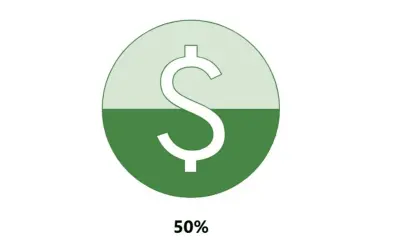
Progress Icon
Power BI custom visual that fills an SVG icon to show KPI progress toward a target instead of a plain number on a card.
NeenOpal IncPaid
Visualizes processes, progress, or phases in Power BI as customizable interlocking arrows with filtering and data-driven formatting.
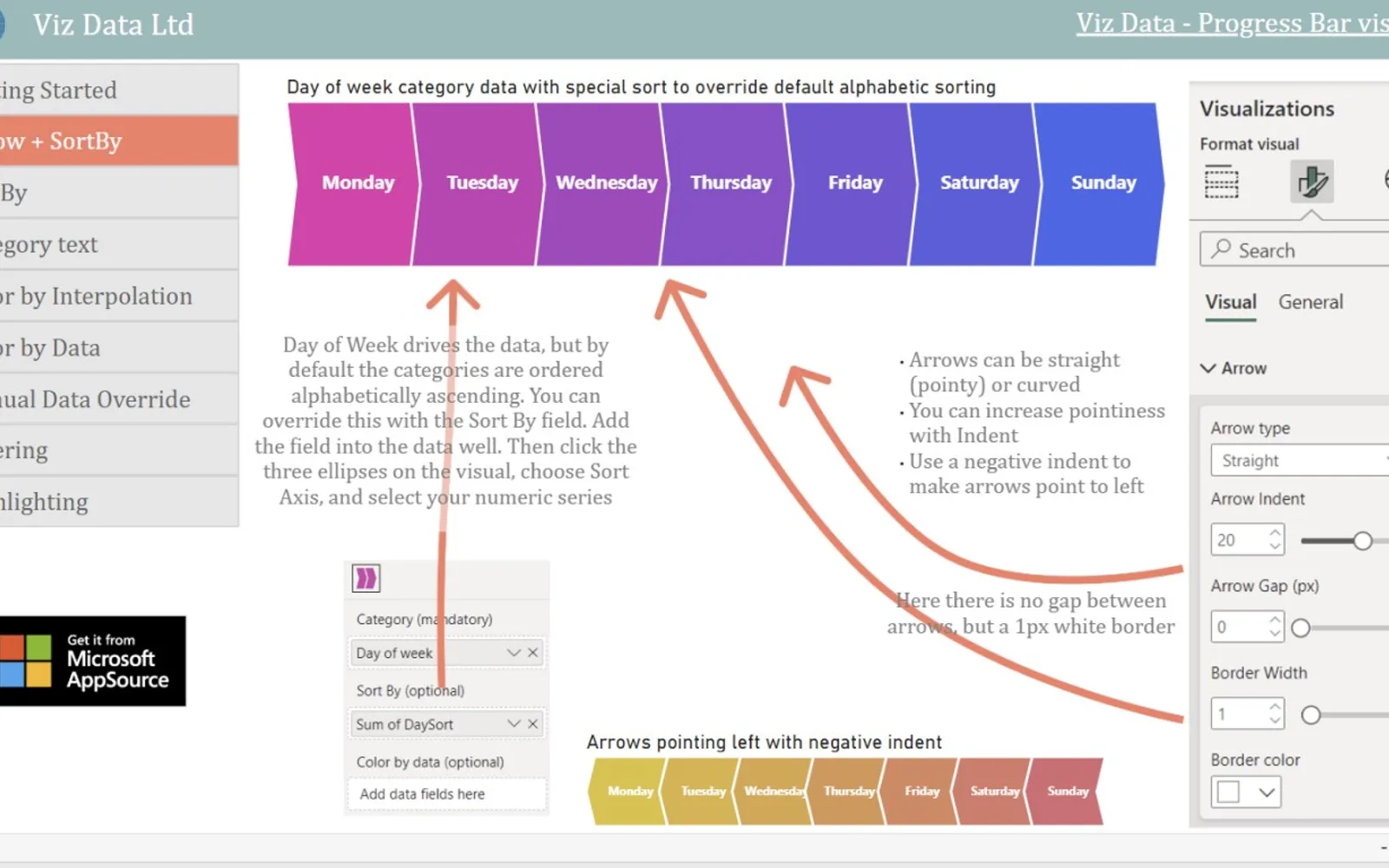
Represents a process, progress, or phases in Power BI as a sequence of interlocking arrows. Clicking an arrow can filter or highlight other visuals through Edit Interactions. Arrow colors, sizes, sort order, shapes, and direction can be configured from data or visual settings. Category and numeric data appear in standard Power BI tooltips.
Displays process, progress, or phase categories as interlocking arrows that can filter or highlight other visuals when clicked.
Uses color gradients or heatmap coloring to represent process flow or emphasize phases.
Sorts arrows using a supplied numeric series when category values do not follow alphabetic order.
Uses an optional data series to control the size of each arrow.
Supports curved or pointed arrows, configurable direction, and adjustable pointiness.
Shows category data and supplied numeric data in standard Power BI tooltips.
Creates a quick arrow visual from semicolon-separated terms without filtering or data-driven coloring.
744 plugins in Power BI · Analytics
Price distribution: 74 free, 110 freemium, 451 paid, 109 price not published
Power BI custom visual that fills an SVG icon to show KPI progress toward a target instead of a plain number on a card.
NeenOpal Inc
Displays up to five levels of hierarchical data as proportional segments across concentric rings in Power BI reports.
VisioChart
Power BI visual that compares categories over time, with YoY, MoM, YTD and MTD calculations, deltas and sparklines.
Datanauts
Sign up for a Free Developer License and get 1 year access to this and 20+ ZoomCharts visuals for use in Power BI Desktop!
ZoomCharts«Make your reports beautiful with a PowerPoint-style banner that filters by category Process Flow Diagram represents your process, progress or phases as a customisable sequence of interlocking arrows, which filter or highlight on click, and can be coloured in multiple ways to add a touch of class to your Power BI …»