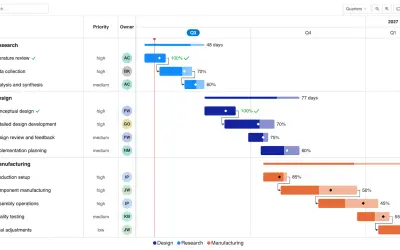
Gantt Chart
Gantt Chart is a project management visual for Microsoft Power BI that tracks schedules, milestones, and resource workloads.
ChartPadFree
Filter categories in Power BI reports through configurable tabs with data-based ordering and coloring.
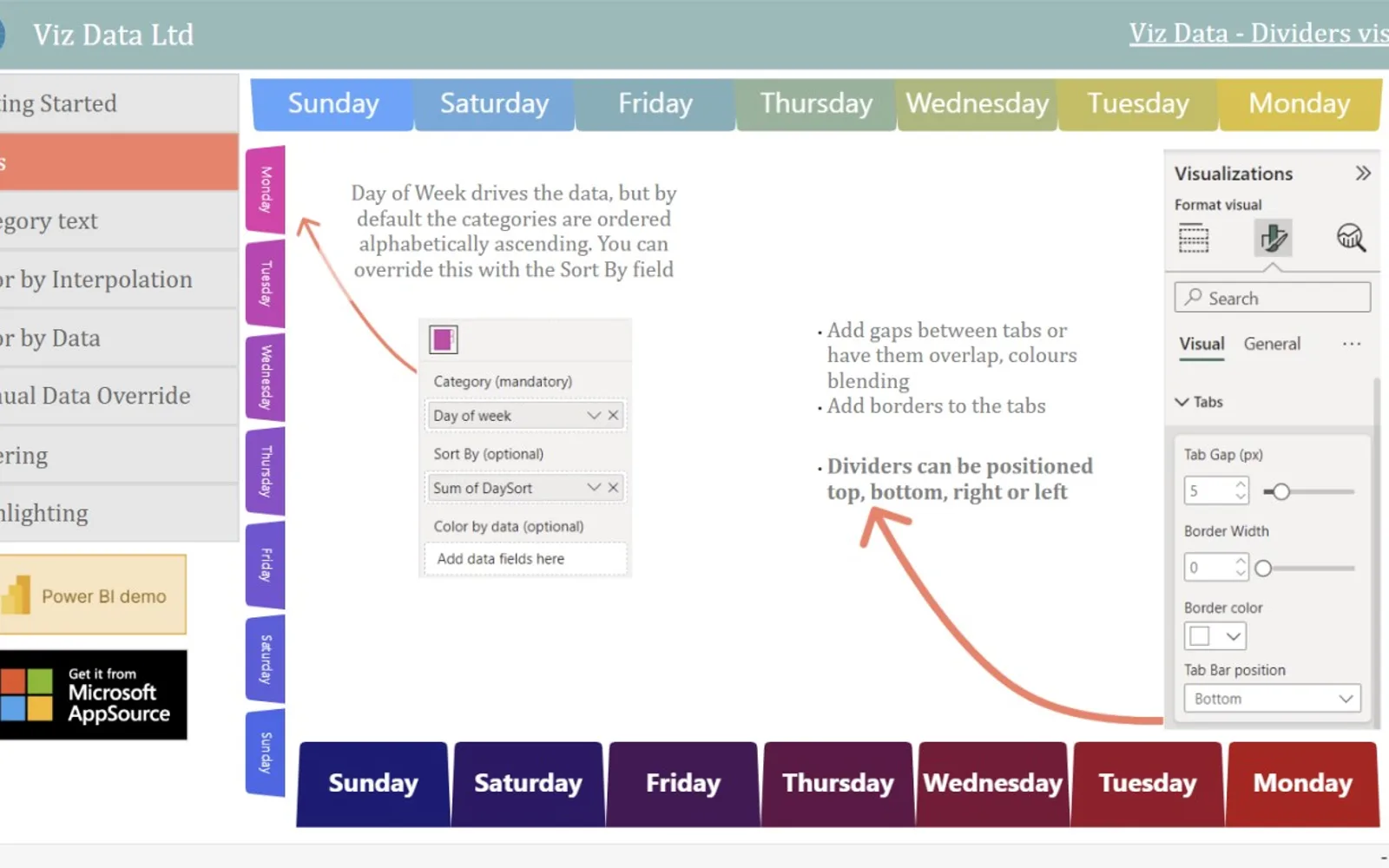
Dividers presents report categories as tabs within Power BI. Selecting a tab can filter or highlight other visuals, including through Ctrl+Click. Tab placement can be horizontal or vertical, with alignment options on four sides of the report area. Settings include tab dimensions, colors, layout, sorting, and value-based color ranges.
Selecting a tab can filter or highlight other visuals on a Power BI report page.
Tabs can run horizontally or vertically and can be aligned to the left, right, top, or bottom.
The visual supports adjustable tab widths, gradients, solid colors, and heatmap coloring.
Categories can be ordered alphabetically, numerically, or according to another data series.
Heatmap coloring can use high, medium, and low values together with selected colors.
744 plugins in Power BI · Analytics
Price distribution: 74 free, 110 freemium, 451 paid, 109 price not published
Gantt Chart is a project management visual for Microsoft Power BI that tracks schedules, milestones, and resource workloads.
ChartPad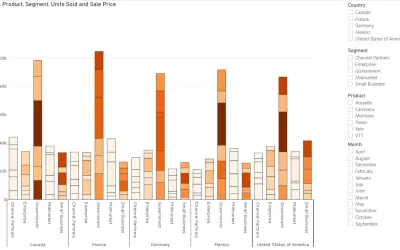
Creates visualizations from diverse chart types, combines multiple charts on one canvas, and adds custom annotations and tooltips.
Akvelon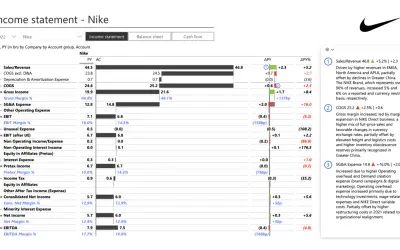
Creates financial and business reports in Power BI with automatic variance calculations, P&L logic, and drill-down (s5, s6).
Zebra BI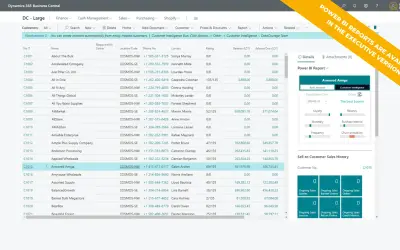
AI analysis app for Dynamics 365 Business Central that provides customer KPIs, churn probability, and customer grouping.
Data Courage«Make your reports highly functional with a set of visual slicers designed as interactive tabs Dividers is a sleek and intuitive way to display and filter category data in your Power BI reports. Acting as unobtrusive "page furniture," Dividers presents categories as a set of tabs. The color and order of each tab can be …»