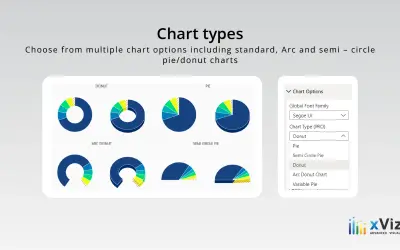
Advanced Pie and Donut - xViz
An xViz pie and donut chart for Power BI that compares parameters and displays each part's proportion of the whole.
xViz LLC dba LumelFreemium
Filter and highlight Power BI report data with visual category slicers.
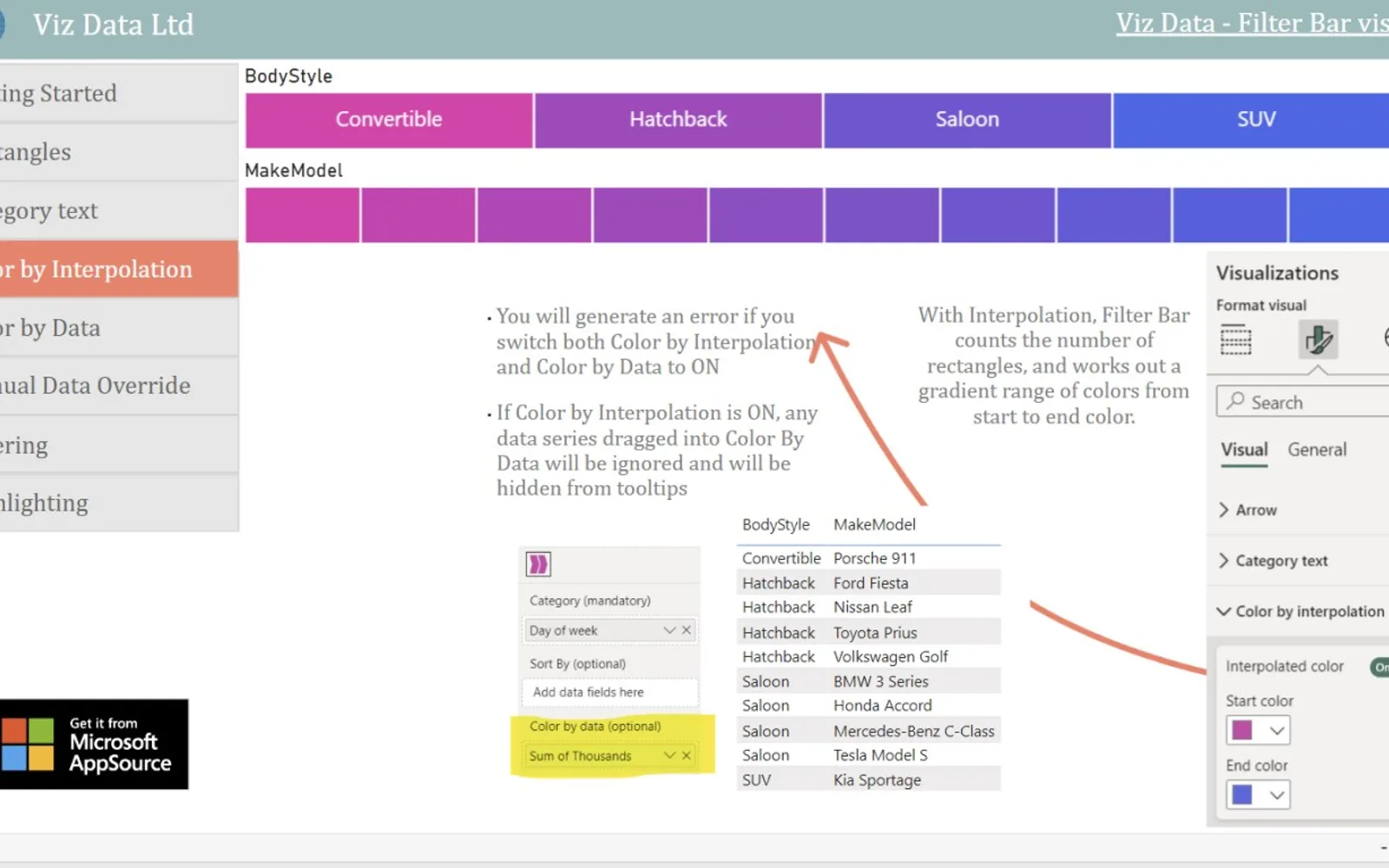
Filter Bar displays category data as full-height rectangles in Power BI reports. Rectangle width represents each category's relative size. Selecting a category filters or highlights other visuals. Categories can be sorted with a numerical series and coloured with heatmap, gradient, or uniform colouring.
Users can click or Ctrl+Click a category to filter or highlight other visuals.
The visual supports data-driven heatmap colouring.
The visual supports gradient colouring for categories.
The visual supports a uniform colour scheme.
Category widths can adjust based on the data.
A numerical series can be used to sort categories.
744 plugins in Power BI · Analytics
Price distribution: 74 free, 110 freemium, 451 paid, 109 price not published
An xViz pie and donut chart for Power BI that compares parameters and displays each part's proportion of the whole.
xViz LLC dba Lumel
Power BI visual for comparing actuals against targets, with IBCS-certified bullet chart templates and comparison bands.
xViz LLC dba Lumel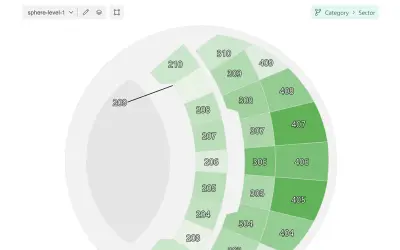
Microsoft-certified Power BI visual for map-based visualizations with multi-level navigation and local map loading.
OKVIZ Corp.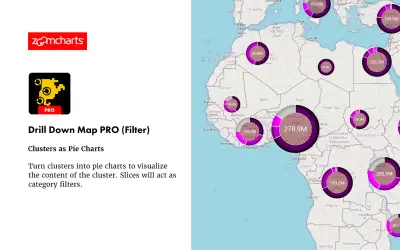
Drill Down Map PRO (Filter) by ZoomCharts visualizes and filters location data on interactive maps for Power BI Desktop reports.
ZoomCharts«Make your reports highly functional with a set of visual slicers that offer heatmap colouring Filter Bar is a sleek and intuitive way to filter and display category data in your Power BI reports. Acting as unobtrusive "page furniture", Filter Bar gives users a clear visual representation of your data dimensions, with …»