
Bullet Chart - xViz
Power BI visual for comparing actuals against targets, with IBCS-certified bullet chart templates and comparison bands.
xViz LLC dba LumelFreemium
Adds circular visual slicers for displaying and filtering category data in Power BI reports.
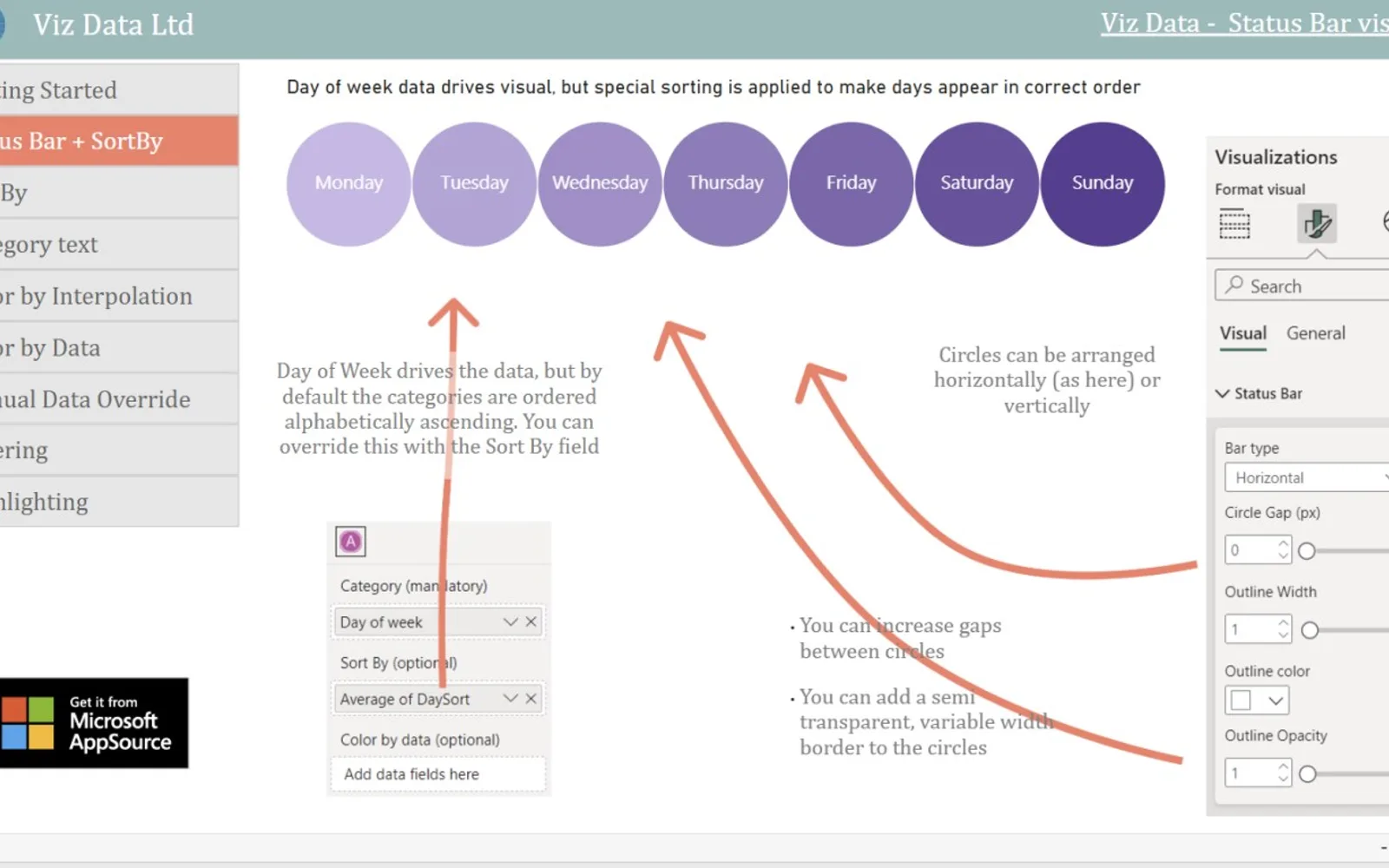
Status Tracker displays Power BI report categories as configurable circles. Circle size can follow a numerical data series, while color can use heatmaps, gradients, or solid colors. Categories can be sorted alphabetically, numerically, or by a custom data series. Selecting circles can filter or highlight data, with horizontal and vertical layouts available.
Selecting circles filters or highlights category data in Power BI reports.
Circle radius can change according to a numerical data series.
Categories can be sorted alphabetically, numerically, or by a custom data series.
Circle colors can use heatmaps, gradients, or solid-color options.
The visual can use horizontal or vertical layouts.
Status Tracker is free and cloud-deployed. 100% Clustered Stacked Bar Chart (Standard) and Progress Icon are paid and cloud-deployed, while Bullet Chart - xViz, Advanced Pie and Donut - xViz, and Bubble Chart with Categorical Data (Pro) are freemium and cloud-deployed. Status Tracker was updated on Dec 2025; the alternatives show update dates of Apr 2024, Dec 2025, or May 2026.
| Name | Pricing | Deployment | Updated |
|---|---|---|---|
| this plugin | Free | Cloud | |
| 100% Clustered Stacked Bar Chart (Standard) | Not in catalog | ||
| Progress Icon | Paid | Cloud | |
| Bullet Chart - xViz | Freemium | Cloud | |
| Advanced Pie and Donut - xViz | Freemium | Cloud | |
| Bubble Chart with Categorical Data (Pro) | Not in catalog | ||
744 plugins in Power BI · Analytics
Price distribution: 74 free, 110 freemium, 451 paid, 109 price not published
Power BI visual for comparing actuals against targets, with IBCS-certified bullet chart templates and comparison bands.
xViz LLC dba Lumel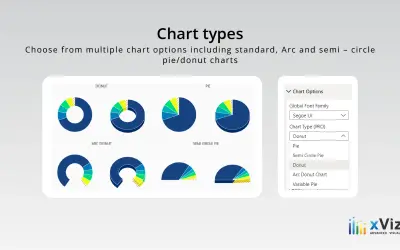
An xViz pie and donut chart for Power BI that compares parameters and displays each part's proportion of the whole.
xViz LLC dba Lumel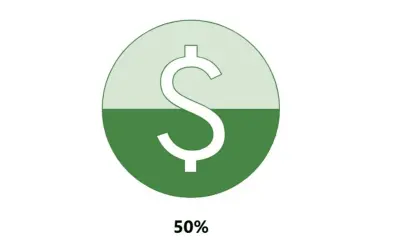
Power BI custom visual that fills an SVG icon to show KPI progress toward a target instead of a plain number on a card.
NeenOpal Inc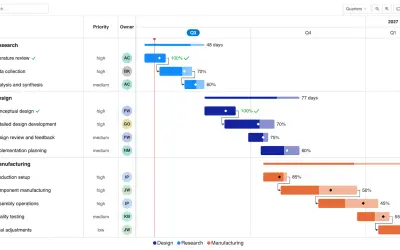
Gantt Chart is a project management visual for Microsoft Power BI that tracks schedules, milestones, and resource workloads.
ChartPad«Make your reports highly functional with a set of visual slicers that use dynamic circles Status Bar is an attractive and intuitive way to visualize and filter category data in your Power BI reports. Status Bar represents your categories as a set of highly customisable circles. The size, sort and color of each circle …»