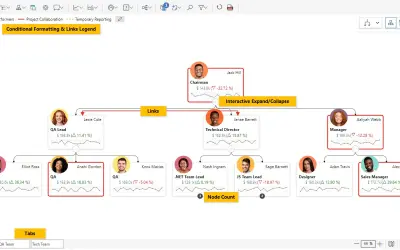
Performance Flow - xViz
Power BI visual for tracking supply chain, sales, and financial performance with interactive diagrams, alerts, and KPIs.
xViz LLC dba LumelFreemium
Visualizes project schedules, task dependencies, and milestones in Power BI reports.
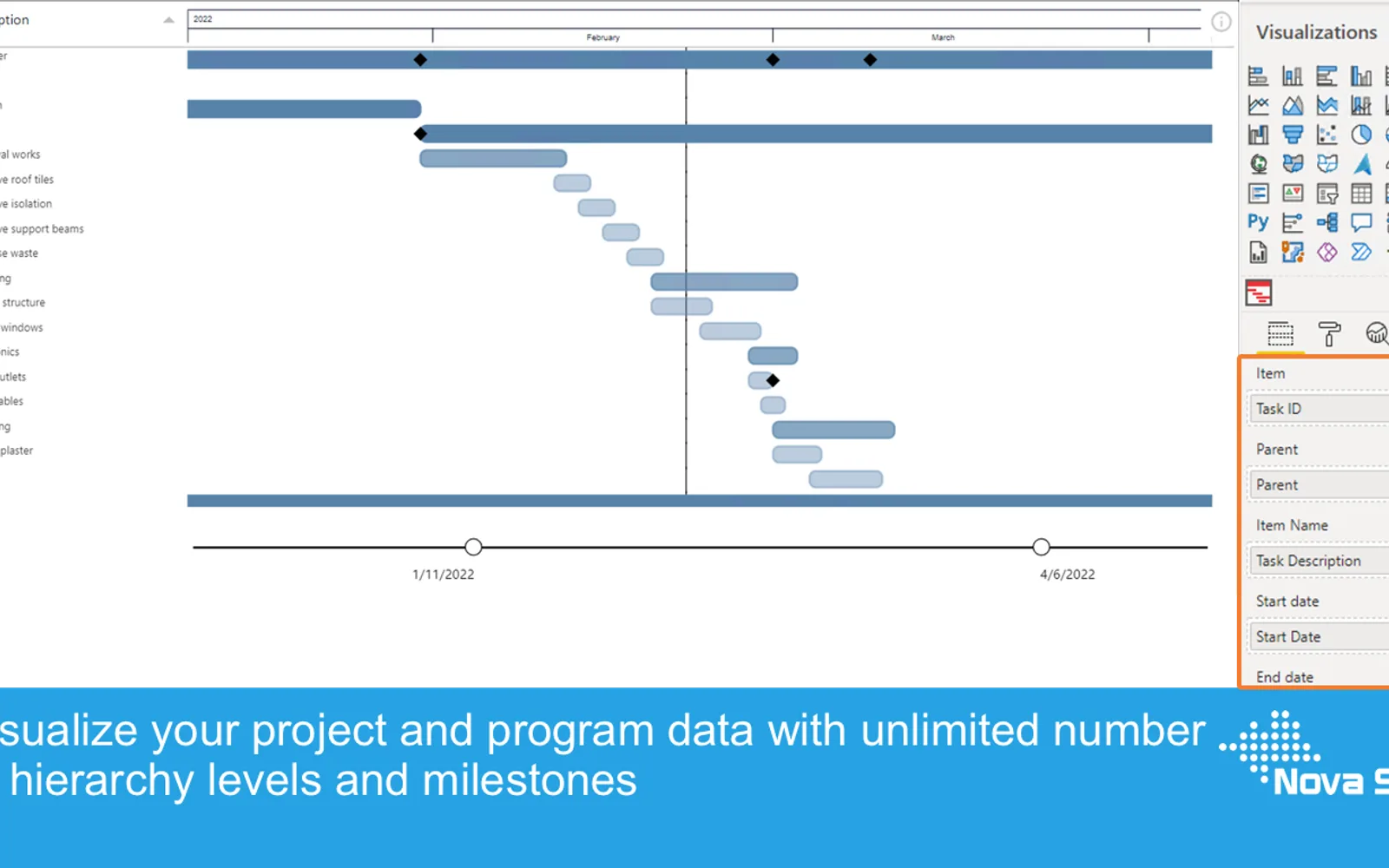
PowerGantt Chart displays tasks, activities, and milestones in Power BI reports. Bars show the period between each task's start and end date or time, while icons represent milestones. The chart also supports progress bars, customizable columns and colors, date granularity changes, and separate tooltips for tasks and milestones.
Displays program and project schedules with tasks or activities on the vertical axis and time periods on the horizontal axis.
Visualizes task and activity dependencies in Power BI reports.
Uses icons to represent important moments in a project timeline.
Shows the progress and status of individual tasks.
Supports hierarchy levels with collapse and expand controls.
Allows columns, bar colors, and date granularity to be changed.
Provides independent tooltips for tasks and milestones.
PowerGantt Chart and Performance Flow - xViz both use a freemium pricing model and cloud deployment; PowerGantt Chart was updated in Jul 2026, while Performance Flow - xViz was updated in Dec 2025. PowerGantt Chart uses a freemium pricing model, while Executive Reports for Microsoft Planner Premium and Power BI Service Management Report use paid pricing models. All three use cloud deployment. PowerGantt Chart and Advanced Line Chart (Pro) both use a freemium pricing model and cloud deployment; PowerGantt Chart was updated in Jul 2026, while Advanced Line Chart (Pro) was updated in Dec 2025. PowerGantt Chart uses a freemium pricing model and cloud deployment, while Ridgeline Plot by Powerviz uses free pricing and cloud deployment. PowerGantt Chart was updated in Jul 2026, while Ridgeline Plot by Powerviz was updated in Jul 2026.
| Name | Pricing | Deployment | Updated |
|---|---|---|---|
| this plugin | Freemium | Cloud | |
| Performance Flow - xViz | Freemium | Cloud | |
| Executive Reports for Microsoft Planner Premium | Paid | Cloud | |
| Power BI Service Management Report | Paid | Cloud | |
| Advanced Line Chart (Pro) | Freemium | Cloud | |
| Ridgeline Plot by Powerviz | Free | Cloud |
657 plugins in Power BI · Analytics
Price distribution: 73 free, 108 freemium, 441 paid, 35 price not published
Power BI visual for tracking supply chain, sales, and financial performance with interactive diagrams, alerts, and KPIs.
xViz LLC dba Lumel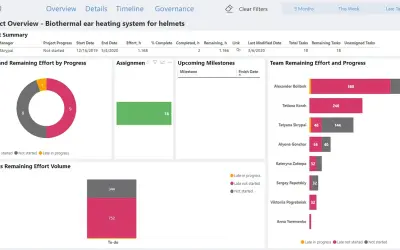
Free reporting pack for Microsoft Planner Premium with portfolio, project, task, assignment, and team reports and dashboards.
FluentPro Software Corporation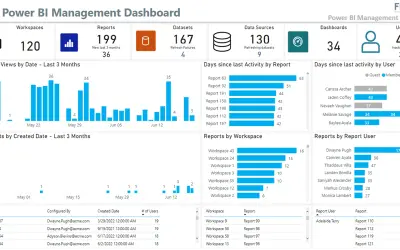
Identifies unused licenses, reports, and workspaces in the Power BI service and tracks report usage, activity, and refreshes.
Flock Consulting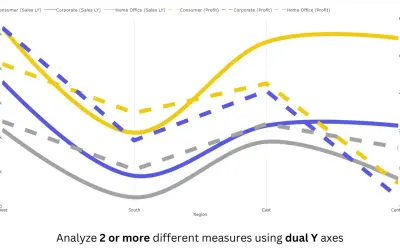
Power BI line chart visual with small multiples, reference and error bands, and categorical data on both X and Y axes.
PBIVizEdit.com«The Gantt chart is excellent tool to visualize your program and project schedules and task dependencies. In the basis, it is a bar chart with tasks or activities on the vertical axis. The horizontal bars show for each task/activity the period between the start and end date (or time). Another important feature of the …»