
Bullet Chart - xViz
Power BI visual for comparing actuals against targets, with IBCS-certified bullet chart templates and comparison bands.
xViz LLC dba LumelFreemium
Create lollipop-style column charts in Power BI with markers, connecting lines, labels, tooltips, and conditional formatting.
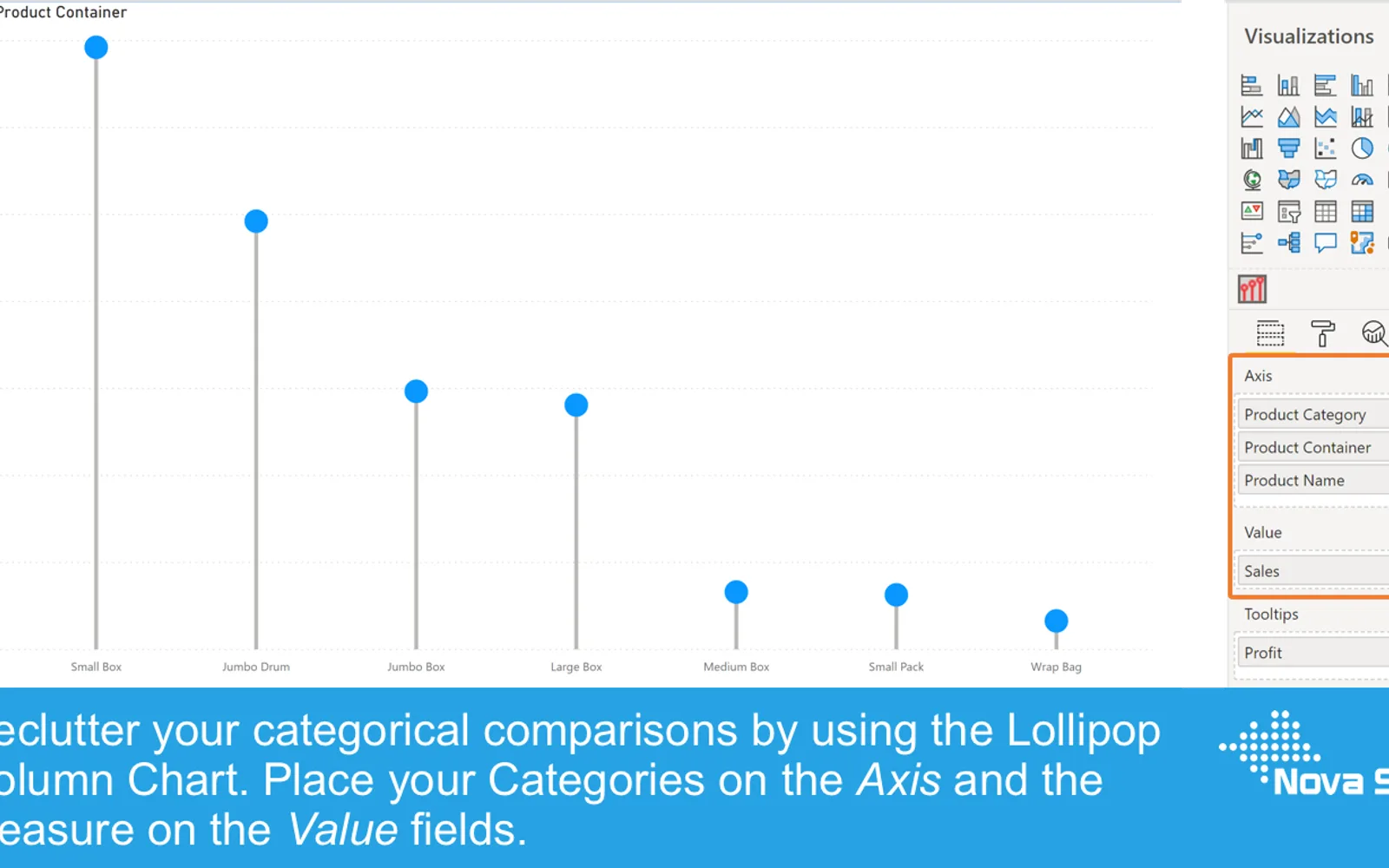
Replaces standard column bars with markers connected to the measure-axis origin by lines. Data points, lines, axes, labels, tooltips, and reference lines can be configured within Power BI. The chart supports selection, highlighting, context-menu filtering, conditional formatting, and report-page tooltips. A free trial is available in Power BI Desktop, with a licensed version for production use and sharing in Power BI Service.
Data point markers can be formatted by changing their color, size, fill, and shape.
Connecting lines can be formatted and switched on or off.
Axis formatting options follow those available in the Power BI Clustered Column Chart.
The chart supports selection and partial highlighting of data.
The context menu supports including or excluding data points.
Tooltips can show hovered values, additional fields, or another report page used as a tooltip.
Data labels can be added and formatted.
Reference lines can be added through the Analytics pane.
Lollipop Column Chart is freemium and cloud-deployed, like Bullet Chart - xViz and Dual Y-Axis Combo Chart (Standard), while 100% Clustered Stacked Bar Chart (Standard) and Multi Line Chart with Tooltips are paid, and Ridgeline Plot by Powerviz is free. It was updated on Aug 2026, compared with Dec 2025 for Bullet Chart - xViz and Dual Y-Axis Combo Chart (Standard), Jan 2025 for Multi Line Chart with Tooltips, Apr 2024 for 100% Clustered Stacked Bar Chart (Standard), and Jul 2026 for Ridgeline Plot by Powerviz. The listing states support for lollipop markers, connecting lines, data labels, tooltips, conditional formatting, and reference lines.
| Name | Pricing | Deployment | Updated |
|---|---|---|---|
| this plugin | Freemium | Cloud | |
| Bullet Chart - xViz | Freemium | Cloud | |
| Dual Y-Axis Combo Chart (Standard) | Freemium | Cloud | |
| 100% Clustered Stacked Bar Chart (Standard) | Not in catalog | ||
| Multi Line Chart with Tooltips | Paid | Cloud | |
| Ridgeline Plot by Powerviz | Free | Cloud | |
657 plugins in Power BI · Analytics
Price distribution: 73 free, 108 freemium, 441 paid, 35 price not published
Power BI visual for comparing actuals against targets, with IBCS-certified bullet chart templates and comparison bands.
xViz LLC dba Lumel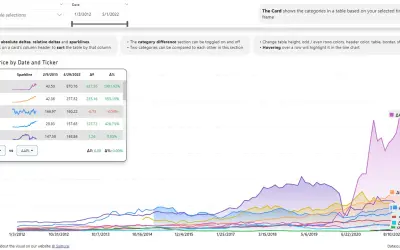
Power BI visual that compares categories over time, with YoY, MoM, YTD and MTD calculations, deltas and sparklines.
Datanauts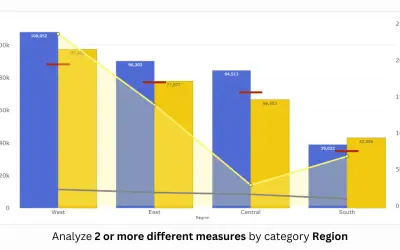
PBIVizEdit custom visual for Power BI that builds dual y-axis charts combining line, area, scatter, and column series.
PBIVizEdit.com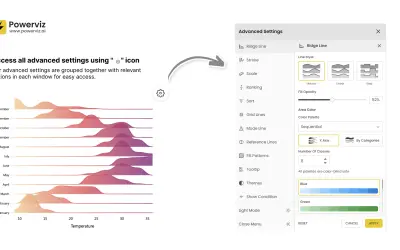
Custom Power BI visual that plots numeric distributions for multiple categories as stacked curves along a common continuous axis.
TRUVIZ INC«Standard column charts are ideal for showing a single measure per category so you can easily compare each of the categories with the rest. However, if you have larger number of categories (>10) in a column chart it is possible the chart itself becomes “heavy” because large part of the surface of the chart will be …»