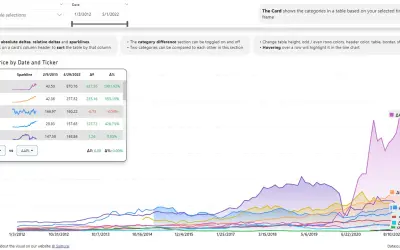
Multi Line Chart with Tooltips
Power BI visual that compares categories over time, with YoY, MoM, YTD and MTD calculations, deltas and sparklines.
DatanautsPaid
Compare primary and secondary measures by category in Power BI with overlaid bars.
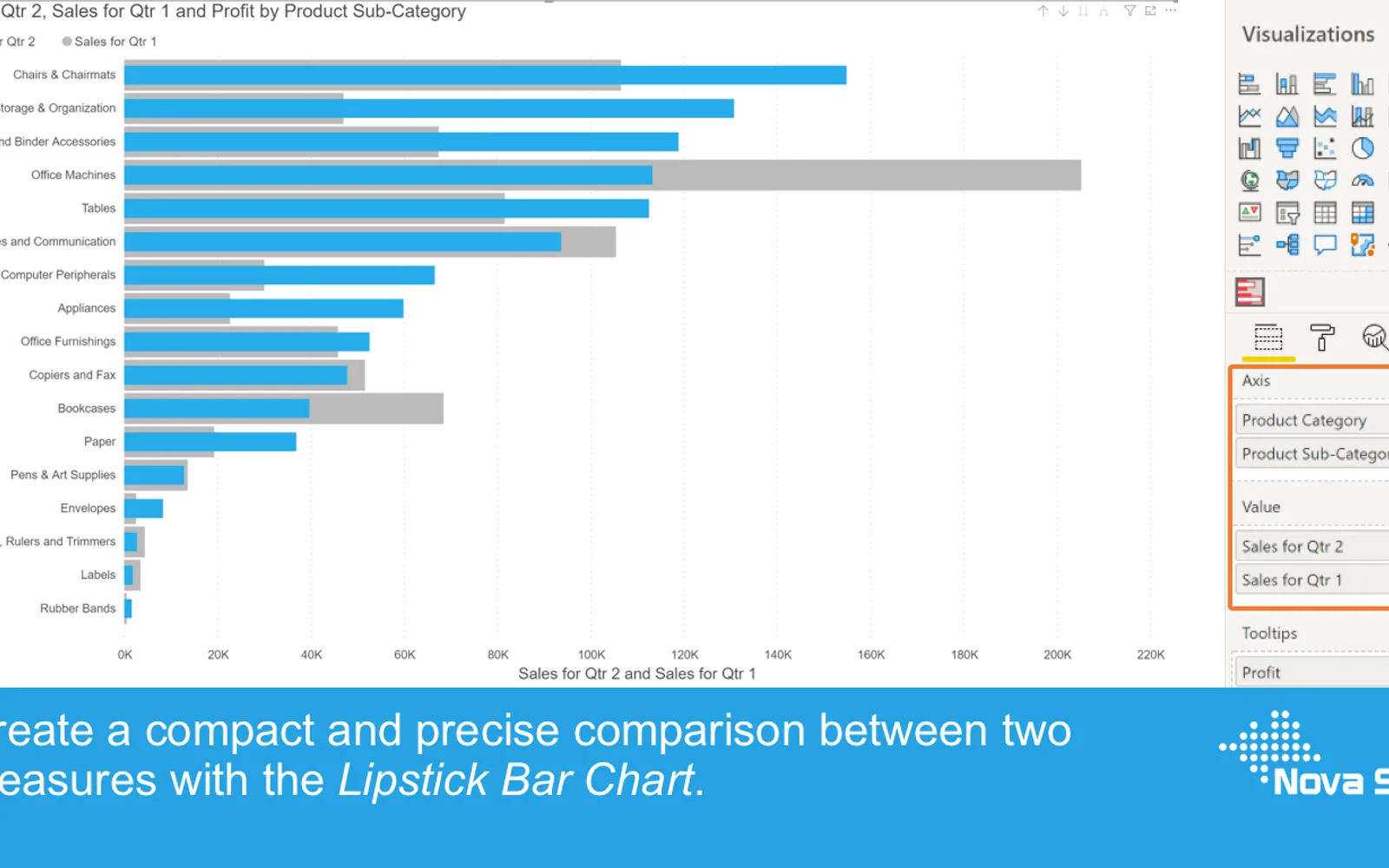
Displays the primary measure in front of the secondary measure for each category in Power BI. The overlaid bars show both values for each category. Bar and axis formatting follows options available in Power BI Clustered Bar and Column charts. The visual also supports selection and highlighting, context-menu data inclusion or exclusion, tooltips, bookmarks, conditional formatting, data labels, and reference lines.
Places the primary measure in front of the secondary measure for each category.
Allows both primary and secondary bars to be formatted.
Provides axis formatting options aligned with Power BI Clustered Column and Bar charts.
Supports default tooltips, additional tooltip fields, and another report page as a tooltip.
Supports bookmarks.
Supports conditional formatting for both bars.
Allows reference lines to be configured in the Analytics pane.
Lipstick Bar Chart is freemium, while 100% Clustered Stacked Bar Chart (Standard) and Multi Line Chart with Tooltips are paid. Lipstick Bar Chart and all listed alternatives use cloud deployment. Lipstick Bar Chart was updated on Jul 2026; the listed alternatives were updated between Apr 2024 and Jul 2026.
| Name | Pricing | Deployment | Updated |
|---|---|---|---|
| this plugin | Freemium | Cloud | |
| 100% Clustered Stacked Bar Chart (Standard) | Not in catalog | ||
| Multi Line Chart with Tooltips | Paid | Cloud | |
657 plugins in Power BI · Analytics
Price distribution: 73 free, 108 freemium, 441 paid, 35 price not published
Power BI visual that compares categories over time, with YoY, MoM, YTD and MTD calculations, deltas and sparklines.
Datanauts
Power BI visual for comparing actuals against targets, with IBCS-certified bullet chart templates and comparison bands.
xViz LLC dba Lumel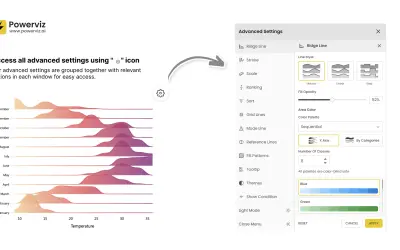
Custom Power BI visual that plots numeric distributions for multiple categories as stacked curves along a common continuous axis.
TRUVIZ INC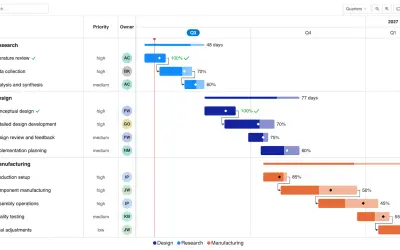
Gantt Chart is a project management visual for Microsoft Power BI that tracks schedules, milestones, and resource workloads.
ChartPad«Regularly the standard Clustered Bar chart is used to compare two measures within a number of categories. If one of these measures has been added as a reference (secondary measure) to increase the context of the primary measure it would be better to clearly show this priority difference. This is precisely what the …»