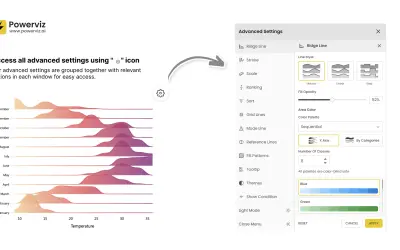
Ridgeline Plot by Powerviz
Custom Power BI visual that plots numeric distributions for multiple categories as stacked curves along a common continuous axis.
TRUVIZ INCFree
Displays individual data points in Power BI to show distributions, concentrations, and gaps without aggregating observations.
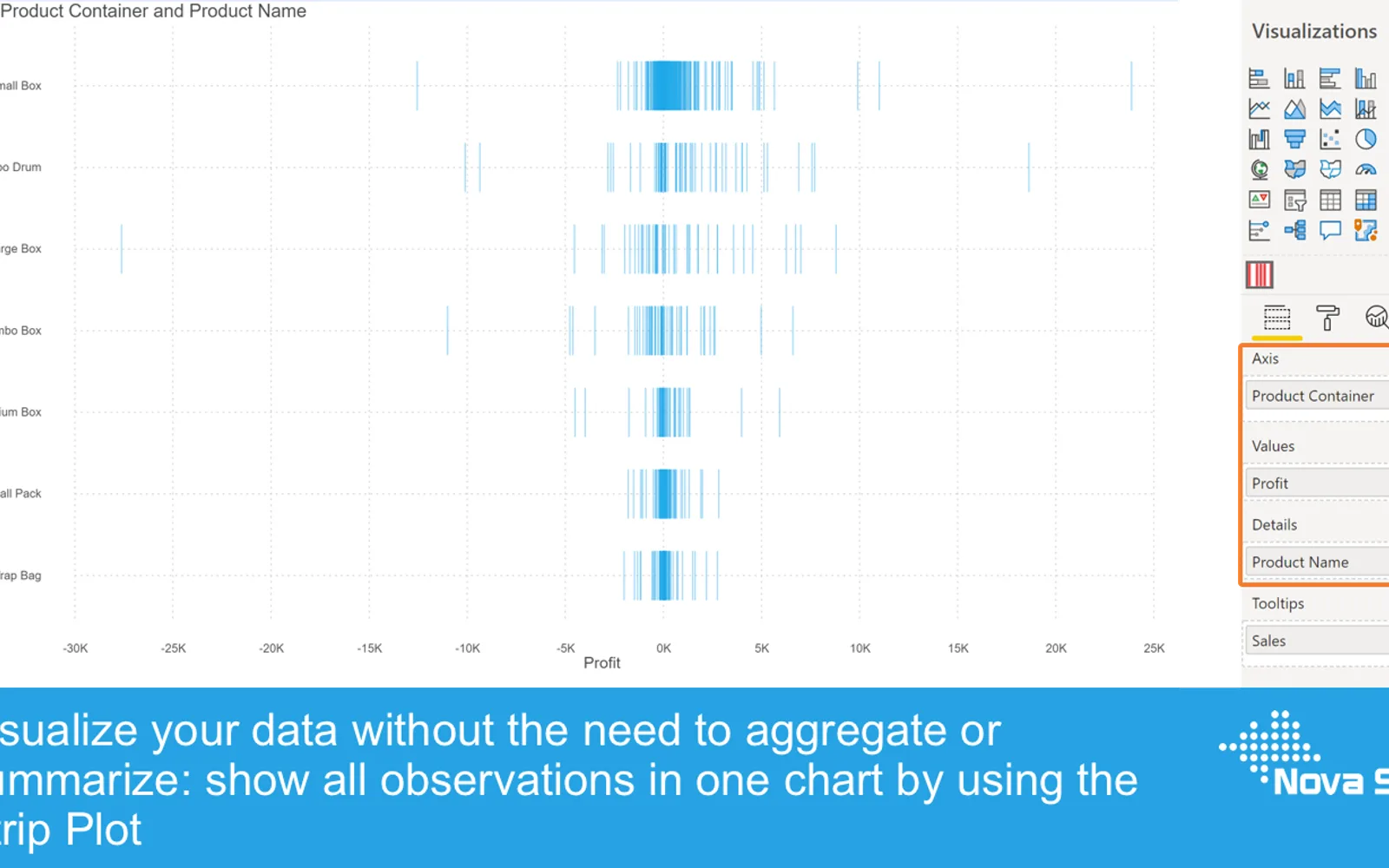
The Strip Plot displays each data point individually rather than grouping observations into bins or other aggregates. Data points can use round dots, triangles, or lines, with configurable fill, stroke, size, and opacity. Category and Details fields support multiple series and different display detail levels. The visual supports up to 30,000 data points, selection and highlighting, context-menu inclusion or exclusion, and additional tooltip feeds.
The visual displays each observation separately instead of aggregating data points.
Data points can appear as round dots, triangles, or lines.
Each data point object can have its fill color, stroke color, size, and opacity set.
A Category variable can be added to display one or multiple distributions.
The column in the Details field determines the level at which objects are displayed.
The visual supports selection and highlighting functions.
The context menu can include or exclude data points.
Additional feeds can be added to the tooltip alongside the default hovered-value behavior.
Ridgeline Plot by Powerviz is free and cloud deployed, while Strip Plot is freemium and cloud deployed; Ridgeline Plot by Powerviz was updated in Jul 2026, compared with Strip Plot on Jul 2026. Histogram Chart (Pro) is also freemium and cloud deployed, with an update date of Dec 2025.
| Name | Pricing | Deployment | Updated |
|---|---|---|---|
| this plugin | Freemium | Cloud | |
| Ridgeline Plot by Powerviz | Free | Cloud | |
| Histogram Chart (Pro) | Not in catalog | ||
657 plugins in Power BI · Analytics
Price distribution: 73 free, 108 freemium, 441 paid, 35 price not published
Custom Power BI visual that plots numeric distributions for multiple categories as stacked curves along a common continuous axis.
TRUVIZ INC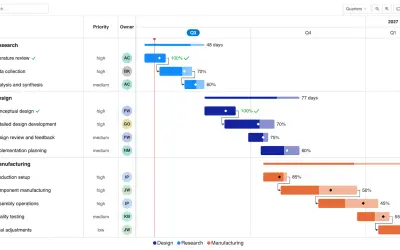
Gantt Chart is a project management visual for Microsoft Power BI that tracks schedules, milestones, and resource workloads.
ChartPad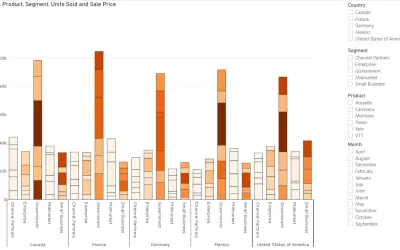
Creates visualizations from diverse chart types, combines multiple charts on one canvas, and adds custom annotations and tooltips.
Akvelon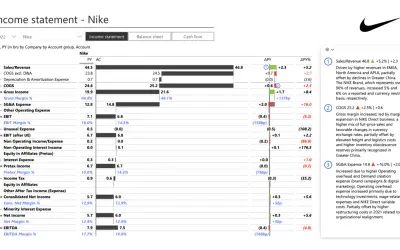
Creates financial and business reports in Power BI with automatic variance calculations, P&L logic, and drill-down (s5, s6).
Zebra BI«There are numerous chart types to help us determine the main properties of a distribution (like central tendency, spread and form). The most popular ones are histograms, frequency polygons and box-and-whisker plots. The challenge with these kind of charts is the fact they group your data in such a way it potentially …»