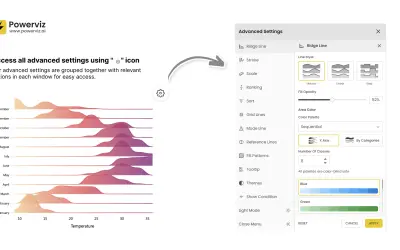
Ridgeline Plot by Powerviz
Custom Power BI visual that plots numeric distributions for multiple categories as stacked curves along a common continuous axis.
TRUVIZ INCFree
Shows changes over time in Power BI with configurable axes, legends, data labels, lines, markers, and gridlines.
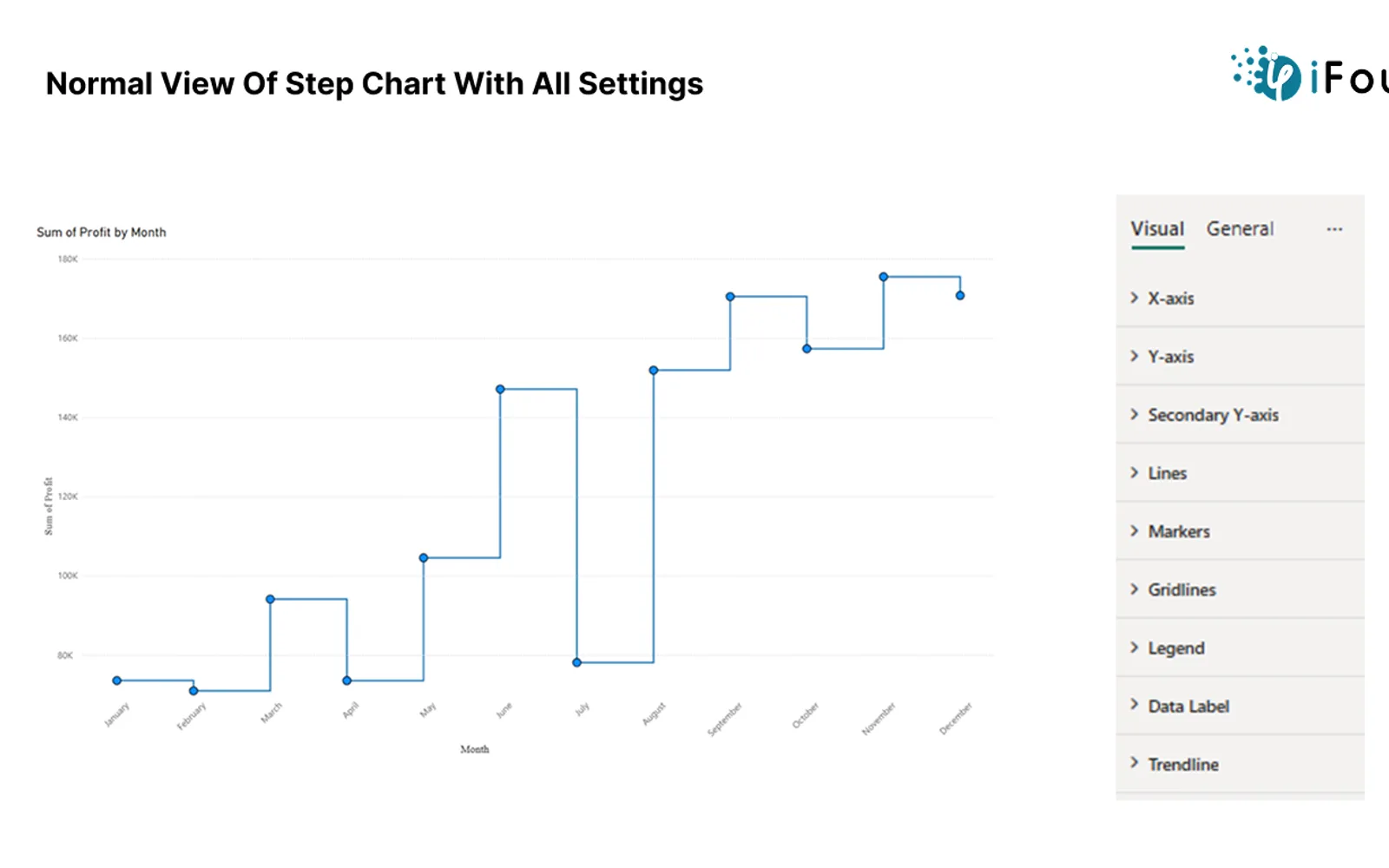
Displays values that remain constant before changing at specific points in Power BI. Settings cover chart axes, legend text, lines, markers, data labels, and gridlines. The visual can represent price movements, stock levels, revenue changes, subscription events, and user activity over time.
The X-axis supports font size, font family, and font color settings, while the Y-axis and secondary Y-axis also support display units and decimal places.
The legend provides controls for changing the appearance of its text.
Line thickness and solid, dashed, or dotted line styles can be configured.
Markers can use different shapes and sizes with configurable border color and border width.
Data labels can be shown or hidden with settings for font styles, display units, decimal places, label density, background, and position.
Horizontal and vertical gridlines can be shown or hidden, with controls for thickness, color, and solid or dashed styles.
The description names businesses, manufacturers, retailers, SaaS companies, and digital marketing teams.
Stepchart by iFour is paid and cloud-deployed. Ridgeline Plot by Powerviz is free and cloud-deployed, while Lollipop Column Chart is freemium and cloud-deployed. 100% Clustered Stacked Bar Chart (Standard) is paid and cloud-deployed; Performance Flow - xViz and Advanced Pie and Donut - xViz are freemium and cloud-deployed. The listing update dates are Dec 2025 for Stepchart by iFour, Jul 2026 for Ridgeline Plot by Powerviz, Aug 2026 for Lollipop Column Chart, Apr 2024 for 100% Clustered Stacked Bar Chart (Standard), and Dec 2025 for both xViz listings.
| Name | Pricing | Deployment | Updated |
|---|---|---|---|
| this plugin | Paid | Cloud | |
| Ridgeline Plot by Powerviz | Free | Cloud | |
| Lollipop Column Chart | Freemium | Cloud | |
| 100% Clustered Stacked Bar Chart (Standard) | Not in catalog | ||
| Performance Flow - xViz | Freemium | Cloud | |
| Advanced Pie and Donut - xViz | Freemium | Cloud | |
1,365 plugins in Power BI · Analytics
Price distribution: 89 free, 137 freemium, 651 paid, 488 price not published
Custom Power BI visual that plots numeric distributions for multiple categories as stacked curves along a common continuous axis.
TRUVIZ INC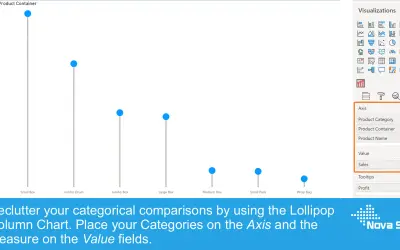
Lollipop Column Chart displays a marker and line per category as an alternative to standard column charts in Power BI.
Nova Silva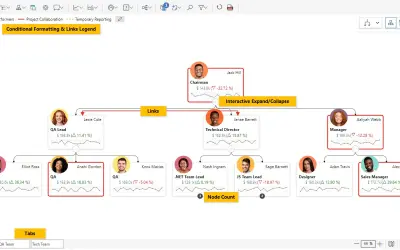
Power BI visual for tracking supply chain, sales, and financial performance with interactive diagrams, alerts, and KPIs.
xViz LLC dba Lumel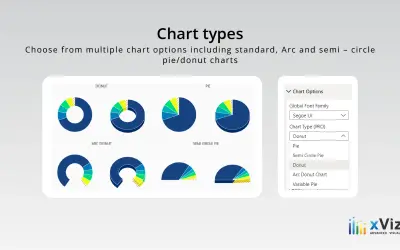
An xViz pie and donut chart for Power BI that compares parameters and displays each part's proportion of the whole.
xViz LLC dba Lumel«The Step Chart custom visual for Power BI effectively visualizes changes over time using horizontal and vertical segments. It is ideal for tracking values that remain constant before shifting, such as stock prices or subscription changes. Users can customize the X-axis, Y-axis, Secondary Y-axis, Legend, Data Labels …»