
Bullet Chart - xViz
Power BI visual for comparing actuals against targets, with IBCS-certified bullet chart templates and comparison bands.
xViz LLC dba LumelFreemium
Compare target and actual results, financial measures, and trends across time in Power BI.
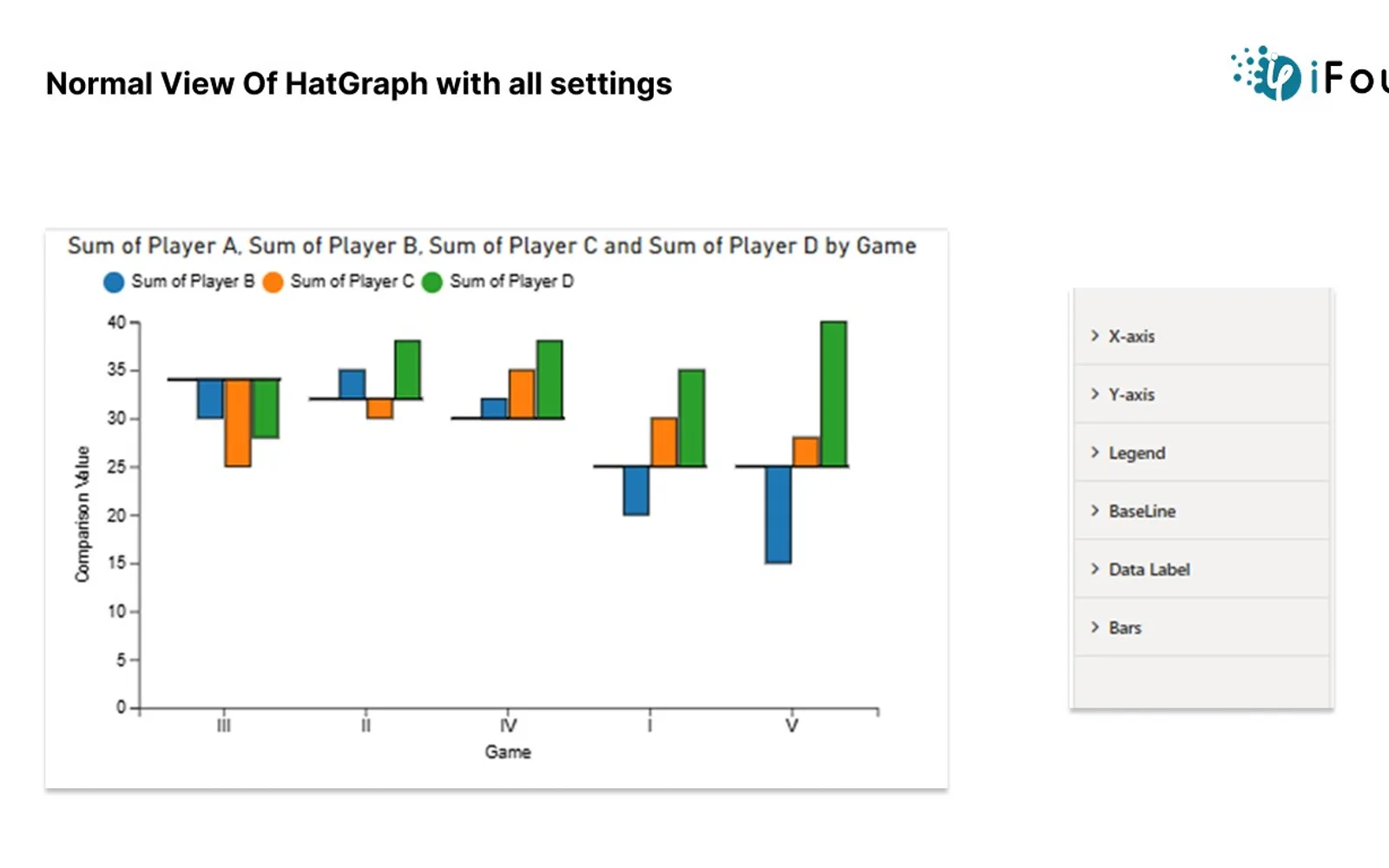
Hat Graph is a Power BI custom visual for comparing target and actual results, profit and loss, and income, savings, and expenses. It supports comparisons across different time periods. Settings cover the X-axis, Y-axis, legend, lines, data labels, and bar colors.
Change the X-axis font size, font family, and font color.
Configure the Y-axis range, intervals, and label formatting.
Change legend text appearance, position, and background styling.
Modify line thickness and color.
Show or hide data labels and adjust their font style and placement.
Change the color of individual bars.
The vendor names companies, coaches, digital marketing teams, investors, and retailers as potential users.
Hat Graph by iFour uses a paid pricing model, while Bullet Chart - xViz, Drill Down Network PRO (Pin) by ZoomCharts, Dual Y-Axis Combo Chart (Pro) for Power BI, and Performance Flow - xViz use freemium models. Waffle Chart Maker is free. Hat Graph and all five listed alternatives use cloud deployment.
| Name | Pricing | Deployment | Updated |
|---|---|---|---|
| this plugin | Paid | Cloud | |
| Bullet Chart - xViz | Freemium | Cloud | |
| Drill Down Network PRO (Pin) by ZoomCharts | Freemium | Cloud | |
| Dual Y-Axis Combo Chart (Pro) for Power BI | Freemium | Cloud | |
| Performance Flow - xViz | Freemium | Cloud | |
| Waffle Chart Maker | Free | Cloud |
657 plugins in Power BI · Analytics
Price distribution: 73 free, 108 freemium, 441 paid, 35 price not published
Power BI visual for comparing actuals against targets, with IBCS-certified bullet chart templates and comparison bands.
xViz LLC dba Lumel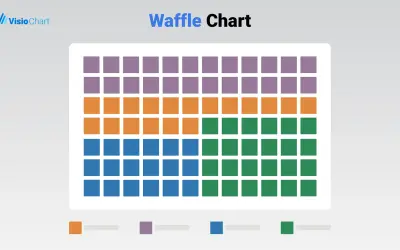
Waffle Chart Maker renders grid-based charts from numbers or percentages with sorting and cross-filtering for Microsoft Power BI.
VisioChart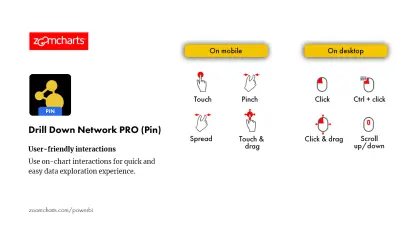
Drill Down Network PRO (Pin) by ZoomCharts renders interactive category-based network charts with drill-down support in Power BI.
ZoomCharts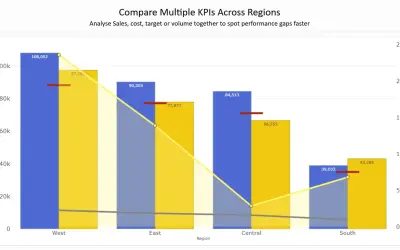
Combines column, line, area, and scatter charts on dual Y-axes to compare up to 8 metrics in a single Power BI visual.
PBIVizEdit.com«The custom visual Hat graph is useful to compare the target vs actual, profit vs loss, income vs saving vs expense over a different time period to identify the trend and insight, with adjustable setting of X-axis, Y-axis, Legend to match the customer needs. Key features • X-axis setting-: The X-axis plays a crucial …»