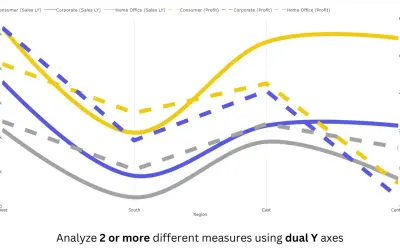
Advanced Line Chart (Pro)
Power BI line chart visual with small multiples, reference and error bands, and categorical data on both X and Y axes.
PBIVizEdit.comFreemium
Show planned and actual timelines in Power BI with configurable S-curves and a variance band.
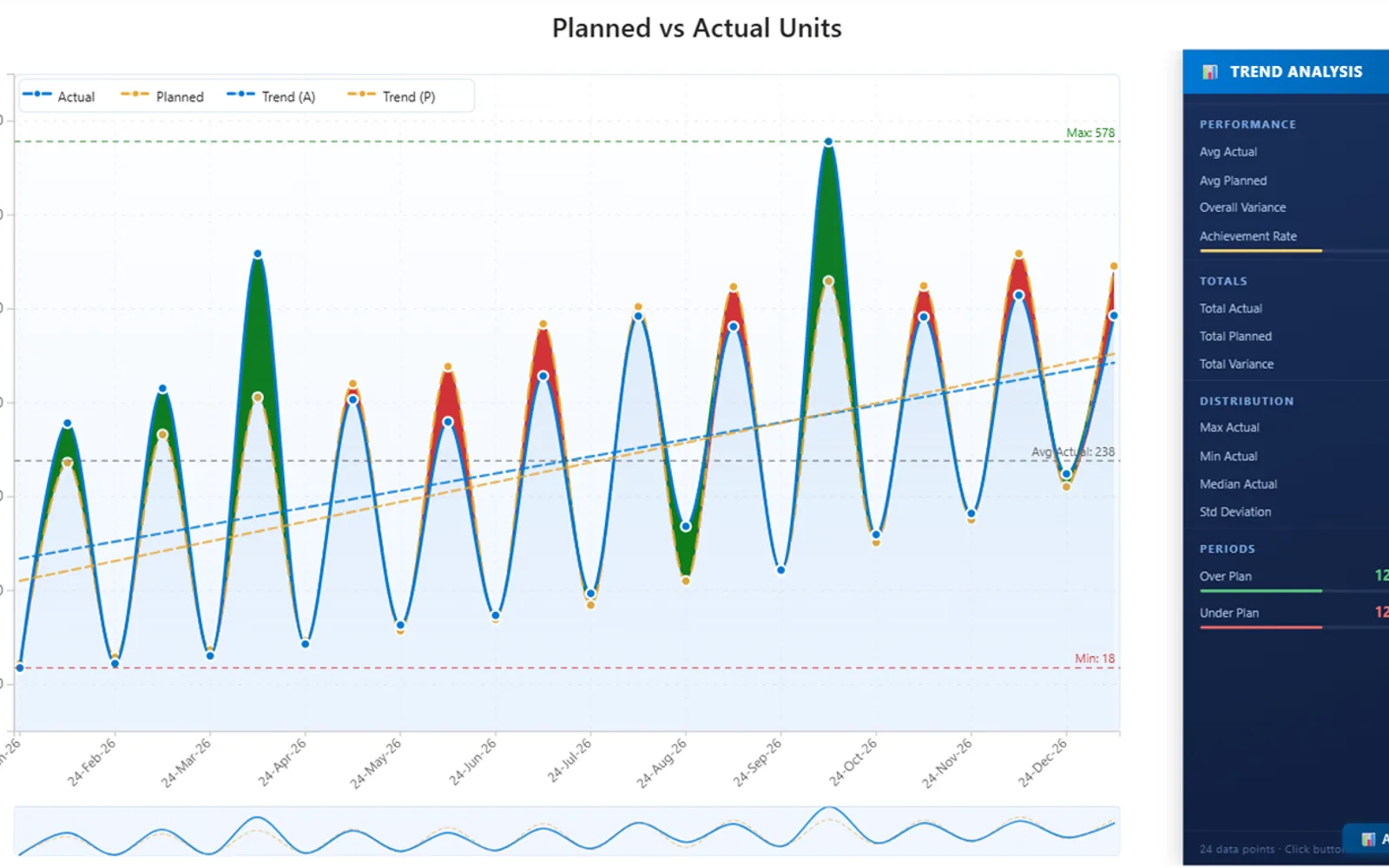
Plots planned and actual values across time in Power BI. The visual adds projected forecasts, anomaly flags, reference markers, trend layers, and conditional formatting. A side panel reports averages, totals, variance percentage, and achievement rate. Filtering can respond to slicers, tables, and matrices, with settings available in the Format pane.
Plots planned and actual values across a time-based S-curve.
Displays a color-coded band for differences between performance and plan.
Adds projected values to the visual.
Identifies anomalies in the displayed data.
Adds reference lines to the chart.
Reports live averages, totals, variance percentage, and achievement rate.
Pro Trend Line Chart uses a paid pricing model and cloud deployment. Advanced Line Chart (Pro), Bubble Chart with Categorical Data (Pro), Histogram Chart (Pro), and hi-chart Reporting Studio use freemium pricing with cloud deployment. Pro Trend Line Chart was updated on Apr 2026, compared with Dec 2025 for those four alternatives. Multi Line Chart with Tooltips is also paid and cloud-deployed, and was updated on Jan 2025.
| Name | Pricing | Deployment | Updated |
|---|---|---|---|
| this plugin | Paid | Cloud | |
| Advanced Line Chart (Pro) | Freemium | Cloud | |
| Bubble Chart with Categorical Data (Pro) | Not in catalog | ||
| Histogram Chart (Pro) | Not in catalog | ||
| hi-chart Reporting Studio | Freemium | Cloud | |
| Multi Line Chart with Tooltips | Paid | Cloud | |
657 plugins in Power BI · Analytics
Price distribution: 73 free, 108 freemium, 441 paid, 35 price not published
Power BI line chart visual with small multiples, reference and error bands, and categorical data on both X and Y axes.
PBIVizEdit.com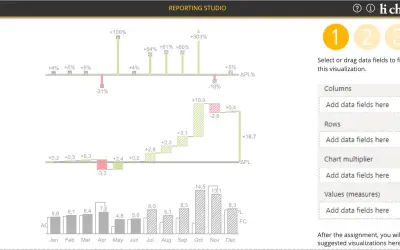
Creates charts, tables and waterfalls in Power BI with a built-in notation concept and automatic variance calculation.
CP Corporate Planning GmbH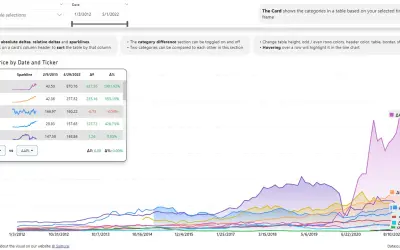
Power BI visual that compares categories over time, with YoY, MoM, YTD and MTD calculations, deltas and sparklines.
Datanauts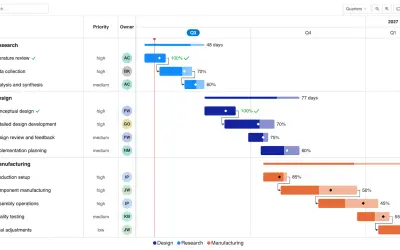
Gantt Chart is a project management visual for Microsoft Power BI that tracks schedules, milestones, and resource workloads.
ChartPad«The Pro Trend Line Chart renders time-phased planned and actual data as configurable S-curves with a color-coded variance band — green where performance exceeds plan, red where it falls short. It includes forecast projection, anomaly detection, reference lines, trend overlays, conditional formatting, and a slide-out …»