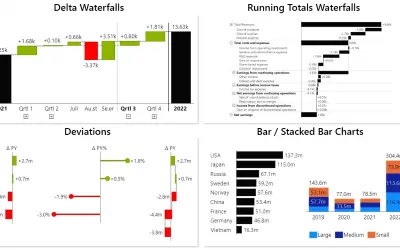
Innofalls Charts
Power BI visual for building waterfall and bar charts through interactive navigation, drill downs, and dynamic comparisons.
Innofalls GmbHFreemium
Create dynamic charts, tables, and dashboards in Power BI from data structures.
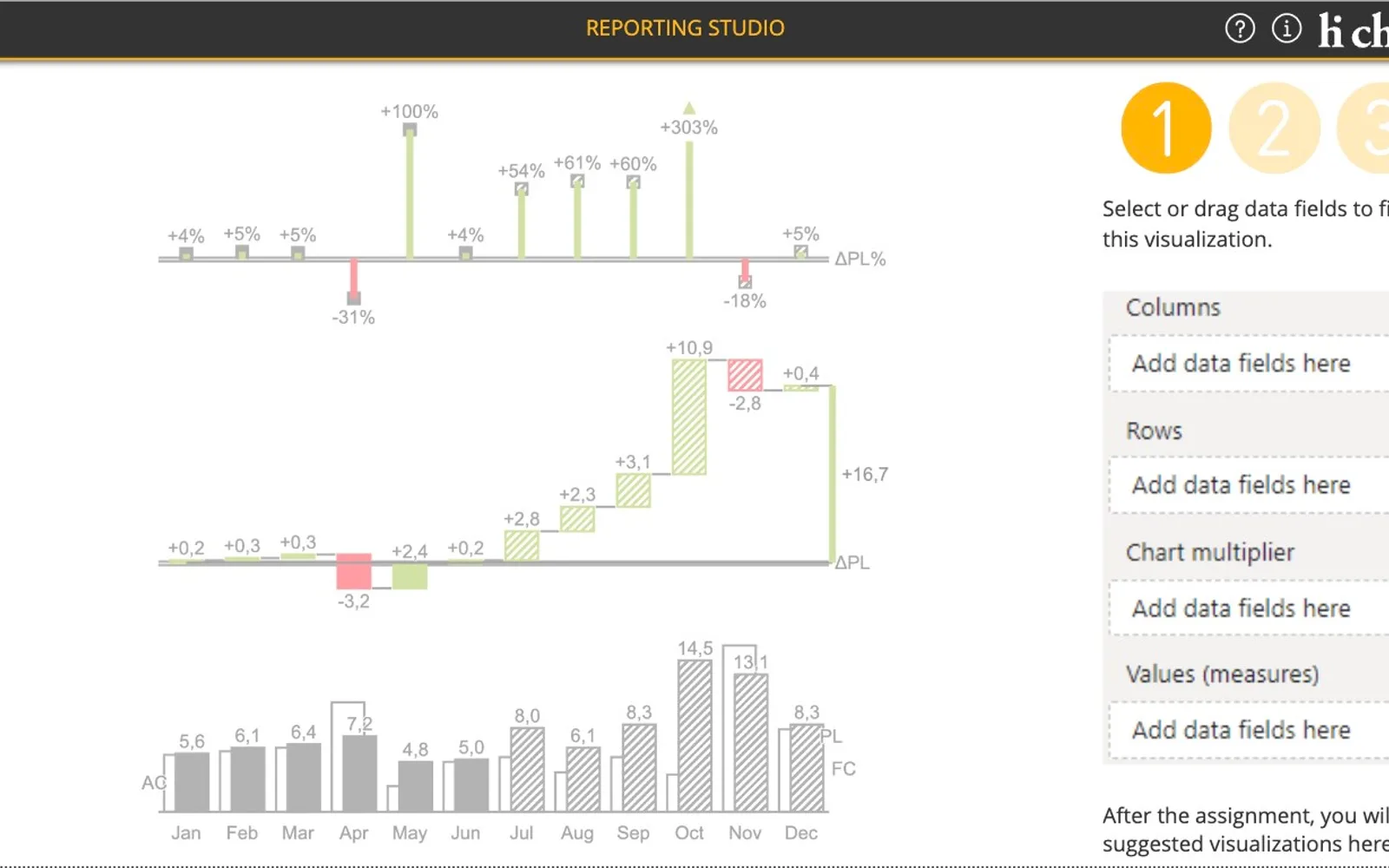
hi-chart Reporting Studio provides charts and tables in one Power BI visual. It suggests chart types, calculates variances, and adapts visualisations to changes in the underlying data structures. Visualisations can be switched between charts, tables, variance views, columns, bars, areas, waterfalls, point-lines, needles, and small multiples. Titles can be customised, while highlighting and comments can be added to visualisations. The visual supports Power BI cross-filtering and can display multiple charts from duplicated data sources.
Charts and tables are built from data structures and adapt when the data changes.
The visual automatically suggests chart types.
The visual calculates base values, delta variances, and percentage variances.
Visualisations can be switched between charts and tables, including table columns and chart columns.
Waterfalls are generated with subtotals and grand totals using Power BI hierarchies.
Highlighting can emphasise values, differences, and scaling, while comments can be added to visualisations.
The visual supports cross-filtering with other Power BI visuals.
Duplicated data sources can provide several charts in one visual.
hi-chart Reporting Studio and Innofalls Charts are freemium cloud listings with an update date of Dec 2025. Dual Y-Axis Combo Chart (Pro) for Power BI and Lollipop Column Chart are also freemium cloud listings, with update dates of Feb 2026 and Aug 2026. Histogram Chart (Pro) and Sunburst Chart are freemium cloud listings with an update date of Dec 2025, matching hi-chart Reporting Studio on pricing model, deployment, and update date.
| Name | Pricing | Deployment | Updated |
|---|---|---|---|
| this plugin | Freemium | Cloud | |
| Innofalls Charts | Freemium | Cloud | |
| Dual Y-Axis Combo Chart (Pro) for Power BI | Freemium | Cloud | |
| Lollipop Column Chart | Freemium | Cloud | |
| Histogram Chart (Pro) | Not in catalog | ||
| Sunburst Chart | Freemium | Cloud | |
1,008 plugins in Power BI · Analytics
Price distribution: 75 free, 112 freemium, 520 paid, 301 price not published
Power BI visual for building waterfall and bar charts through interactive navigation, drill downs, and dynamic comparisons.
Innofalls GmbH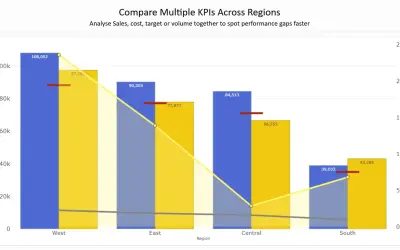
Combines column, line, area, and scatter charts on dual Y-axes to compare up to 8 metrics in a single Power BI visual.
PBIVizEdit.com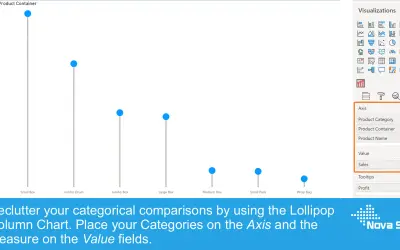
Lollipop Column Chart displays a marker and line per category as an alternative to standard column charts in Power BI.
Nova Silva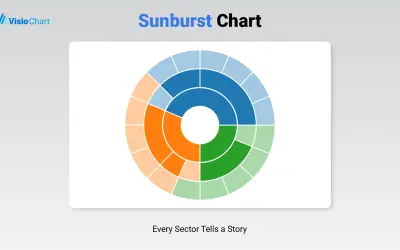
Displays up to five levels of hierarchical data as proportional segments across concentric rings in Power BI reports.
VisioChart«With hi-chart Reporting Studio for Power BI, all important graphics for clear and easy-to-understand reports, presentations and dashboards can be implemented in a single visual. Clear thanks to a built-in notation concept, graphic perfection and highlighting that directs the viewer's gaze. Easy thanks to drag-and-drop …»