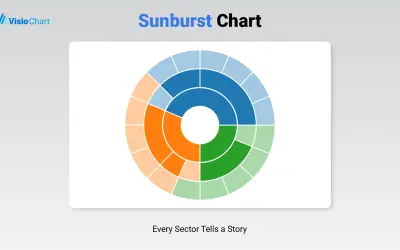
Sunburst Chart
Displays up to five levels of hierarchical data as proportional segments across concentric rings in Power BI reports.
VisioChartFreemium
Create Mekko charts in Power BI with one or two measures for column height and width.
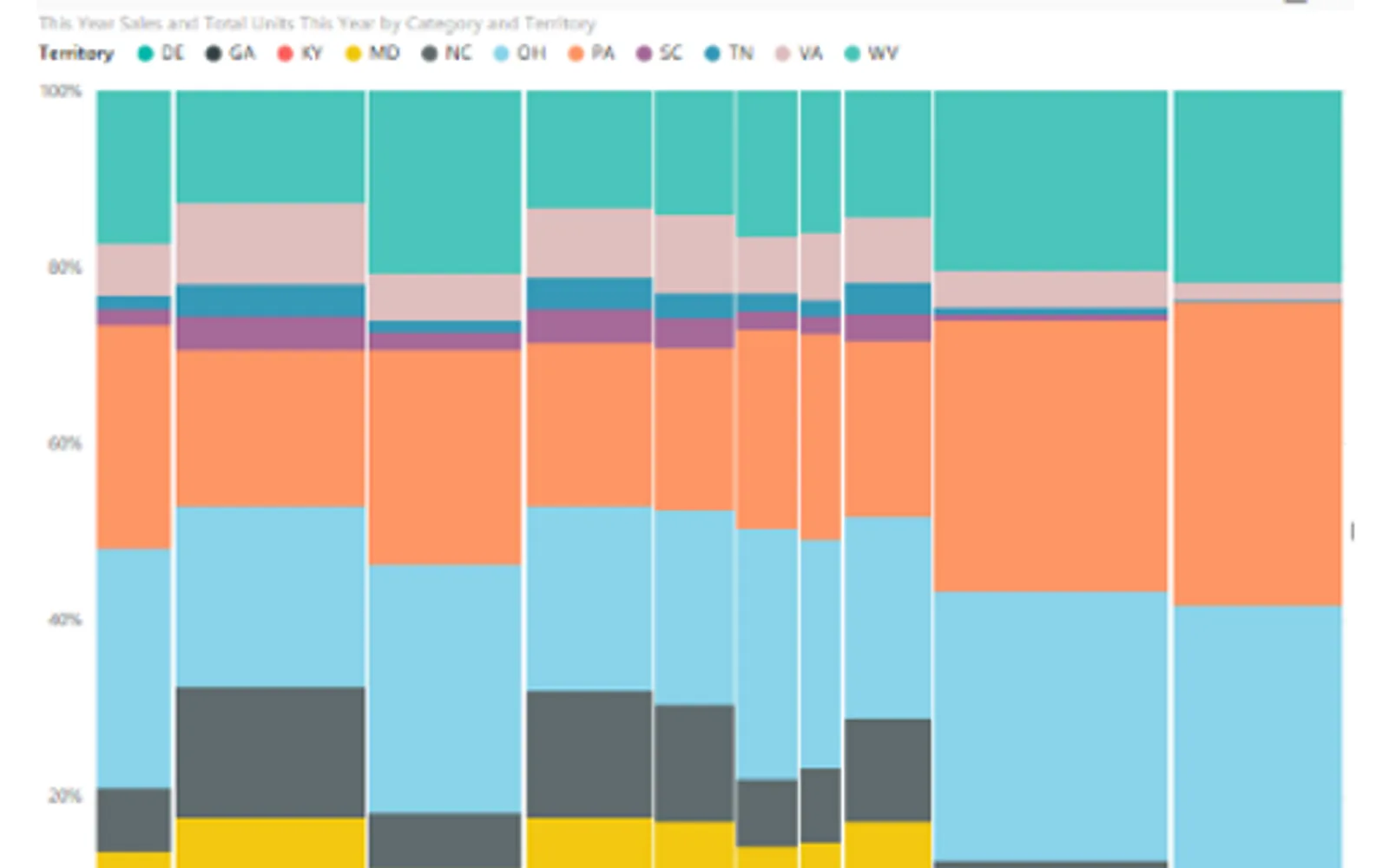
Creates Mekko charts in Power BI to show two dimensions in one chart. The chart can use the same measure or different measures for column height and width. Rectangle length and width represent dimensional values, and column width corresponds to the column total. Controls are available for legends, data colors, and data labels.
Shows two dimensions in a single Mekko chart.
Uses the same or different measures for column height and width.
Sets column width according to the total value of each column.
Provides controls for legends, data colors, and data labels.
Mekko Chart is paid and cloud-deployed. Sunburst Chart and hi-chart Reporting Studio are freemium, Waffle Chart Maker is free, and PieChart by iFour and Multi Line Chart with Tooltips are paid; all listed alternatives are cloud-deployed. Mekko Chart was updated on Jul 2025, while the alternatives show update dates from Jan 2025 through Dec 2025.
| Name | Pricing | Deployment | Updated |
|---|---|---|---|
| this plugin | Paid | Cloud | |
| Sunburst Chart | Freemium | Cloud | |
| hi-chart Reporting Studio | Freemium | Cloud | |
| Waffle Chart Maker | Free | Cloud | |
| PieChart by iFour | Paid | Cloud | |
| Multi Line Chart with Tooltips | Paid | Cloud |
657 plugins in Power BI · Analytics
Price distribution: 73 free, 108 freemium, 441 paid, 35 price not published
Displays up to five levels of hierarchical data as proportional segments across concentric rings in Power BI reports.
VisioChart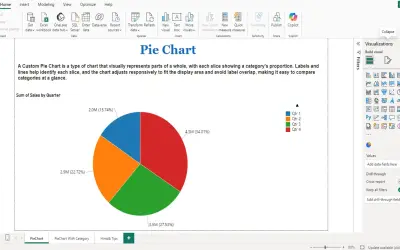
PieChart by iFour divides data into colored slices to visualize parts-to-whole relationships within Power BI reports.
iFour Technolab Pvt. Ltd.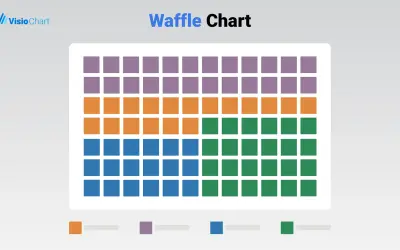
Waffle Chart Maker renders grid-based charts from numbers or percentages with sorting and cross-filtering for Microsoft Power BI.
VisioChart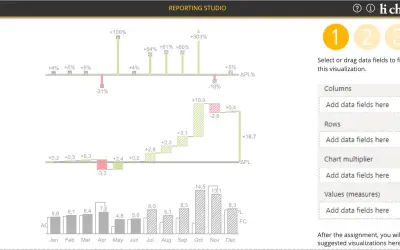
Creates charts, tables and waterfalls in Power BI with a built-in notation concept and automatic variance calculation.
CP Corporate Planning GmbH«Since it captures two dimensions in one chart, you can quickly spot the large segments as well the ones that are underrepresented in one quick glance. You can either use the same measure for the column height and width or use different ones depending on your need. Similar to a treemap, the dimensional values are …»