process.science Process Mining
Turns event data into visual process flows within Microsoft Power BI to reveal bottlenecks, variations, and value-adding steps.
process.science GmbH & Co. KGFree
Visualizes and analyzes process data in Power BI with process and summary views, drill-through, search, and configurable layouts.
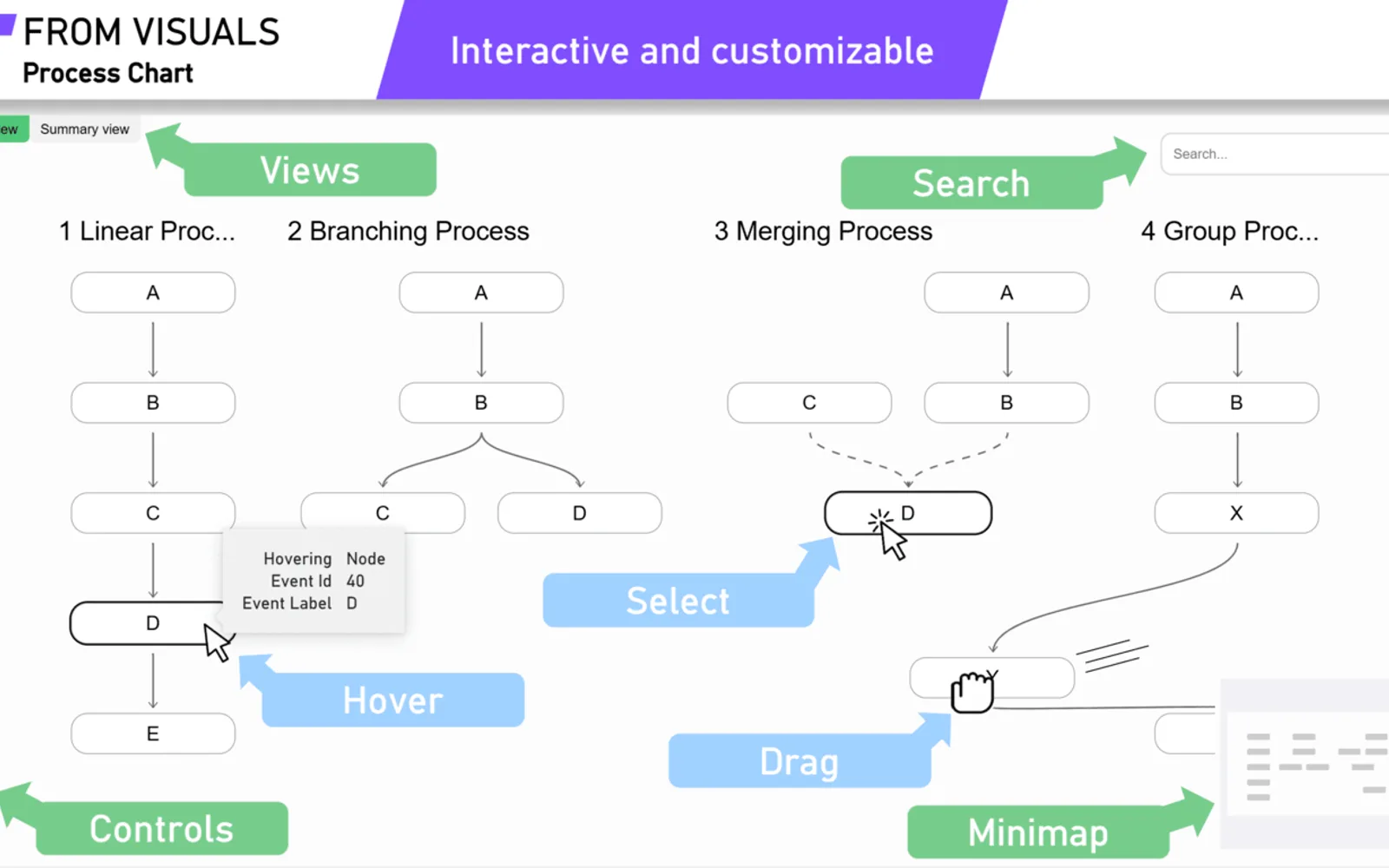
From Visuals Process Chart displays process-related data in Power BI through detailed Process and broader Summary views. It supports horizontal or vertical layouts, event groups, drill-through from summaries to related processes, and search for processes and events. Interactive features include zoom, minimap navigation, tooltips, animations, dragging, hyperlinks, and copying values. Formatting includes conditional rules, additional appearance settings, and dark or light themes.
The Process view shows information on individual processes, while the Summary view groups processes.
The chart supports horizontal and vertical layout directions.
The visual supports drill-through from the Summary view to related processes and the events where they occur.
Events can be categorized by grouping them into event groups.
A search bar locates specific processes and events and navigates to the selected result.
Events can be formatted according to rules based on the data.
The visual supports dark and light themes.
Named audiences include business analysts, operations managers, decision-makers, and people analyzing process data.
From Visuals Process Chart is freemium, while process.science Process Mining and Waffle Chart Maker are free, Performance Flow - xViz and Sunburst Chart are freemium, and PieChart by iFour is paid. All listed alternatives use cloud deployment. From Visuals Process Chart, process.science Process Mining, Waffle Chart Maker, Performance Flow - xViz, and Sunburst Chart were updated in Dec 2025; PieChart by iFour was updated in Nov 2025.
| Name | Pricing | Deployment | Updated |
|---|---|---|---|
| this plugin | Freemium | Cloud | |
| process.science Process Mining | Free | Cloud | |
| Waffle Chart Maker | Free | Cloud | |
| Performance Flow - xViz | Freemium | Cloud | |
| Sunburst Chart | Freemium | Cloud | |
| PieChart by iFour | Paid | Cloud |
657 plugins in Power BI · Analytics
Price distribution: 73 free, 108 freemium, 441 paid, 35 price not published
Turns event data into visual process flows within Microsoft Power BI to reveal bottlenecks, variations, and value-adding steps.
process.science GmbH & Co. KG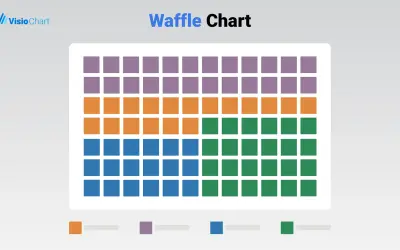
Waffle Chart Maker renders grid-based charts from numbers or percentages with sorting and cross-filtering for Microsoft Power BI.
VisioChart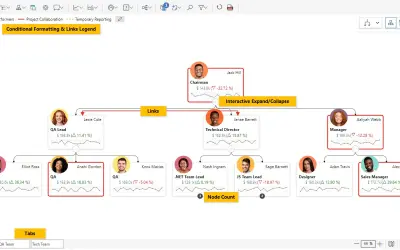
Power BI visual for tracking supply chain, sales, and financial performance with interactive diagrams, alerts, and KPIs.
xViz LLC dba Lumel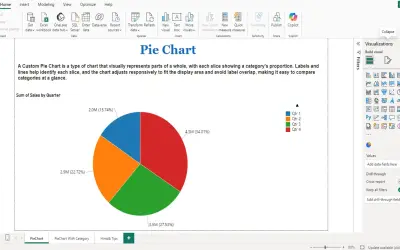
PieChart by iFour divides data into colored slices to visualize parts-to-whole relationships within Power BI reports.
iFour Technolab Pvt. Ltd.«The From Visuals Process Chart empowers you to visualize and analyze process data with interactive features and highly customizable formatting options. Ideal for business analysts, operations managers, decision-makers, and anyone looking to gain insights from processes, this visual ensures that every detail is …»