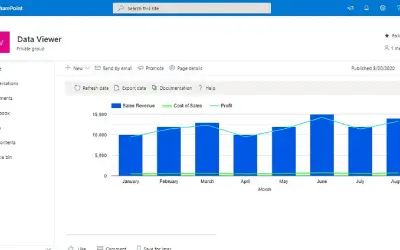
Lightning Tools Data Viewer
Lightning Tools Data Viewer lets SharePoint and Teams users build data views and charts from multiple sources without code.
Lightning ToolsPrice not published
Exports chart records to Excel or CSV in Power BI, with runtime controls for fields, averages, KPI comparisons, and ranked areas.
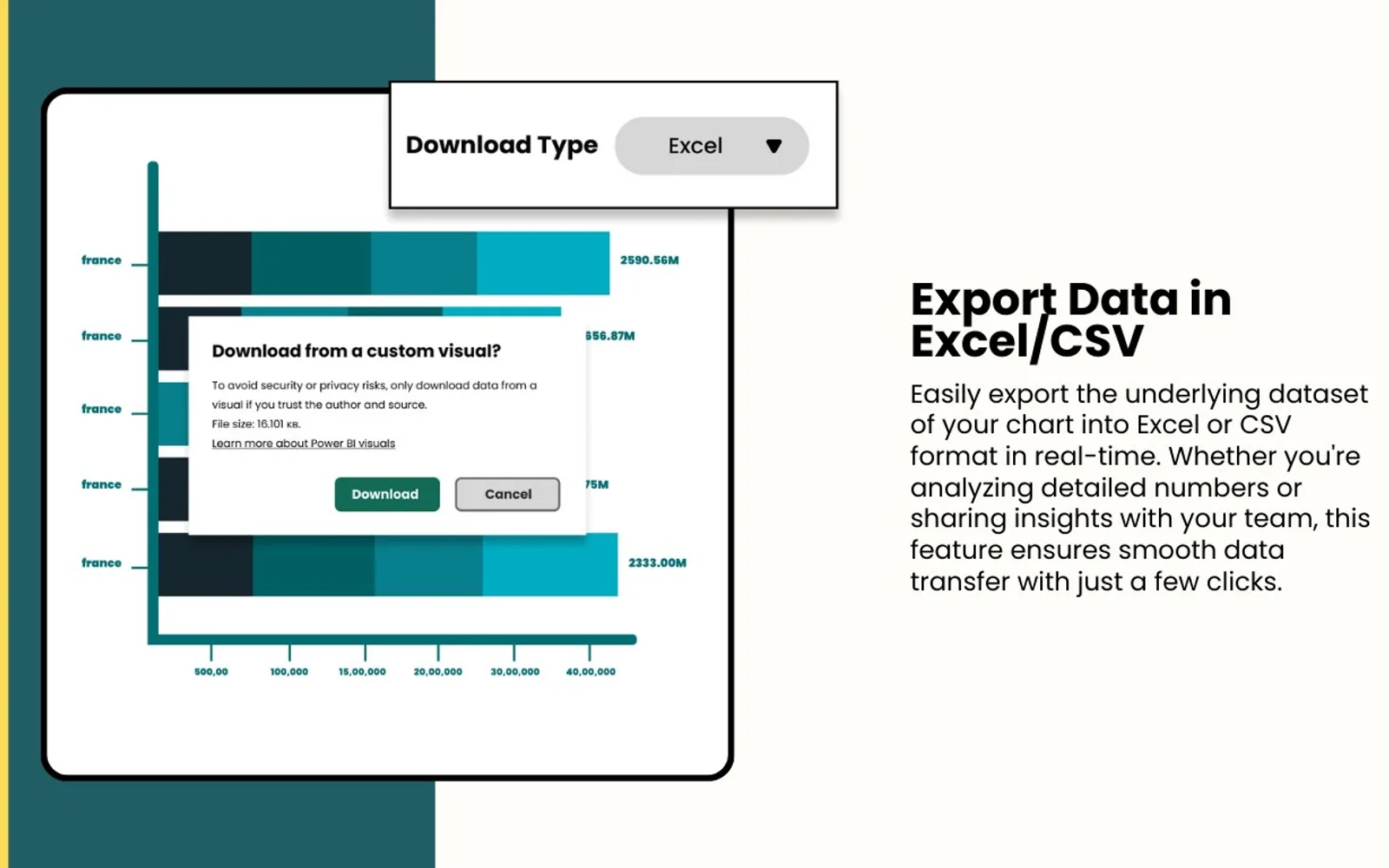
This visual sends chart data to Excel or CSV while the report is running. It can place an average marker beside each bar or across the full chart, and compare the direction of two KPIs. Runtime controls change the fields used on both axes and the legend. The visual also supports views limited to the five or ten highest areas and can show a conditionally formatted KPI icon beside bars.
Sends data represented in the chart to Excel or CSV during runtime.
Places an average marker beside individual bars or across the complete chart.
Shows whether one KPI rises or falls relative to another KPI.
Permits runtime changes to the dimensions or measures assigned to either axis.
Permits runtime changes to the field used for the X-axis legend.
Restricts the displayed areas to the top five or top ten.
Shows another KPI as an icon beside bars with conditional formatting.
The vendor identifies business users as users who can change chart dimensions, measures, and legends at runtime.
Bar Chart with Export Data Feature is paid and cloud-deployed. Lightning Tools Data Viewer is cloud-deployed, has unknown pricing, and was updated in Oct 2024. hi-chart Reporting Studio is cloud-deployed with freemium pricing and was updated in Dec 2025.
| Name | Pricing | Deployment | Updated |
|---|---|---|---|
| this plugin | Paid | Cloud | |
| Lightning Tools Data Viewer | Price not published | Cloud | |
| hi-chart Reporting Studio | Freemium | Cloud |
446 plugins in Excel · Analytics
Price distribution: 8 free, 17 freemium, 142 paid, 279 price not published
Lightning Tools Data Viewer lets SharePoint and Teams users build data views and charts from multiple sources without code.
Lightning Tools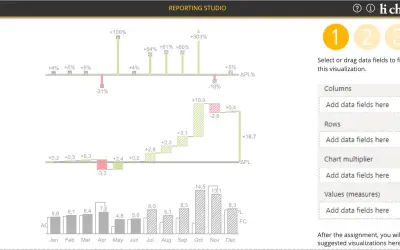
Creates charts, tables and waterfalls in Power BI with a built-in notation concept and automatic variance calculation.
CP Corporate Planning GmbH
Button-based slicer for Power BI that can be arranged horizontally or as a matrix, with cross highlighting and image support.
Microsoft Corporation
Automates formulas, data cleanup, reporting, and bulk row-by-row tasks in Microsoft Excel from plain-language prompts.
TALARIAN S. à r.l.«Bar Chart with Export Data Feature by Office Solution This tool allows users to export data from the chart in multiple formats, enabling users to export the underlying dataset at run time. Key Features: • Users can export the underlying dataset of the chart in Excel/CSV format. • Users can draw an additional Average …»