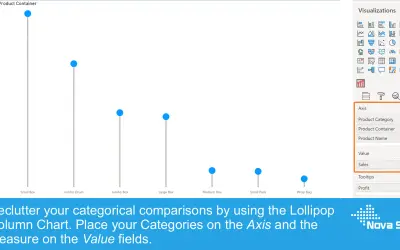
Lollipop Column Chart
Lollipop Column Chart displays a marker and line per category as an alternative to standard column charts in Power BI.
Nova SilvaFreemium
Visualizes flows between sources, destinations, and intermediate steps in Power BI.
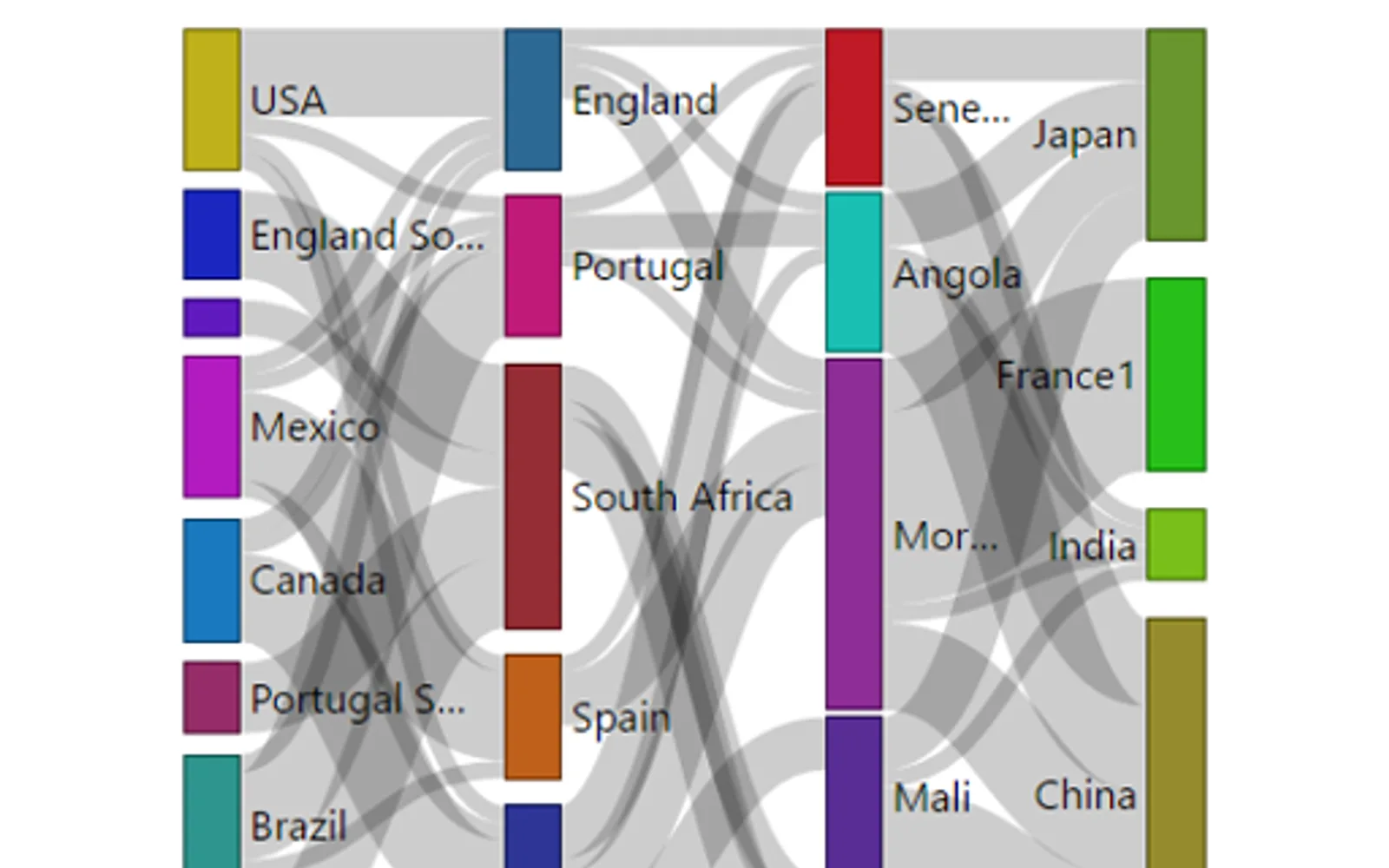
Displays sources, destinations, and intermediate steps in flow relationships. Interactions with links or flows can trigger cross-highlighting and filtering in Power BI. The visual is used for relationships such as website navigation, materials in manufacturing, and transfers in business processes.
Shows sources, destinations, and intermediate steps in a flow.
Allows interaction by selecting a link or flow.
Uses Power BI cross-highlighting and filtering with related data.
Sankey Chart is paid and cloud-deployed. Lollipop Column Chart and hi-chart Reporting Studio are freemium and cloud-deployed. Sankey Chart was updated on Jun 2025, while Lollipop Column Chart shows Aug 2026 and hi-chart Reporting Studio shows Dec 2025.
| Name | Pricing | Deployment | Updated |
|---|---|---|---|
| this plugin | Paid | Cloud | |
| Lollipop Column Chart | Freemium | Cloud | |
| hi-chart Reporting Studio | Freemium | Cloud |
693 plugins in Power BI · Analytics
Price distribution: 73 free, 108 freemium, 471 paid, 41 price not published
Lollipop Column Chart displays a marker and line per category as an alternative to standard column charts in Power BI.
Nova Silva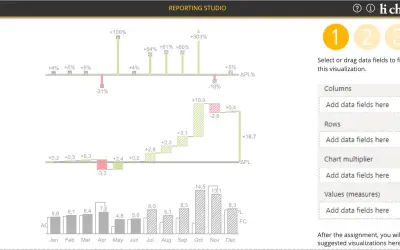
Creates charts, tables and waterfalls in Power BI with a built-in notation concept and automatic variance calculation.
CP Corporate Planning GmbH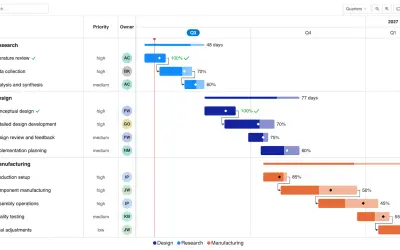
Gantt Chart is a project management visual for Microsoft Power BI that tracks schedules, milestones, and resource workloads.
ChartPad
Creates visualizations from diverse chart types, combines multiple charts on one canvas, and adds custom annotations and tooltips.
Akvelon«With Sankey, you can clearly find the sources, destinations and steps in between and how the stuff flow across them all in one quick glance. You can also interact with it either by clicking the link or the flow itself and leverage the cross highlighting/filtering feature of Power BI to get even more interesting …»