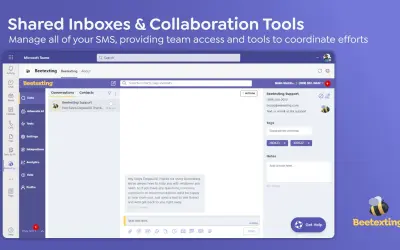
Beetexting
SMS app for Microsoft Teams with shared team inboxes, sales sequences, blast messaging, and workflow automation.
Technocentra Group IncPrice not published
Connects HubSpot with Microsoft 365 Copilot and Teams for CRM queries, meeting records, alerts, messages, and workflow triggers.
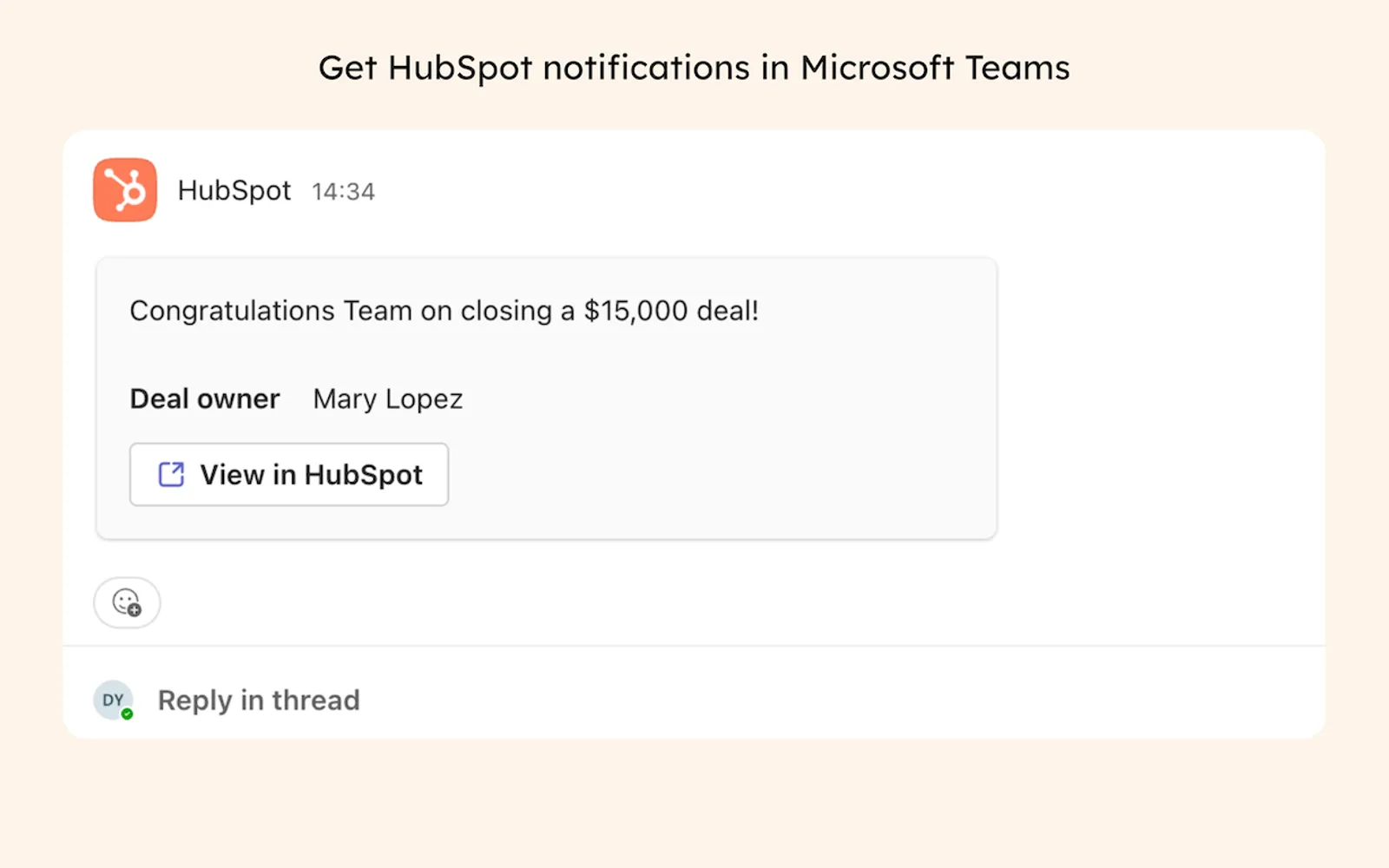
The connector makes HubSpot CRM information available through natural-language requests in Microsoft 365 Copilot, including deals, contacts, and tickets. It links HubSpot meetings with Teams and transfers recordings, transcripts, webinar participation, and registration details to HubSpot. Teams users can view HubSpot alerts and handle Conversations Inbox messages from channels. The connector also links Teams channels with HubSpot records and supports condition-based alerts and channel creation.
Microsoft 365 Copilot can retrieve HubSpot information about deals, contacts, and tickets from natural-language requests.
HubSpot-booked meetings include Microsoft Teams joining information and calendar invitations.
Teams recordings and transcripts can be associated with corresponding HubSpot records and searched or filtered there.
Teams Webinar sign-up and attendance information can be sent to HubSpot marketing events.
Microsoft Teams can receive HubSpot alerts concerning comments, mentions, form submissions, and closed deals.
HubSpot Conversations Inbox messages can be received and answered from Microsoft Teams channels.
Specified deal or company conditions can generate Teams alerts or new Teams channels.
Teams channels can be associated with HubSpot deals and companies while related activity updates are synchronized.
The listing names sales teams, support representatives, customer success teams, and users with active HubSpot accounts.
HubSpot, Beetexting, Notify User, Yablo, Vight, and ExtendSync - NetSuite Edition are cloud deployments. HubSpot, Beetexting, Yablo, Vight, and ExtendSync - NetSuite Edition have unknown pricing models, while Notify User is freemium. HubSpot was updated on Jun 2026; the alternatives were updated on Dec 2025, Jul 2026, May 2025, Apr 2026, and Jun 2026 respectively.
| Name | Pricing | Deployment | Updated |
|---|---|---|---|
| this plugin | Price not published | Cloud | |
| Beetexting | Price not published | Cloud | |
| Notify User | Freemium | Cloud | |
| Yablo | Price not published | Cloud | |
| Vight | Price not published | Cloud | |
| ExtendSync - NetSuite Edition | Price not published | Cloud |
87 plugins in Microsoft 365 · Automation
Price distribution: 4 free, 6 freemium, 34 paid, 43 price not published
SMS app for Microsoft Teams with shared team inboxes, sales sequences, blast messaging, and workflow automation.
Technocentra Group Inc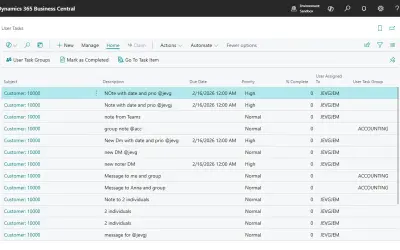
Notify User adds task management, note-based alerts, and workflow automation to Dynamics 365 Business Central records.
JEMEL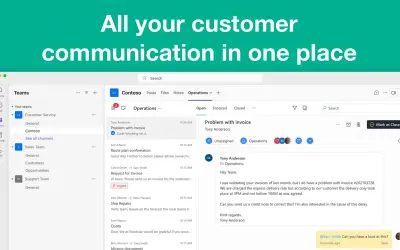
Manages email, chat, and WhatsApp in a shared inbox inside Microsoft Teams, with AI for routing, priorities, and summaries.
Tasks in a Box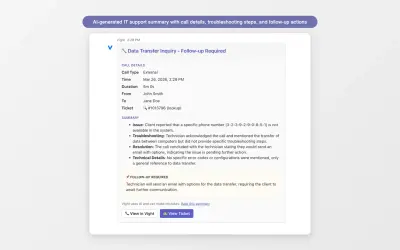
Vight delivers AI call summaries, outage alerts, and ticket automation to Microsoft Teams for managed service providers.
Vight«Bring your HubSpot CRM context directly into Microsoft 365 Copilot. Use natural language to surface deal insights, contact summaries, and ticket data — then take action back in HubSpot. No tab-switching, no copy-pasting. • Sales teams can ask for a summary of active deals organized by name, amount, and stage, and …»