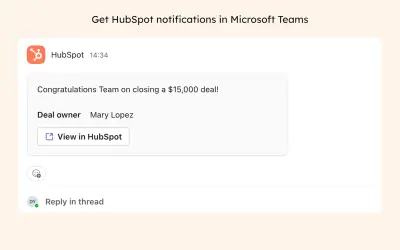
HubSpot
Integrates HubSpot CRM with Microsoft 365 Copilot and Teams for deal, contact, and ticket insights via natural language.
HubSpot IncPrice not published
Creates notifications and tracked tasks from records and workflows in Dynamics 365 Business Central.
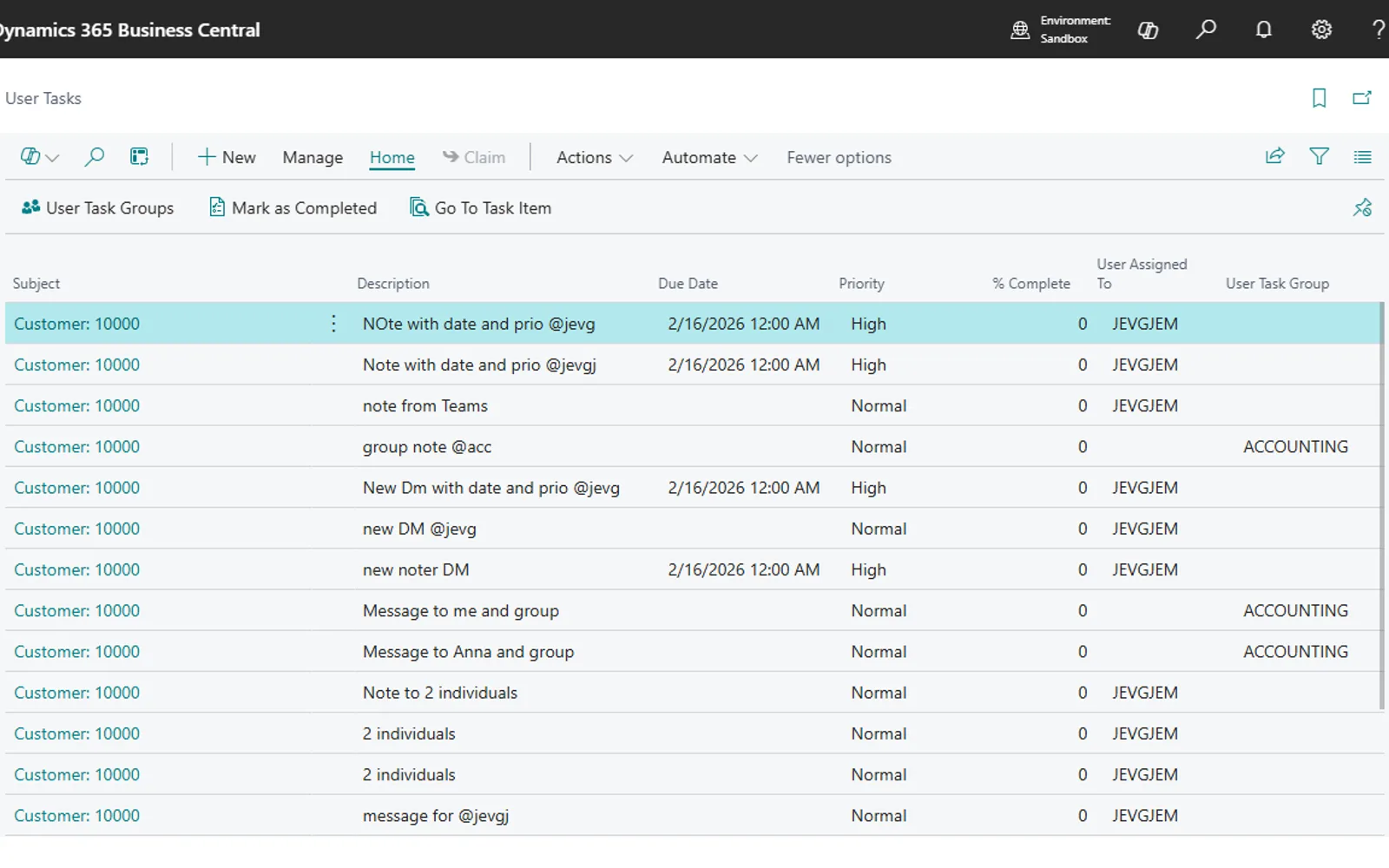
Notify User adds notes, notifications, and tracked tasks to Dynamics 365 Business Central records. A notification can be sent to one or more recipients with a priority and due date, and recipients can open the related source record from their Role Center. Business Central workflow events can trigger notifications with configurable recipients, groups, priorities, due dates, email, and Teams delivery. The add-in also supports read receipts, completion tracking, source notes, and navigation to the original record.
Users can write a note on a Business Central record and send a notification to selected recipients.
The add-in creates tasks for one or multiple recipients with priority and due date settings.
Tasks can be assigned to a group so a group member can claim ownership.
Business Central workflow events can trigger notifications through the Create Notify User Notification response.
Notifications can be sent by email, Teams channel posts, or Teams direct messages.
The Sent Notifications dashboard records viewed status and completion tracking.
Recipients can open the original Business Central record from the task.
Notify User is freemium and cloud deployed, while HubSpot and Centro have unknown pricing models and cloud deployment. 0 - Code Advanced Workflow is free and cloud deployed, whereas Notify User is freemium. Integration with Microsoft Teams by FloQast and DocumentsCorePack, professional document generation and automation are paid and cloud deployed. Notify User was updated in Jul 2026, matching 0 - Code Advanced Workflow, Centro, and DocumentsCorePack, while HubSpot was updated in Jun 2026 and Integration with Microsoft Teams by FloQast in Dec 2025.
| Name | Pricing | Deployment | Updated |
|---|---|---|---|
| this plugin | Freemium | Cloud | |
| HubSpot | Price not published | Cloud | |
| Centro | Not in catalog | ||
| 0 - Code Advanced Workflow | Free | Cloud | |
| Integration with Microsoft Teams by FloQast | Paid | Cloud | |
| DocumentsCorePack, professional document generation and automation | Paid | Cloud | |
135 plugins in Power Automate · Automation
Price distribution: 6 free, 5 freemium, 84 paid, 40 price not published
Integrates HubSpot CRM with Microsoft 365 Copilot and Teams for deal, contact, and ticket insights via natural language.
HubSpot Inc
0-Code Advanced Work Flow automates multi-step business processes and task orchestration directly within Business Central.
QUALIA Technik GmbH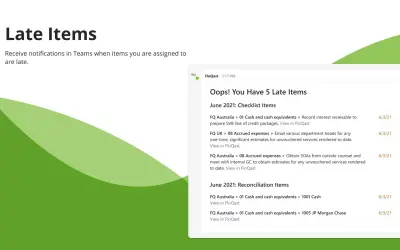
The FloQast app for Microsoft Teams lets accounting teams access data, receive updates, and post information within Teams.
FloQast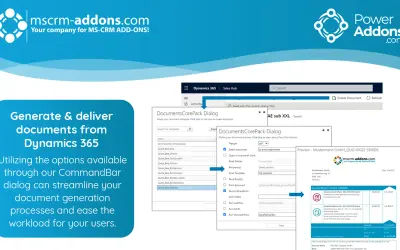
Generates documents in PDF, Word, Excel, or HTML within Dynamics 365 and Power Apps, automating delivery through Power Automate.
mscrm-addons.com ( PTM EDV Systeme )«Notify User is a notification, task management and workflow automation solution for Dynamics 365 Business Central. • Write a note on any record (Customer, Sales Order, Purchase Invoice, etc.). • Create a tracked task instantly for one or multiple recipients. • Recipients see tasks on their Role Center and can open the …»