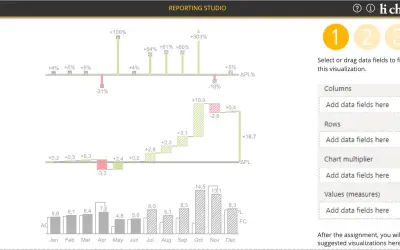
hi-chart Reporting Studio
Creates charts, tables and waterfalls in Power BI with a built-in notation concept and automatic variance calculation.
CP Corporate Planning GmbHFreemium
Create interactive waterfall, bar, column, and comparison charts in Power BI.
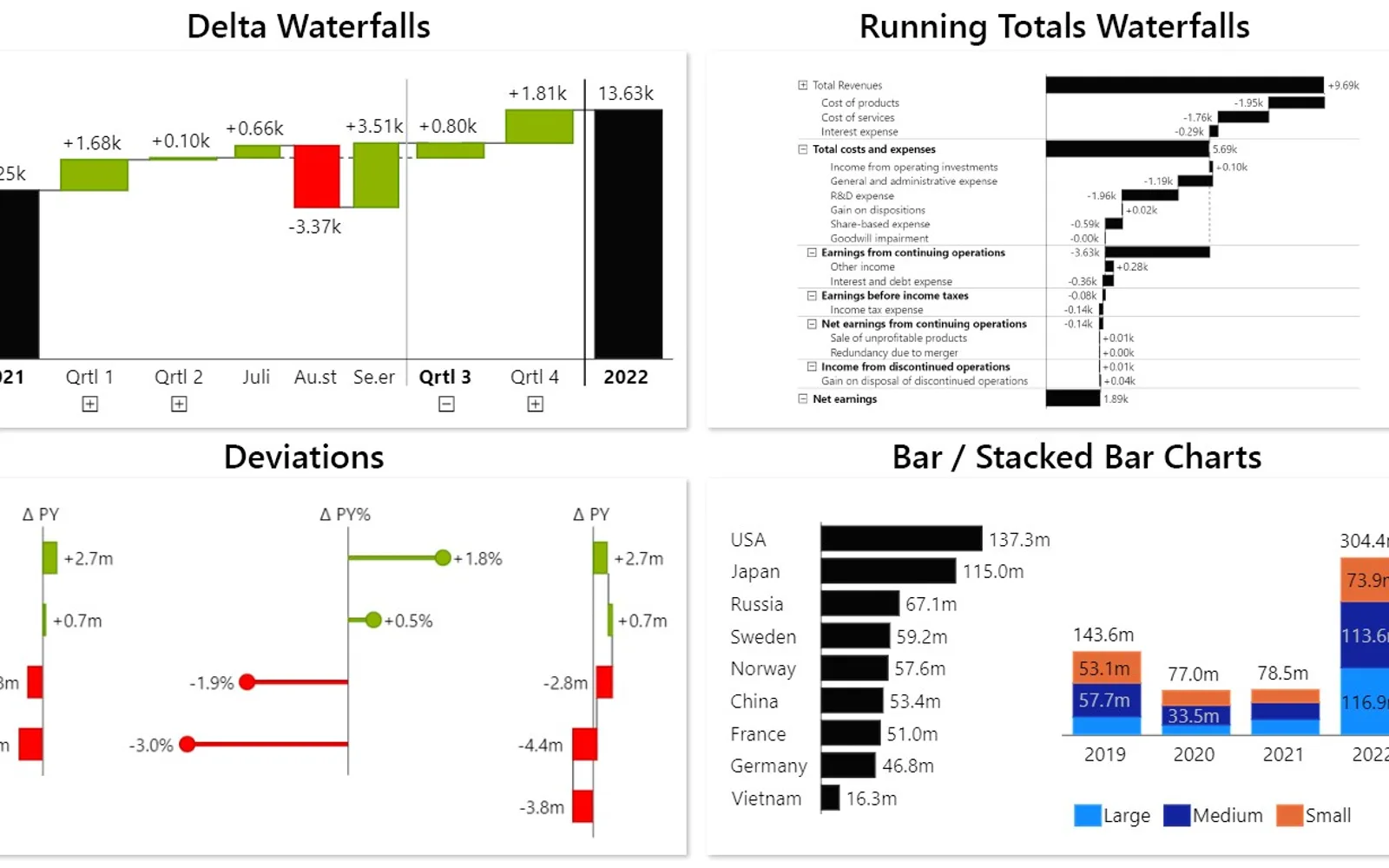
Creates waterfall, bar, column, stacked, deviation, and combined chart types in Power BI. Interactive navigation supports drill-down history, chart type switching, sorting, conditional formatting, zoom, undo, and redo. Dynamic comparison charts can be added with one click, including in report viewer mode. Power BI Desktop use is free; other environments require a license.
Creates delta, running total, deviation, and stacked waterfall charts.
Creates bar, column, stacked bar, and stacked column charts.
Combines multiple drill-down steps and provides a drill-down preview.
Adds comparison charts with one click and supports dynamic deviation chart selection.
Groups charts by measures, dimensions, or both.
Provides sorting, Top/Bottom N, conditional formatting, zoom, undo, and redo.
Innofalls Charts and hi-chart Reporting Studio both use freemium pricing and cloud deployment; both were updated Dec 2025. Drill Down Combo Bar PRO (Filter) by ZoomCharts, Histogram Chart (Pro), and Bullet Chart - xViz also use freemium pricing and cloud deployment, with update dates of Aug 2026, Dec 2025, and Dec 2025 respectively. 100% Clustered Stacked Bar Chart (Standard) uses paid pricing and cloud deployment and was updated Apr 2024.
| Name | Pricing | Deployment | Updated |
|---|---|---|---|
| this plugin | Freemium | Cloud | |
| hi-chart Reporting Studio | Freemium | Cloud | |
| Drill Down Combo Bar PRO (Filter) by ZoomCharts | Freemium | Cloud | |
| Histogram Chart (Pro) | Not in catalog | ||
| Bullet Chart - xViz | Freemium | Cloud | |
| 100% Clustered Stacked Bar Chart (Standard) | Not in catalog | ||
657 plugins in Power BI · Analytics
Price distribution: 73 free, 108 freemium, 441 paid, 35 price not published
Creates charts, tables and waterfalls in Power BI with a built-in notation concept and automatic variance calculation.
CP Corporate Planning GmbH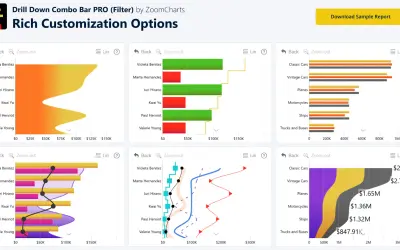
Sign up for a Free Developer License and get 1 year access to this and 20+ ZoomCharts visuals for use in Power BI Desktop!
ZoomCharts
Power BI visual for comparing actuals against targets, with IBCS-certified bullet chart templates and comparison bands.
xViz LLC dba Lumel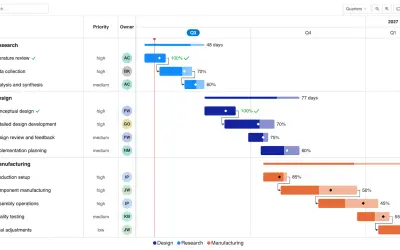
Gantt Chart is a project management visual for Microsoft Power BI that tracks schedules, milestones, and resource workloads.
ChartPad«Create engaging reports and offer unimagined comparison possibilities! With Innofalls you can create many types of charts: Waterfall charts, bar charts, stacked bar charts. We offer a new way to set up and explore your visual. Our concept of “navigation instead of configuration” lets you create your chart in an …»