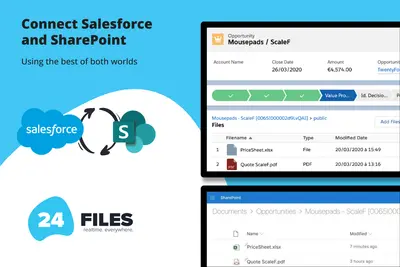
24Files | Connect SharePoint with Salesforce
Connects Salesforce records to SharePoint for browsing, syncing, uploading, and managing files and folders.
24FlowPaid
Manage SharePoint files and folders from within Salesforce Experience Cloud.
Filenize provides access to SharePoint folders and files inside Salesforce, where users can browse, create, rename, and delete them. When a Salesforce record is created, it builds and links a SharePoint folder hierarchy and opens it with the related record. Salesforce data can supply document metadata for search. The add-in can publish a SharePoint document library through Experience Cloud for partners and customers.
Users can browse, create, rename, and delete SharePoint folders and files from within Salesforce.
Creating a Salesforce record automatically creates and links a corresponding SharePoint folder hierarchy.
Salesforce data can be used to add metadata to files and folders for document search.
The SharePoint document library can be published through Experience Cloud for partners and customers.
24Files provides access to, upload, and management of SharePoint files and folders from Salesforce, while Filenize also describes automatic folder creation linked to Salesforce records and metadata-based search. sFiles describes record-level integration with SharePoint sites and document libraries and automatic creation of complex folder structures; Filenize additionally describes publishing a SharePoint document library through Experience Cloud. XfilesPro and CloudFiles describe connections to multiple external storage services, whereas Filenize describes SharePoint and Experience Cloud.
| Name | Pricing | Deployment | Updated |
|---|---|---|---|
| this plugin | Paid | Cloud | |
| 24Files | Connect SharePoint with Salesforce | Paid | Cloud | |
| sFiles | Connect to SharePoint Online! (Integrate with Microsoft 365 and Teams) | Paid | Cloud | |
| XfilesPro Document Management | Connect SharePoint, S3, Google Drive & OneDrive | Paid | Cloud | |
| CloudFiles Document Management | Connect SharePoint, AWS S3, Azure, Google Drive | Paid | Cloud |
43 plugins in Experience Cloud · Documents and content
Price distribution: 19 free, 3 freemium, 21 paid
Connects Salesforce records to SharePoint for browsing, syncing, uploading, and managing files and folders.
24Flow
Manage Salesforce documents through SharePoint, AWS S3, Google Drive, and OneDrive with synchronization and workflow automation.
XfilesPro Labs Pvt Ltd
Manage external documents from Salesforce Experience Cloud records.
CloudFiles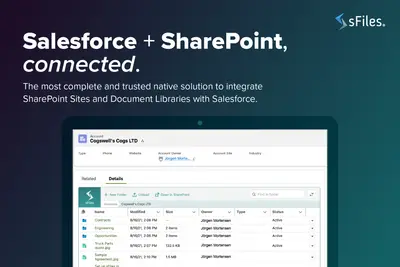
Connects Salesforce Experience Cloud records to SharePoint Online for linked file and folder management.
Upsource Solutions«Filenize brings SharePoint into Salesforce with zero migration effort—so you can browse, create, rename and delete folders and files without ever leaving your CRM. As soon as you create a record, Filenize automatically builds and links the perfect folder hierarchy in SharePoint, and opens it alongside the related …»