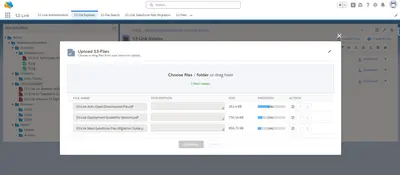
S3-Link - Amazon S3 Connector (Document Storage & Management Solution)
Store, manage, share, and archive files in Amazon S3 from Salesforce Experience Cloud.
Neilon Technologies LLPPaid
Preview, organize, edit, share, and manage files in Salesforce Experience Cloud.
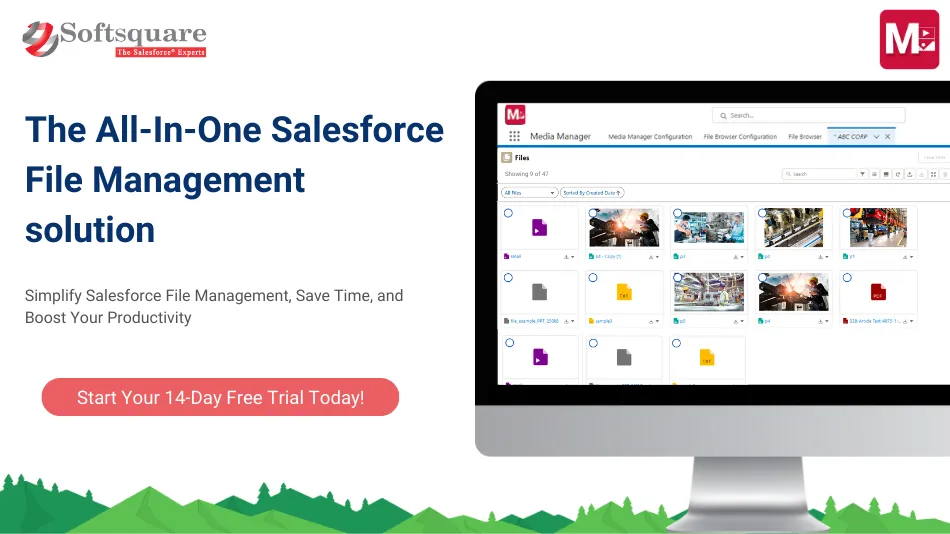
Media Manager provides a workspace for handling images, audio, video, documents, and other files. Users can browse files associated with configured Salesforce records, use different preview layouts, search and filter items, organize content in folders, and edit file information inline. The component supports uploads, downloads, renaming, moving, deletion, version updates, image editing, and public-link sharing. It also connects Amazon S3 repositories and includes file-content processing features for Agentforce.
Preview 15+ file types, including PDFs, Excel files, images, videos, HEIC, and MOV, in tile, list, or slider layouts.
Place files in custom folders and nested folder structures, or group them using file details.
Follow files from current, parent, child, and related records through a hierarchical file tree.
Upload, bulk upload, download, rename, move, delete, and create new versions of files.
Crop, rotate, flip, adjust, zoom, and compress images within Salesforce.
Search, filter, sort, refresh, and edit file details or object fields from file views.
Connect Amazon S3 repositories and map their folders to Salesforce objects and records.
FileMate for Agentforce can answer questions about files and summarize, extract, translate, and process their content.
The component is for internal teams and external users working in Salesforce apps and Experience Cloud portals.
Media Manager combines Salesforce file browsing, image editing, related-record file trees, public links, and Amazon S3 connections. S3-Link focuses on Amazon S3 features such as folder uploads, ZIP downloads, file versions, and passcode-protected sharing. G-Link connects Google Drive and Microsoft SharePoint and supports moving files between Salesforce records. Folders provides folder-based management per record and sharing with Experience Cloud users, while Experience Connect provides Google Drive and SharePoint file access for Experience Cloud sites.
| Name | Pricing | Deployment | Updated |
|---|---|---|---|
| this plugin | Freemium | Cloud | |
| S3-Link - Amazon S3 Connector (Document Storage & Management Solution) | Paid | Cloud | |
| G-Link - Google Drive & Microsoft SharePoint Connector (Document Storage Tool) | Paid | Cloud | |
| Folders – Smart, Simple, Efficient & Intuitive File Management on Records | Freemium | Cloud |
20 plugins in Experience Cloud · Documents and content
Price distribution: 8 free, 2 freemium, 10 paid
Store, manage, share, and archive files in Amazon S3 from Salesforce Experience Cloud.
Neilon Technologies LLP
Connects Salesforce Experience Cloud with Google Drive and SharePoint for storing, sharing, searching, and managing documents.
Neilon Technologies LLP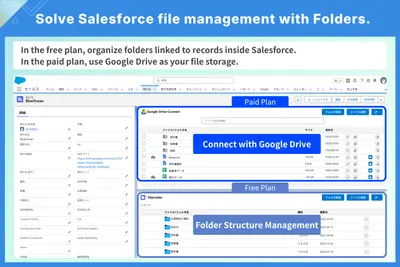
Organizes Salesforce files into record-based folders and shares them with Experience Cloud users.
合同会社UndertheEdge
Manages external documents and portal uploads for Salesforce Experience Cloud.
Appiphony«Media Manager is an easy-to-use Salesforce component that lets you preview and manage images, audio, videos, documents, and other files in one place. It is ideal for users dealing with daily tasks involving multiple files and attachments from different objects. Categorize your files for easy access and boost …»