
XfilesPro Document Management | Connect SharePoint, S3, Google Drive & OneDrive
Manage Salesforce documents through SharePoint, AWS S3, Google Drive, and OneDrive with synchronization and workflow automation.
XfilesPro Labs Pvt LtdPaid
Manage external documents from Salesforce Experience Cloud records.
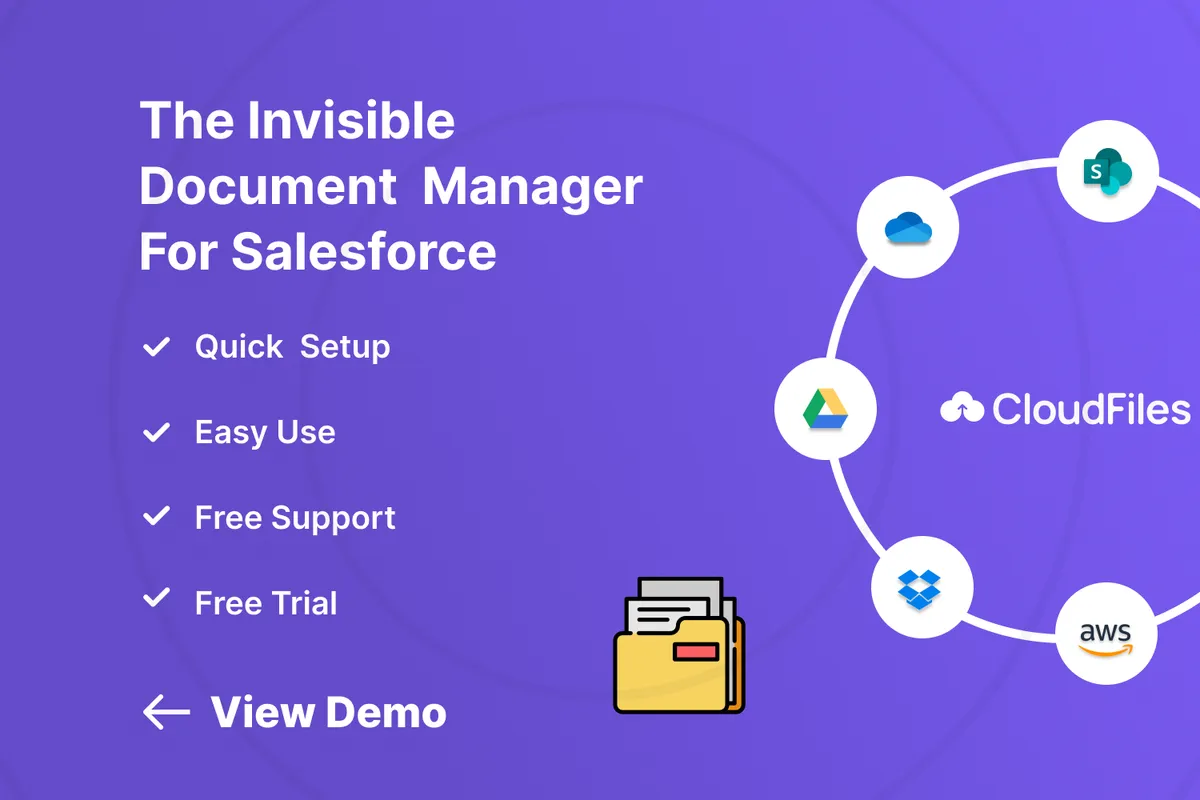
CloudFiles provides an in-Salesforce browser for opening, uploading, and organizing SharePoint documents from records. Users can associate existing SharePoint files and folders with Salesforce records while retaining SharePoint as the document source. Flow actions and Apex support folder creation based on Salesforce record information. Record-triggered and scheduled Flows can upload Salesforce files to external storage.
Provides Salesforce access for opening, uploading, organizing, and previewing SharePoint documents.
Associates selected SharePoint files and folders with Salesforce records and objects.
Supports Flow actions and Apex for creating SharePoint folders from record data and relationships.
Supports record-triggered and scheduled Flows for uploading Salesforce files to external storage.
Supports synchronization of document metadata.
Provides expiring links, permission controls, branded portals, and sharing controls managed from Salesforce.
Tracks document views, downloads, reader activity, and page-level activity in Salesforce.
The vendor names Experience Cloud users, partners, customers, vendors, and portal users.
XfilesPro connects Salesforce with SharePoint, AWS S3, Google Drive, and OneDrive for external file storage, while CloudFiles also lists Azure Blob, Box, and Dropbox integrations, metadata synchronization, and document activity tracking. 24Files describes access to, uploads of, and management of SharePoint files and folders from Salesforce. sFiles describes connections to SharePoint Online sites and document libraries, including automatic creation of complex folder structures. Filenize describes browsing, creating, renaming, and deleting SharePoint files and folders, along with automatic folder hierarchies linked to records.
| Name | Pricing | Deployment | Updated |
|---|---|---|---|
| this plugin | Paid | Cloud | |
| XfilesPro Document Management | Connect SharePoint, S3, Google Drive & OneDrive | Paid | Cloud | |
| Dropbox | Price not published | Cloud | |
| 24Files | Connect SharePoint with Salesforce | Paid | Cloud | |
| sFiles | Connect to SharePoint Online! (Integrate with Microsoft 365 and Teams) | Paid | Cloud | |
| Filenize | Paid | Cloud |
43 plugins in Experience Cloud · Productivity
Price distribution: 19 free, 3 freemium, 21 paid
Manage Salesforce documents through SharePoint, AWS S3, Google Drive, and OneDrive with synchronization and workflow automation.
XfilesPro Labs Pvt Ltd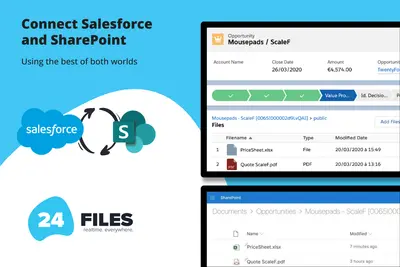
Connects Salesforce records to SharePoint for browsing, syncing, uploading, and managing files and folders.
24Flow
Connects Salesforce Experience Cloud records to SharePoint Online for linked file and folder management.
Upsource Solutions
Manage SharePoint files and folders from within Salesforce Experience Cloud.
Brightfox B.V.«Use CloudFiles for advanced Salesforce SharePoint integration & document management. Also integrates with Google Drive, OneDrive, AWS S3, Azure Blob, Box & Dropbox. What’s the best way to access SharePoint files in Salesforce? CloudFiles provides a file browser inside Salesforce so users can open, upload and organize …»