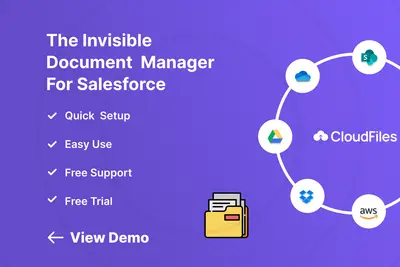
CloudFiles Document Management | Connect SharePoint, AWS S3, Azure, Google Drive
Manage external documents from Salesforce Experience Cloud records.
CloudFilesPaid
Connects Salesforce records to SharePoint for browsing, syncing, uploading, and managing files and folders.
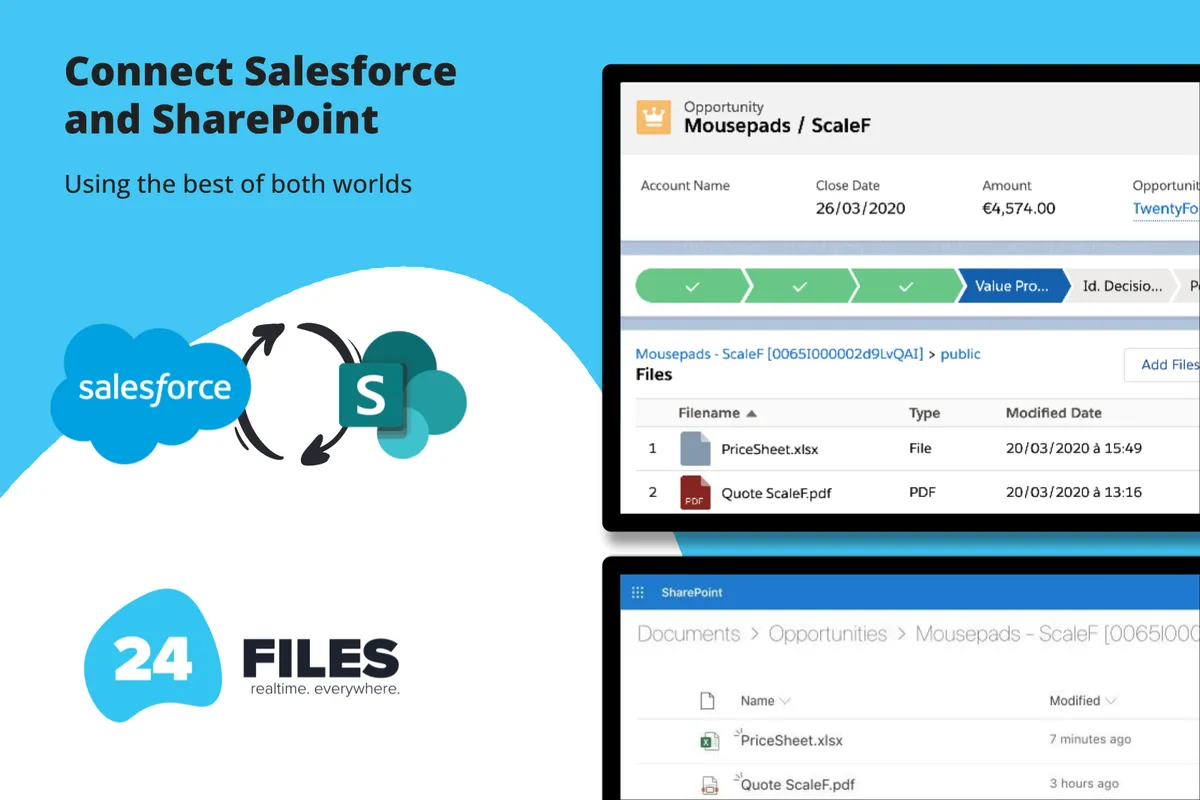
24Files connects Salesforce with SharePoint Online so files and folders can be accessed and managed from Salesforce. It supports bidirectional syncing of files, folders, and metadata, including uploading, downloading, deleting, renaming, moving, previewing, and editing files. Salesforce Flows and Apex can automate folder creation, file uploads, and metadata synchronization. The add-in supports Experience Cloud access for external users without a SharePoint login.
Users can upload, download, delete, rename, move, preview, and edit SharePoint files from Salesforce.
Users can create, rename, move, and delete SharePoint folders from Salesforce.
The add-in synchronizes files, folders, and metadata between Salesforce and SharePoint.
Salesforce Flows and Apex can automate folder creation, file uploads, and metadata synchronization.
Folder structures can use Salesforce object levels, subfolders, and record field values for folder names.
External users can access SharePoint content through Experience Cloud without a SharePoint login.
Salesforce teams and external Experience Cloud users.
24Files supports Salesforce access to SharePoint files and folders, bidirectional synchronization, Salesforce Flows and Apex automation, and record-based folder structures. CloudFiles also provides a Salesforce file browser for SharePoint and integrates with Google Drive, OneDrive, AWS S3, Azure Blob, Box, and Dropbox. Filenize supports browsing and managing SharePoint files and folders from Salesforce and automatically creates and links a folder hierarchy when a record is created.
| Name | Pricing | Deployment | Updated |
|---|---|---|---|
| this plugin | Paid | Cloud | |
| CloudFiles Document Management | Connect SharePoint, AWS S3, Azure, Google Drive | Paid | Cloud | |
| Filenize | Paid | Cloud |
43 plugins in Experience Cloud · Documents and content
Price distribution: 19 free, 3 freemium, 21 paid
Manage external documents from Salesforce Experience Cloud records.
CloudFiles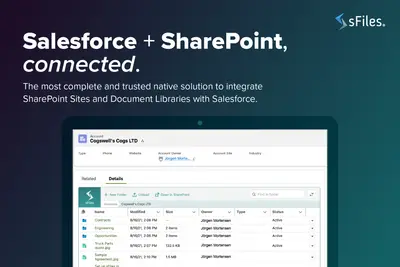
Connects Salesforce Experience Cloud records to SharePoint Online for linked file and folder management.
Upsource Solutions
Manage Salesforce documents through SharePoint, AWS S3, Google Drive, and OneDrive with synchronization and workflow automation.
XfilesPro Labs Pvt Ltd
Manage SharePoint files and folders from within Salesforce Experience Cloud.
Brightfox B.V.«MAIN FEATURES FOR ANY 24FILES SUBSCRIPTION PLAN Use 24Files to seamlessly integrate Salesforce with SharePoint Online. Instantly access, upload, and manage files and folders stored in SharePoint — all from within Salesforce. Enable teams to work efficiently with files in the right context, without switching systems or …»