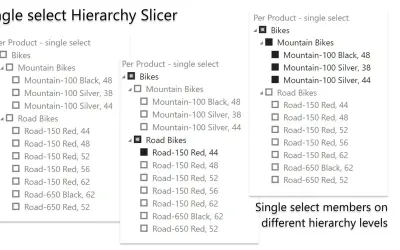
HierarchySlicer
HierarchySlicer is a Power BI visual that filters report items using expandable or collapsible ad-hoc or pre-defined hierarchies.
DataScenariosPaid
Box-based slicer for interactively filtering Power BI reports with customizable colours and text sizes.
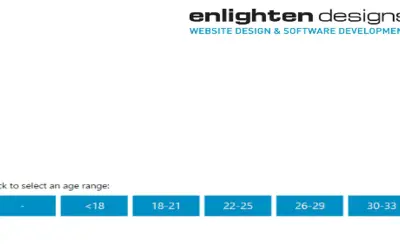
Adds a box-based slicer visualization to Power BI reports. It lets users interactively filter report data. Colour and text sizes can be customized, and filtering can be set to highlight data.
Displays slicer choices as boxes for interactive report filtering.
Allows the visualization colour to be customized.
Allows text sizes in the visualization to be customized.
Filtering can be set to highlight data.
Enlighten Slicer and HierarchySlicer are both paid add-ins deployed in the cloud. Enlighten Slicer was updated on Sep 2025, while HierarchySlicer was updated in Sep 2025.
| Name | Pricing | Deployment | Updated |
|---|---|---|---|
| this plugin | Paid | Cloud | |
| HierarchySlicer | Paid | Cloud |
657 plugins in Power BI · Analytics
Price distribution: 73 free, 108 freemium, 441 paid, 35 price not published
HierarchySlicer is a Power BI visual that filters report items using expandable or collapsible ad-hoc or pre-defined hierarchies.
DataScenarios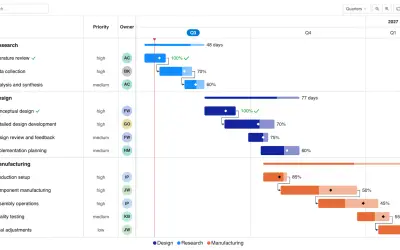
Gantt Chart is a project management visual for Microsoft Power BI that tracks schedules, milestones, and resource workloads.
ChartPad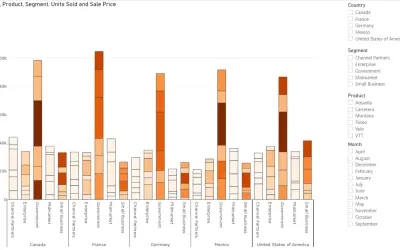
Creates visualizations from diverse chart types, combines multiple charts on one canvas, and adds custom annotations and tooltips.
Akvelon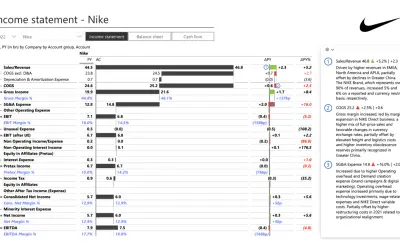
Creates financial and business reports in Power BI with automatic variance calculations, P&L logic, and drill-down (s5, s6).
Zebra BI«A slicer visualization, comprised of boxes, that allows you to interactively filter the report to display your data with impact, simplicity and style using Power BI. The colour and text sizes can be customized and filtering can be set to highlight your data.»