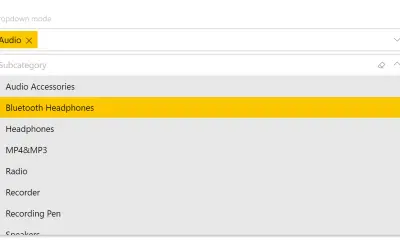
Smart Filter Pro by OKVIZ
Smart Filter Pro by OKVIZ provides multiple filter modes (drop-down, multi-select, search, hierarchy) for Power BI reports.
OKVIZ Corp.Paid
Filter Power BI report items with expandable, multi-select hierarchy slicers.
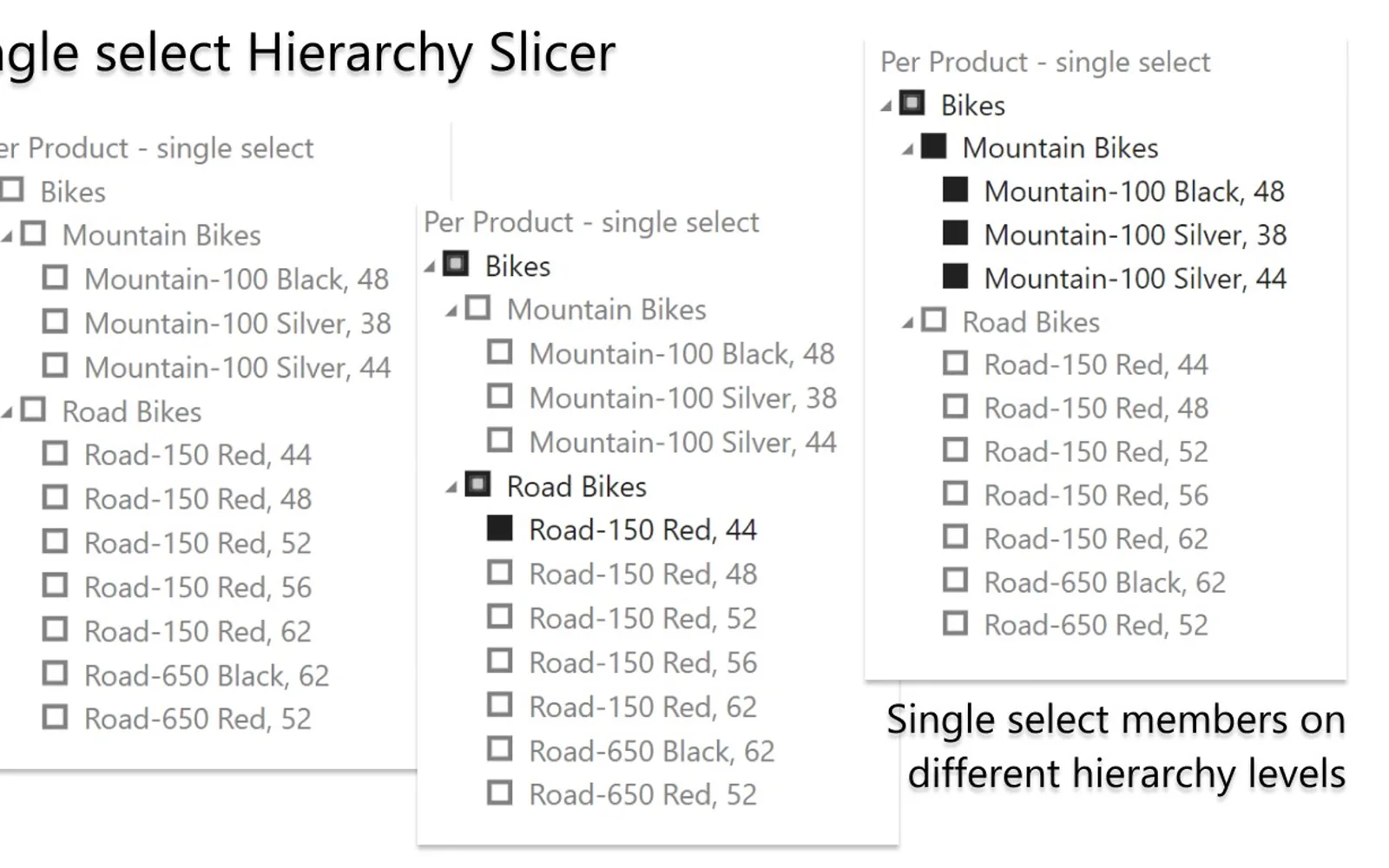
Uses ad hoc or predefined Power BI hierarchies as slicers for filtering other report items. Hierarchy levels can be expanded or collapsed, with single or multiple attribute selection. The visual supports report page tooltips, Ctrl-based selection, leaf-only selection, ragged hierarchies, and high-contrast modes. Visible items are limited to approximately 30,000, and hierarchies using multiple columns as keys are not supported.
Uses ad hoc or predefined Power BI hierarchies to filter other report items.
Allows hierarchy levels to be expanded or collapsed for navigation.
Supports single or multiple attribute selection from the slicer.
Supports report page tooltips.
Provides an option to select only leaf items.
Includes options for ragged hierarchies.
HierarchySlicer is a paid cloud Power BI add-in, while Performance Flow - xViz is freemium and cloud deployed. HierarchySlicer was updated on Sep 2025, while Smart Filter Pro by OKVIZ and Performance Flow - xViz show an update date of Dec 2025. Smart Filter Pro by OKVIZ is also paid and cloud deployed.
| Name | Pricing | Deployment | Updated |
|---|---|---|---|
| this plugin | Paid | Cloud | |
| Performance Flow - xViz | Freemium | Cloud | |
| Smart Filter Pro by OKVIZ | Paid | Cloud |
657 plugins in Power BI · Analytics
Price distribution: 73 free, 108 freemium, 441 paid, 35 price not published
Smart Filter Pro by OKVIZ provides multiple filter modes (drop-down, multi-select, search, hierarchy) for Power BI reports.
OKVIZ Corp.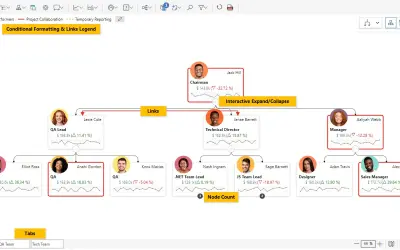
Power BI visual for tracking supply chain, sales, and financial performance with interactive diagrams, alerts, and KPIs.
xViz LLC dba Lumel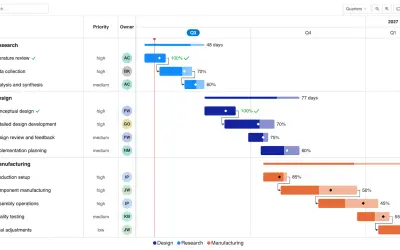
Gantt Chart is a project management visual for Microsoft Power BI that tracks schedules, milestones, and resource workloads.
ChartPad
Creates visualizations from diverse chart types, combines multiple charts on one canvas, and adds custom annotations and tooltips.
Akvelon«Use a Power BI hierarchy - adhoc created with single fields or pre-defined - as a slicer to filter other report items. Each level can be expand or collapsed for optimal navigation thru the hierarchy and to find to select (multi or single) the correct attribute from the slicer. Notes: • Total visible items are limited …»