Sunburst Chart
Displays up to five levels of hierarchical data as proportional segments across concentric rings in Power BI reports.
VisioChartFreemium
Displays hierarchical data in Power BI with two concentric donut charts for categories and subcategories.
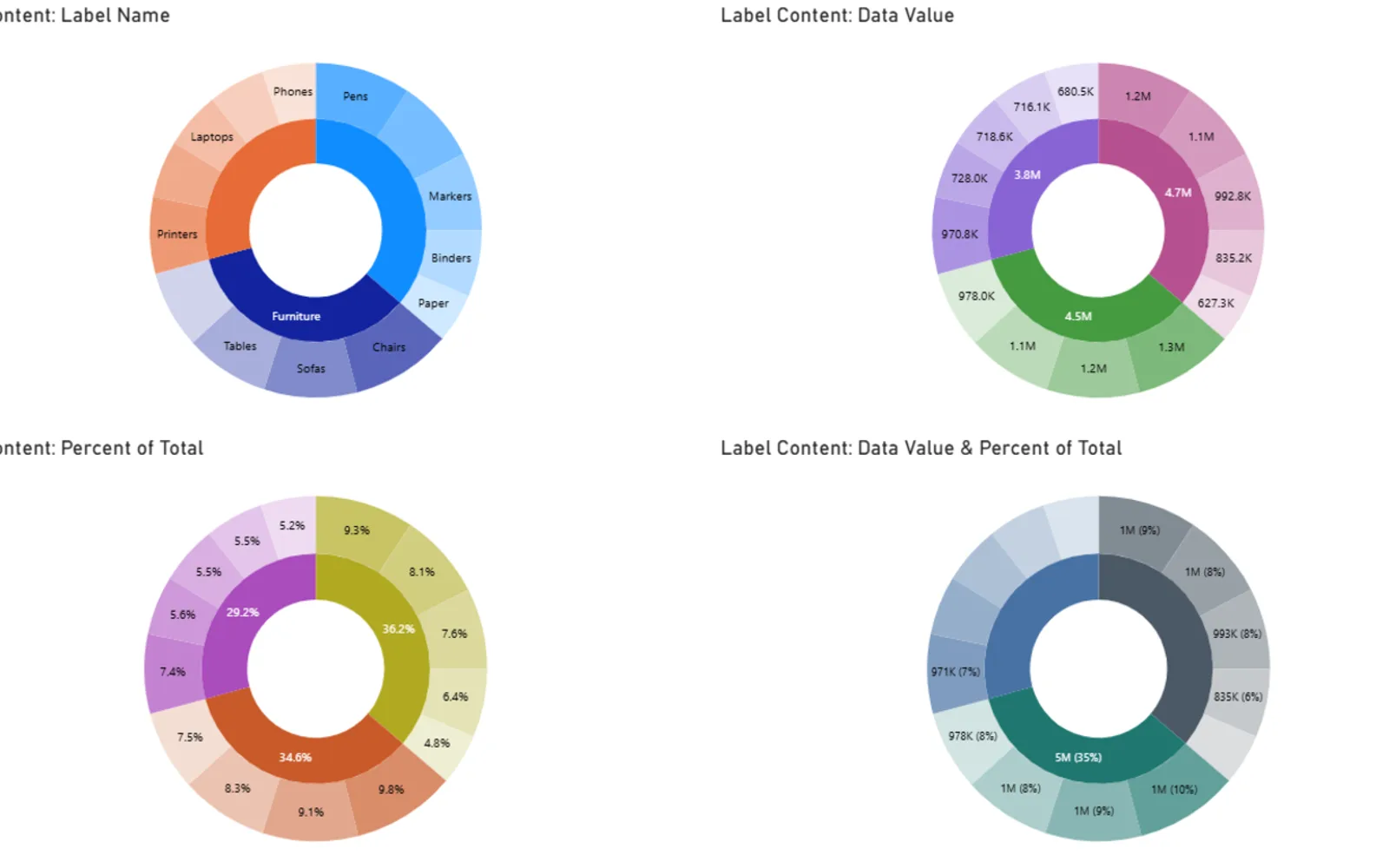
Displays hierarchical data in Power BI using two concentric donut charts. The inner donut shows primary categories, while the outer donut shows their subcategories. It provides color coding, interactive tooltips, and label handling.
Displays hierarchical data with inner and outer donut charts.
Uses the inner donut to represent primary categories.
Uses the outer donut to display subcategories.
Provides interactive tooltips for the chart.
Provides label handling for the visual.
Double Donut Chart is paid and cloud-deployed, while Sunburst Chart is freemium and cloud-deployed. Waffle Chart Maker is free and cloud-deployed. Dual Y-Axis Combo Chart (Standard) is freemium and cloud-deployed. Double Donut Chart was updated on Aug 2026, while the listed alternatives were updated in Dec 2025.
| Name | Pricing | Deployment | Updated |
|---|---|---|---|
| this plugin | Paid | Cloud | |
| Sunburst Chart | Freemium | Cloud | |
| Waffle Chart Maker | Free | Cloud | |
| Dual Y-Axis Combo Chart (Standard) | Freemium | Cloud |
657 plugins in Power BI · Analytics
Price distribution: 73 free, 108 freemium, 441 paid, 35 price not published
Displays up to five levels of hierarchical data as proportional segments across concentric rings in Power BI reports.
VisioChart
Waffle Chart Maker renders grid-based charts from numbers or percentages with sorting and cross-filtering for Microsoft Power BI.
VisioChart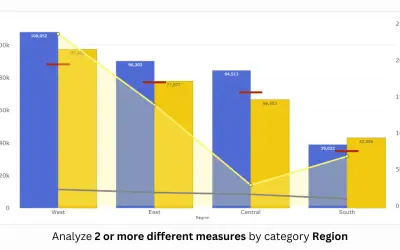
PBIVizEdit custom visual for Power BI that builds dual y-axis charts combining line, area, scatter, and column series.
PBIVizEdit.com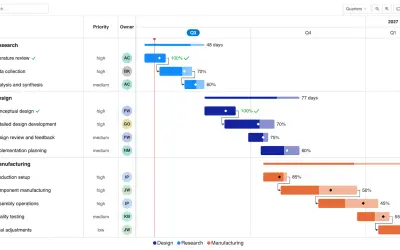
Gantt Chart is a project management visual for Microsoft Power BI that tracks schedules, milestones, and resource workloads.
ChartPad«This Double Donut Chart is a custom Power BI visual designed to display hierarchical data with two concentric donut charts. The inner donut represents primary categories, while the outer donut displays their subcategories. This visual provides intuitive color coding, interactive tooltips, and label handling for …»