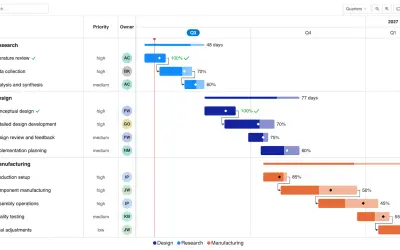
Gantt Chart
Gantt Chart is a project management visual for Microsoft Power BI that tracks schedules, milestones, and resource workloads.
ChartPadFree
Adds in-cell bars to Power BI tables to compare values with benchmarks and highlight the lowest-performing categories.
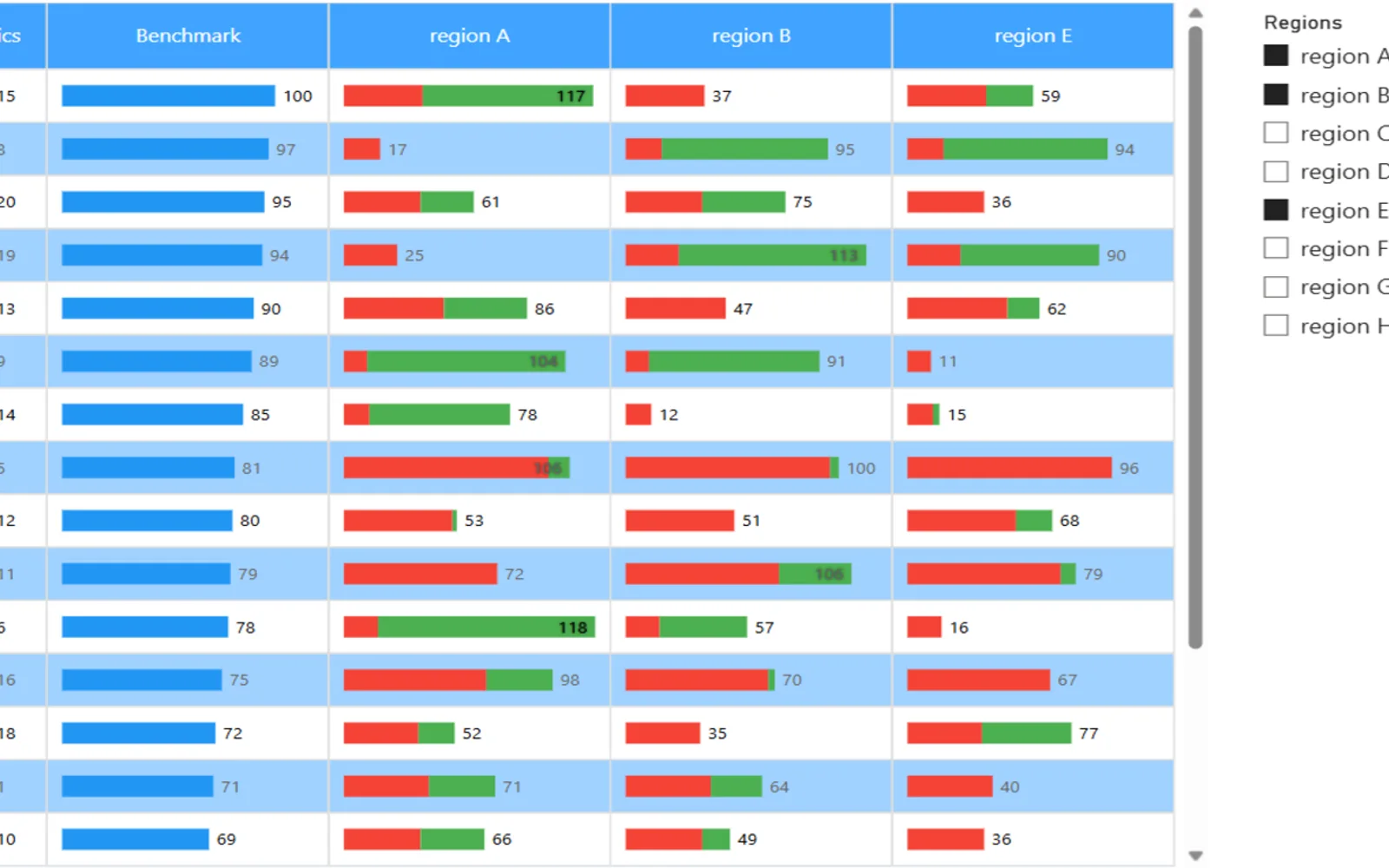
Adds visual bars inside table cells in Power BI. The visual compares actual values with benchmarks and draws attention to the lowest-performing categories. A slicer or visual-level filter selects the categories, with up to three displayed at once.
Displays bars inside table cells.
Highlights gaps between actual values and benchmarks.
Draws attention to the lowest-performing categories.
Uses a slicer or visual-level filter to select categories for comparison.
2,531 plugins in Power BI · Analytics
Price distribution: 125 free, 147 freemium, 1,350 paid, 909 price not published
Gantt Chart is a project management visual for Microsoft Power BI that tracks schedules, milestones, and resource workloads.
ChartPad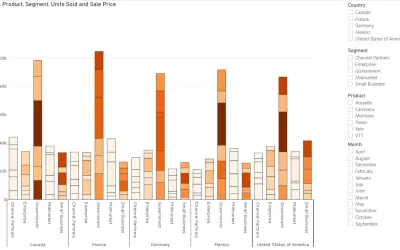
Creates visualizations from diverse chart types, combines multiple charts on one canvas, and adds custom annotations and tooltips.
Akvelon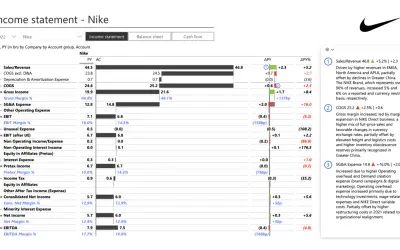
Creates financial and business reports in Power BI with automatic variance calculations, P&L logic, and drill-down (s5, s6).
Zebra BI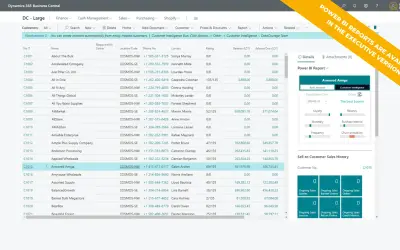
AI analysis app for Dynamics 365 Business Central that provides customer KPIs, churn probability, and customer grouping.
Data Courage«The Comparison Table visual enhances a standard table by embedding in-cell visual indicators (bars) to make comparisons more intuitive. It highlights performance gaps between actual values and benchmarks and draws attention to the lowest-performing categories for quick analysis. Note: Use a slicer or visual-level …»