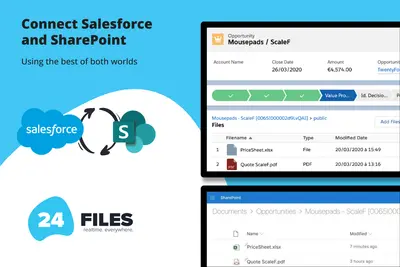
24Files | Connect SharePoint with Salesforce
Connects Salesforce records to SharePoint for browsing, syncing, uploading, and managing files and folders.
24FlowPaid
Add Box files and folders to Salesforce Experience Cloud communities and Lightning tabs.
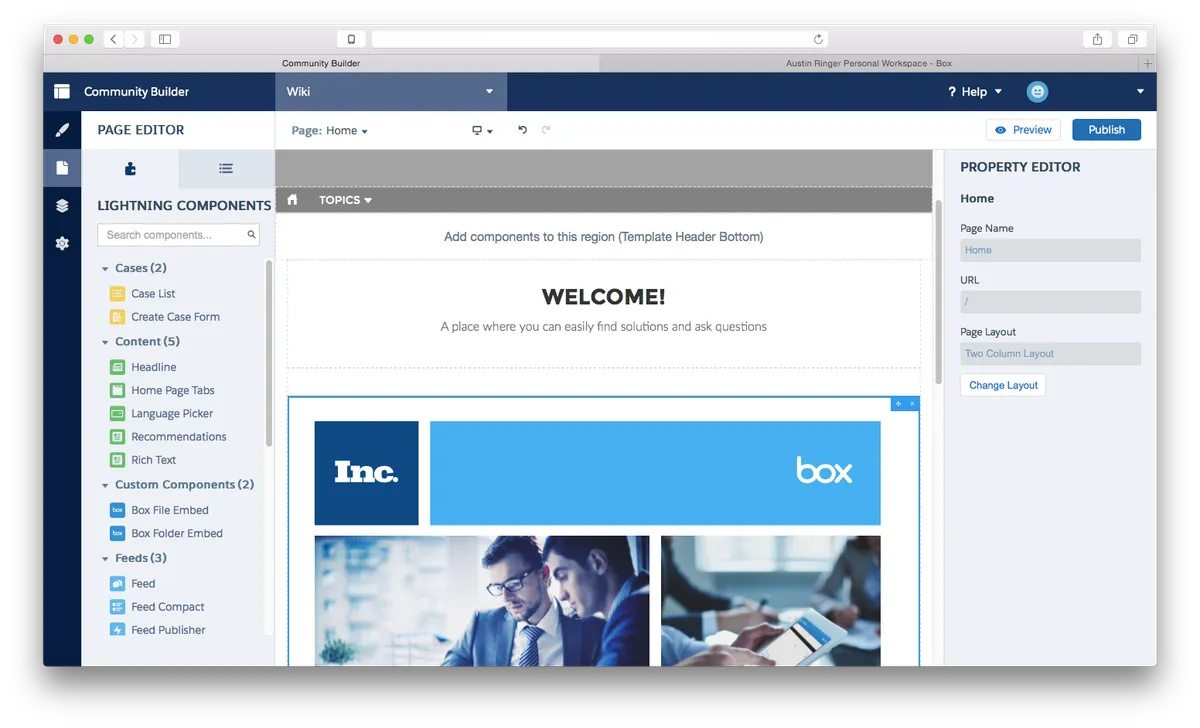
Adds Box file and folder components through Lightning Community Builder, using a shared-link ID to connect content. The components work in Experience Cloud communities and custom Lightning component tabs on desktop Lightning and Salesforce1; the Files component supports mobile and web screen sizes.
Adds a component for Box files to Experience Cloud communities and custom Lightning component tabs.
Adds a component for Box folders to Experience Cloud communities and custom Lightning component tabs.
Connects content by using an ID from a Box shared link.
Linked content retains its Box enterprise security permissions.
Customers, partners, and employees who receive shared content.
24Files connects Salesforce with SharePoint Online and provides access, upload, and management for SharePoint files and folders. CloudFiles provides a file browser inside Salesforce for SharePoint, Google Drive, OneDrive, AWS S3, Azure Blob, Box, and Dropbox. This listing focuses on placing Box file and folder components in Experience Cloud communities and Lightning tabs.
| Name | Pricing | Deployment | Updated |
|---|---|---|---|
| this plugin | Free | Cloud | |
| 24Files | Connect SharePoint with Salesforce | Paid | Cloud | |
| CloudFiles Document Management | Connect SharePoint, AWS S3, Azure, Google Drive | Paid | Cloud |
43 plugins in Experience Cloud · Documents and content
Price distribution: 19 free, 3 freemium, 21 paid
Connects Salesforce records to SharePoint for browsing, syncing, uploading, and managing files and folders.
24Flow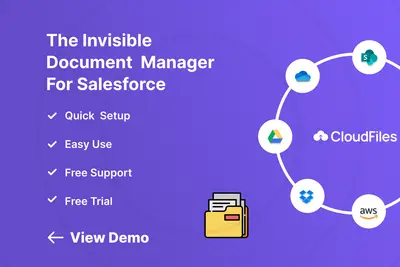
Manage external documents from Salesforce Experience Cloud records.
CloudFilesTranslates and localizes Salesforce Experience Cloud sites, portals, CMS material, and other digital experiences.
Venizum Marketing Technology AB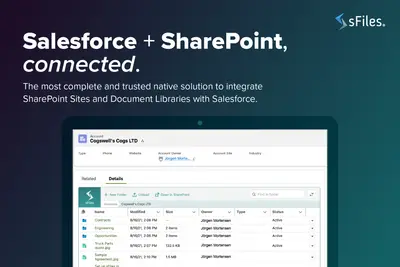
Connects Salesforce Experience Cloud records to SharePoint Online for linked file and folder management.
Upsource Solutions«Simply drag and drop the component in Lightning Community Builder and paste a shared link ID from Box. The newly linked content will respect Box's enterprise-grade security permissions. The Component Pack works in Salesforce Community Cloud and Custom Lightning Component Tabs (both desktop Lightning and Salesforce1) …»