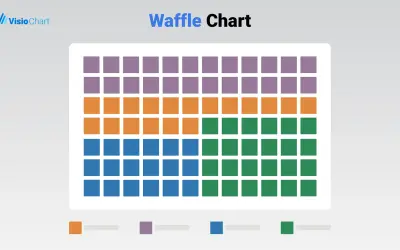
Waffle Chart Maker
Waffle Chart Maker renders grid-based charts from numbers or percentages with sorting and cross-filtering for Microsoft Power BI.
VisioChartFree
Show percentages or scaled values as customizable icon grids in Power BI.
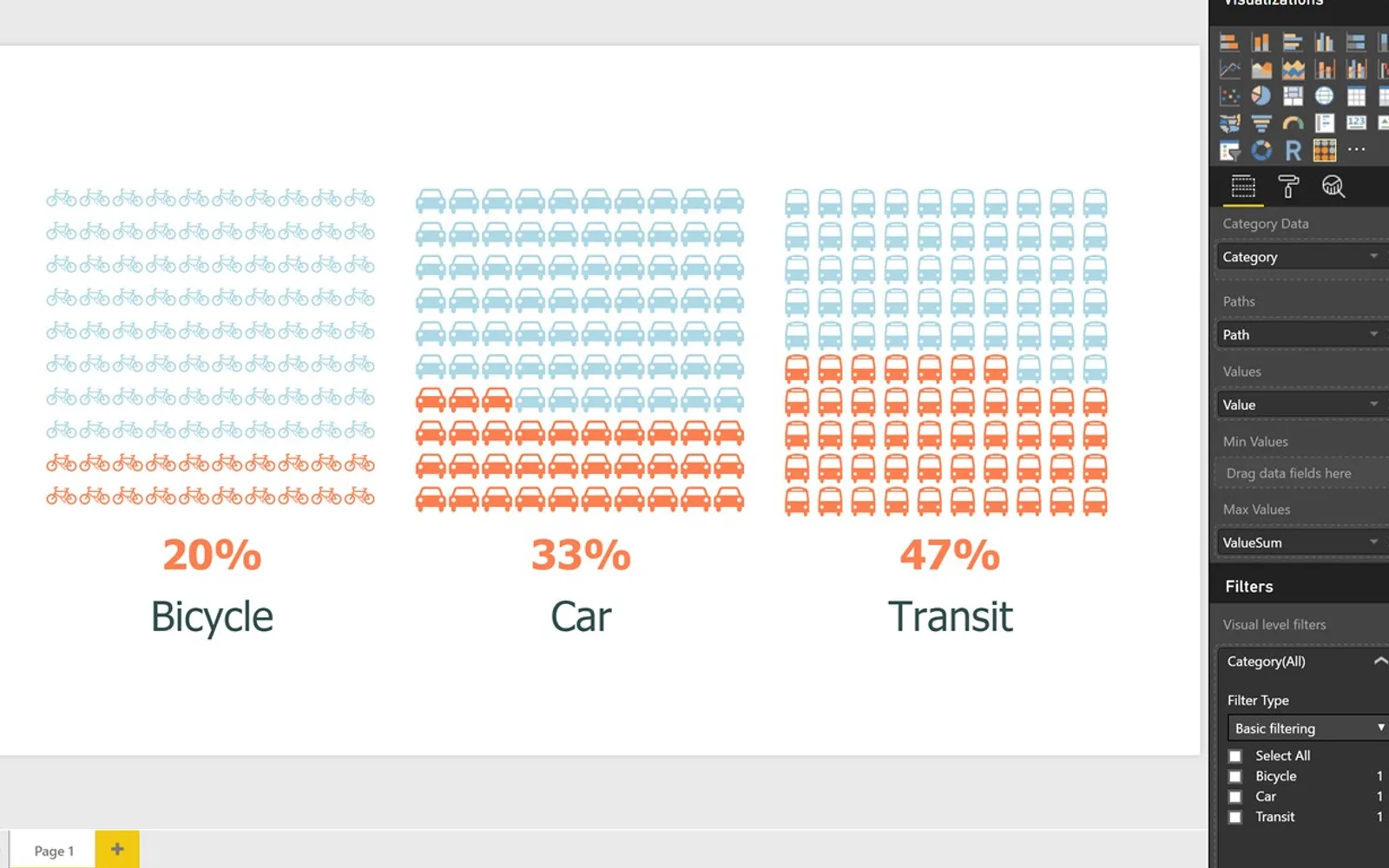
Renders values as highlighted cells in a 10-by-10 grid, with the default circle replaceable by an SVG path. Multiple charts can appear together in a matrix for comparing datasets, with configurable icon colors. Values above 100 are scaled against the highest value unless a maximum is supplied, while negative ranges can use a defined minimum.
Maps percentage values to highlighted positions in a 10-by-10 cell layout.
Replaces the default circle with an SVG path.
Places multiple charts in a matrix that responds to the available window size.
Provides control over the colors used for chart icons.
Uses optional maximum and minimum roles to calculate percentages from raw values.
Makes the chart dataset available for querying through Power BI.
Waffle Chart is paid and cloud-deployed, while Waffle Chart Maker is free and cloud-deployed with an update date of Dec 2025. hi-chart Reporting Studio and Bullet Chart - xViz are freemium and cloud-deployed, with update dates of Dec 2025. Progress Icon is paid and cloud-deployed, with an update date of May 2026, while Lollipop Column Chart is freemium and cloud-deployed, with an update date of Aug 2026.
| Name | Pricing | Deployment | Updated |
|---|---|---|---|
| this plugin | Paid | Cloud | |
| Waffle Chart Maker | Free | Cloud | |
| hi-chart Reporting Studio | Freemium | Cloud | |
| Bullet Chart - xViz | Freemium | Cloud | |
| Progress Icon | Paid | Cloud | |
| Lollipop Column Chart | Freemium | Cloud |
657 plugins in Power BI · Analytics
Price distribution: 73 free, 108 freemium, 441 paid, 35 price not published
Waffle Chart Maker renders grid-based charts from numbers or percentages with sorting and cross-filtering for Microsoft Power BI.
VisioChart
Creates charts, tables and waterfalls in Power BI with a built-in notation concept and automatic variance calculation.
CP Corporate Planning GmbH
Power BI custom visual that fills an SVG icon to show KPI progress toward a target instead of a plain number on a card.
NeenOpal Inc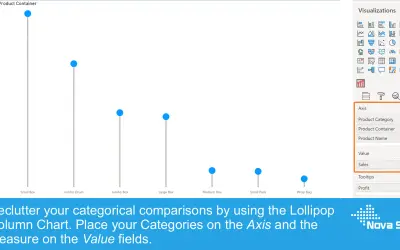
Lollipop Column Chart displays a marker and line per category as an alternative to standard column charts in Power BI.
Nova Silva«The Waffle Chart is an attractive 10x10 grid in which each cell represents one percentage point. So, a block of 43 highlighted cells represents 43%. The default icon is a circle, but this can be customized using SVG paths (to convert an .svg file go to http://kiewic.com/paths ). Data sets with multiple values can be …»