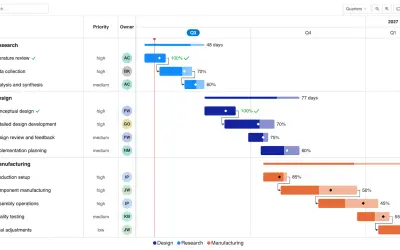
Gantt Chart
Gantt Chart is a project management visual for Microsoft Power BI that tracks schedules, milestones, and resource workloads.
ChartPadFree
Create violin plots in Power BI with optional box, barcode, or column combo plots.
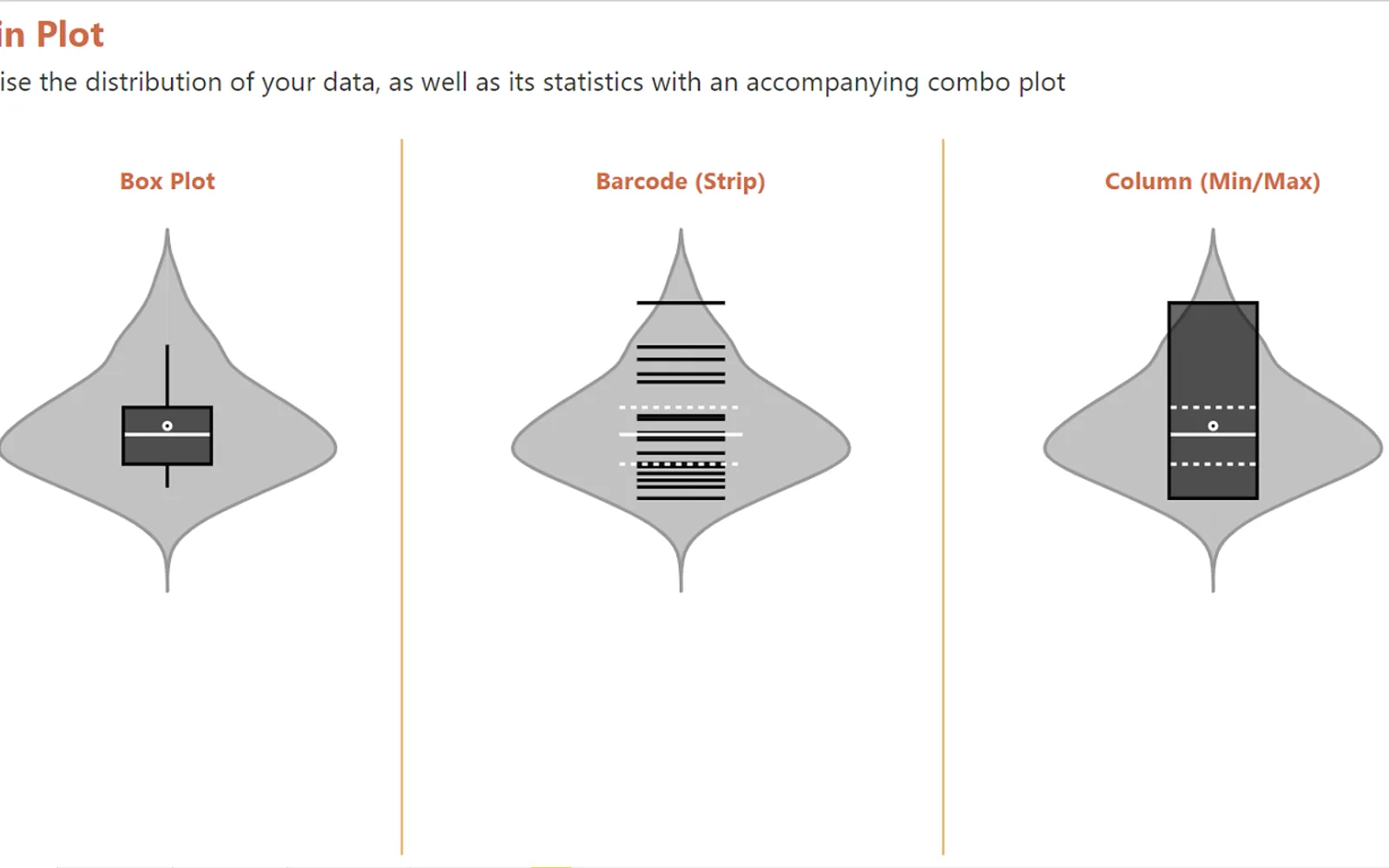
This visual creates violin plots in Power BI. It can combine a violin plot with a box, barcode, or column plot. Data can be split and colored by category, with four kernel options and configurable sampling resolution. KDE bandwidth can be estimated or set manually, including separately by category.
Splits and colors plots by category.
Provides four kernel choices.
Allows the sampling resolution to be configured.
Supports estimated or manual KDE bandwidth, including settings by category.
Adds a box, barcode, or column plot to the violin plot.
Provides y-axis start and end values and an option to clamp the plot to minimum and maximum values.
2,531 plugins in Power BI · Analytics
Price distribution: 125 free, 147 freemium, 1,350 paid, 909 price not published
Gantt Chart is a project management visual for Microsoft Power BI that tracks schedules, milestones, and resource workloads.
ChartPad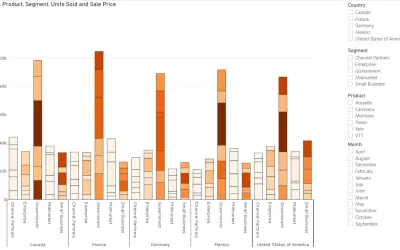
Creates visualizations from diverse chart types, combines multiple charts on one canvas, and adds custom annotations and tooltips.
Akvelon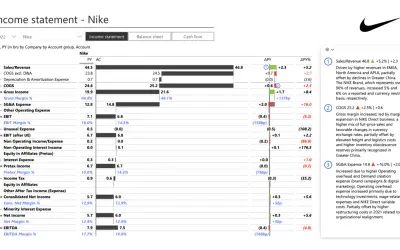
Creates financial and business reports in Power BI with automatic variance calculations, P&L logic, and drill-down (s5, s6).
Zebra BI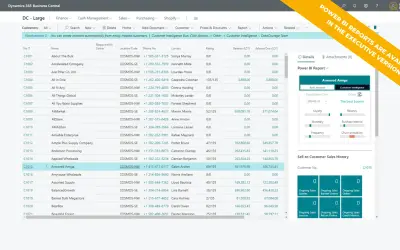
AI analysis app for Dynamics 365 Business Central that provides customer KPIs, churn probability, and customer grouping.
Data Courage«A violin plot is a visual that traditionally combines a box plot and a kernel density plot. A box plot lets you see basic distribution information about your data, such as median, mean, range and quartiles but doesn't show you how your data looks throughout its range. If you have a multimodal distribution (multiple …»