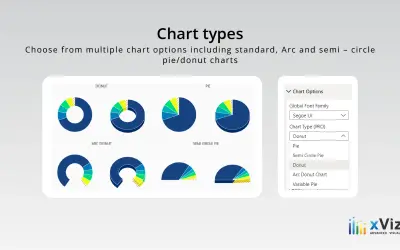
Advanced Pie and Donut - xViz
An xViz pie and donut chart for Power BI that compares parameters and displays each part's proportion of the whole.
xViz LLC dba LumelFreemium
Create stacked clustered charts in Power BI to compare category contributions and drill into multiple data levels.
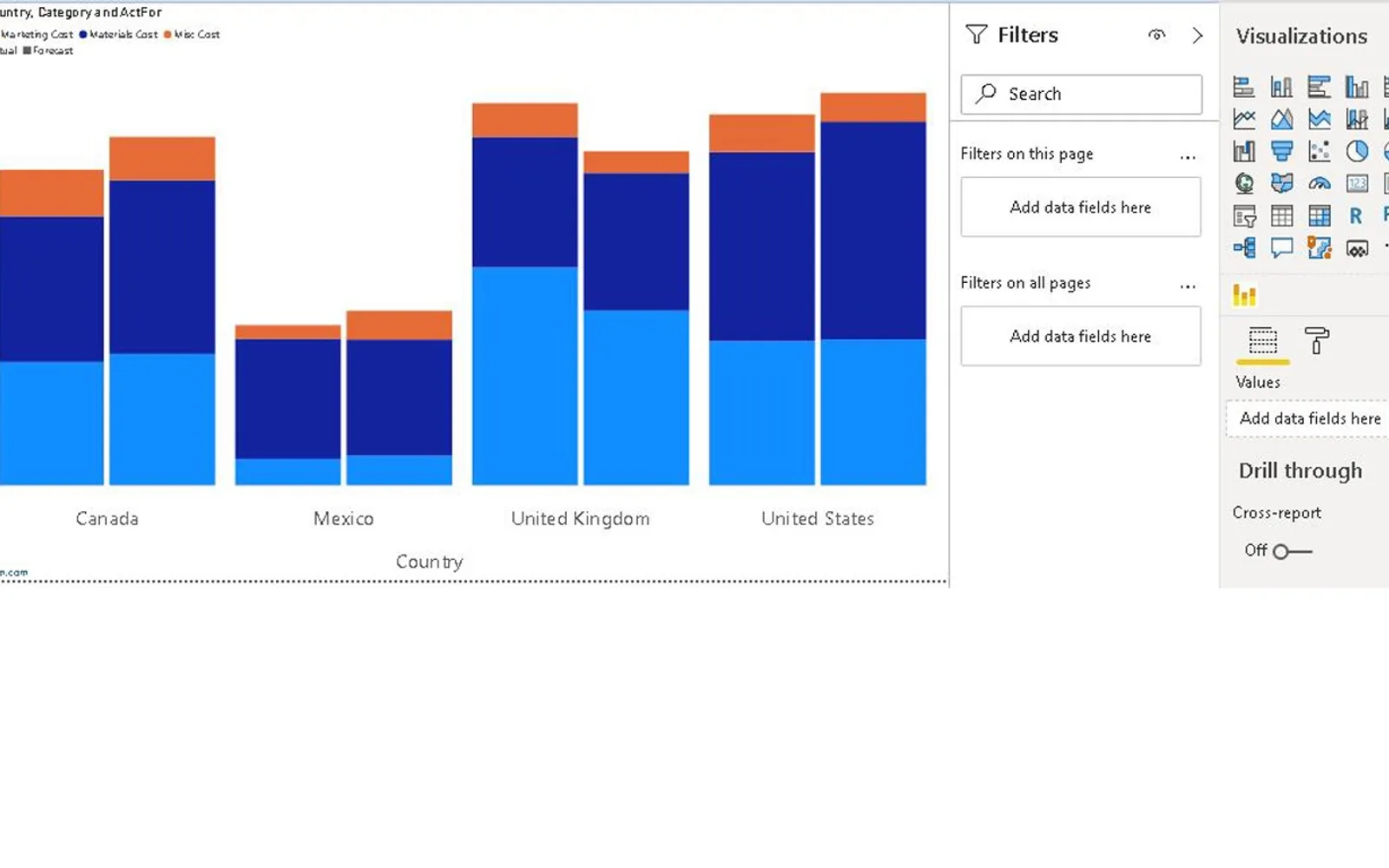
The visual displays contributions of parts of a whole across categories using three category variables and one numerical variable. It supports drill-down across levels, data labels including totals, and cross-filters. The listing states that it can compare values across multiple categories and inspect trends. It also states that the chart has no watermark.
Clicking a cluster opens the next level of data.
Labels can be plotted on the bar chart, including total values.
The visual supports cross-filtering.
The chart uses three category variables with one numerical variable for comparison and analysis.
This listing is freemium, while 100% Clustered Stacked Bar Chart (Standard) is paid; both use cloud deployment. The listing was updated on Dec 2025, while Advanced Pie and Donut - xViz and Innofalls Charts show Dec 2025 updates. Drill Down Combo Bar PRO (Filter) by ZoomCharts shows a Aug 2026 update, and Dual Y-Axis Combo Chart (Pro) for Power BI shows a Feb 2026 update; both are freemium and cloud-deployed.
| Name | Pricing | Deployment | Updated |
|---|---|---|---|
| this plugin | Freemium | Cloud | |
| 100% Clustered Stacked Bar Chart (Standard) | Not in catalog | ||
| Advanced Pie and Donut - xViz | Freemium | Cloud | |
| Innofalls Charts | Freemium | Cloud | |
| Drill Down Combo Bar PRO (Filter) by ZoomCharts | Freemium | Cloud | |
| Dual Y-Axis Combo Chart (Pro) for Power BI | Freemium | Cloud | |
657 plugins in Power BI · Analytics
Price distribution: 73 free, 108 freemium, 441 paid, 35 price not published
An xViz pie and donut chart for Power BI that compares parameters and displays each part's proportion of the whole.
xViz LLC dba Lumel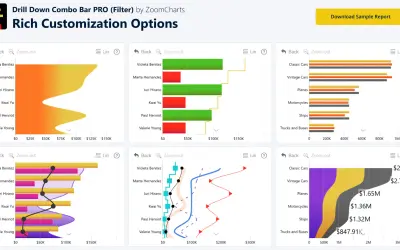
Sign up for a Free Developer License and get 1 year access to this and 20+ ZoomCharts visuals for use in Power BI Desktop!
ZoomCharts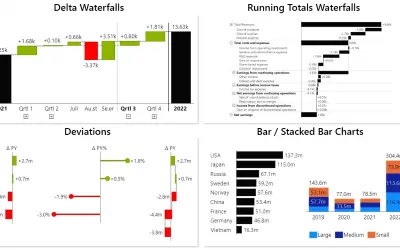
Power BI visual for building waterfall and bar charts through interactive navigation, drill downs, and dynamic comparisons.
Innofalls GmbH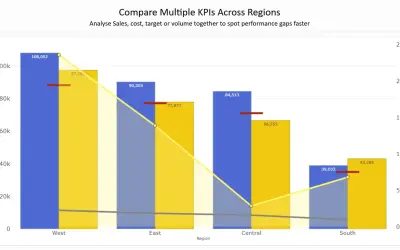
Combines column, line, area, and scatter charts on dual Y-axes to compare up to 8 metrics in a single Power BI visual.
PBIVizEdit.com«The stacked clustered chart is a great way to display contributions of parts of a whole effortlessly and depicting data values better and smarter, visually. For example, how much each categorical variable contributed to the revenue for a particular period. Stacked clustered charts allow you to comprehend data while …»