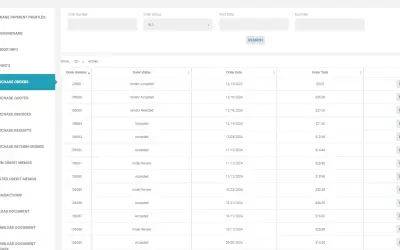
DeS Vendor Portal for Dynamics 365 Business Central
Provides vendors and suppliers with controlled access to Business Central transactions, documents, and Procure-to-Pay processes.
Dynamics eShop Inc.Paid
Maps relationships among Dynamics 365 CRM accounts, contacts, opportunities, and custom entities through interactive visual views.
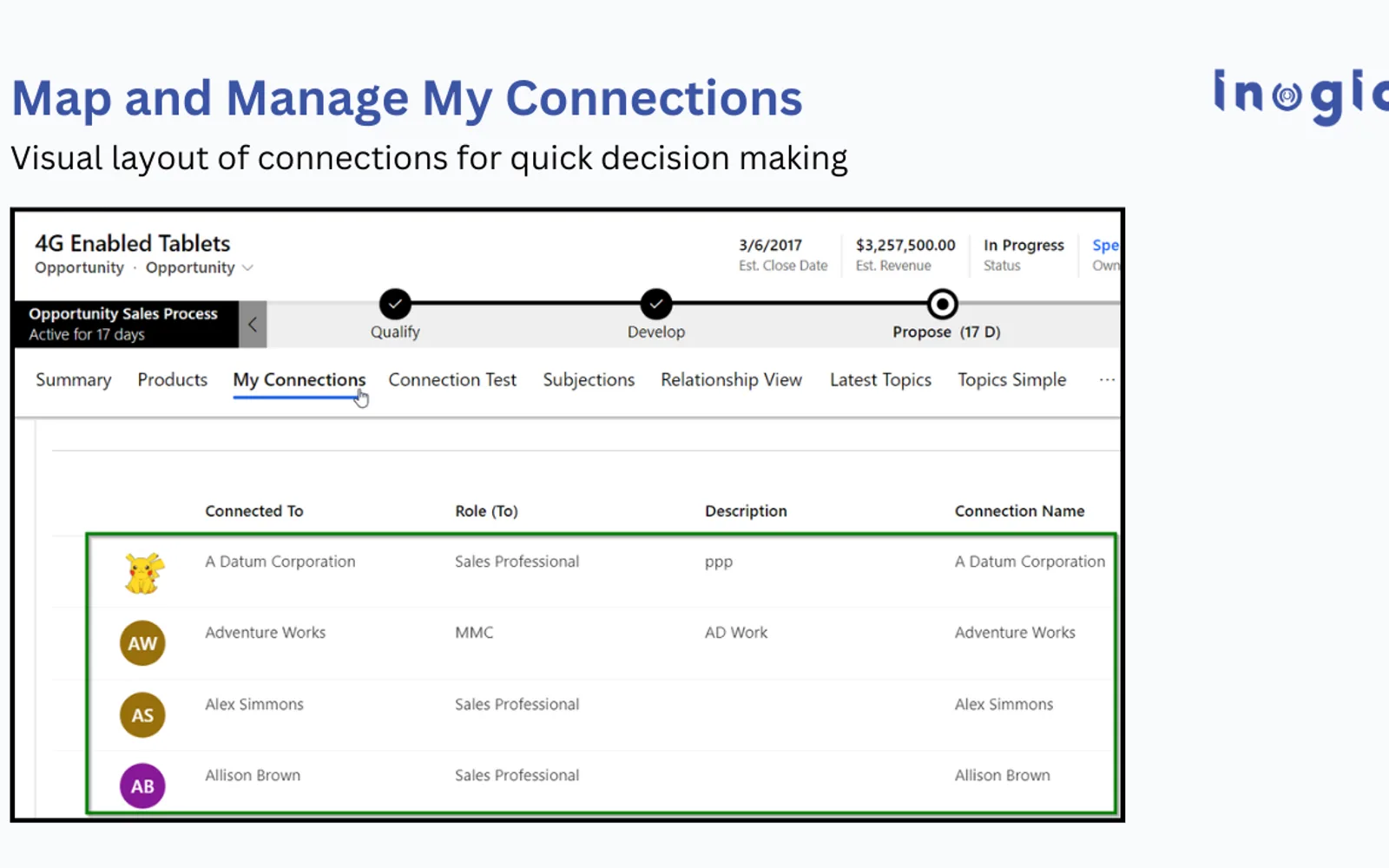
Map My Relationships displays connections among Dynamics 365 CRM records in an interactive visual workspace. It offers mind map, tree, and hierarchy layouts for examining parent-child structures and connected entities. Visual nodes support record updates, activity creation, entity associations, and Power Automate flow triggers. The listing also describes filtering, grouping, aggregation, labels, images, color coding, and map export.
Shows accounts, contacts, opportunities, and custom entities together in a visual relationship view.
Lets records be expanded through multiple levels of parent-child and influence relationships.
Includes mind map, tree, and hierarchy presentations for connected CRM data.
Supports activity creation, record changes, entity links, and Power Automate flow triggers from map nodes.
Provides grouping plus sum and count calculations without requiring rollup fields.
Supports filters, role and connection colors, labels, and record images.
Exports relationship maps as images for reports, presentations, and planning discussions.
The listing names healthcare teams, financial firms, sales teams, and service functions.
Map My Relationships and Customer Portal for Dynamics 365 Business Central, DeS Vendor Portal for Dynamics 365 Business Central, TrinDocs for Microsoft Dynamics 365, Data Quality App for Public Sector, and Data8 Data Integrity™ - Data Quality Solution are all paid and cloud-deployed. The alternatives have update dates ranging from Nov 2024 to Aug 2026, while Map My Relationships is listed as updated on Aug 2026.
| Name | Pricing | Deployment | Updated |
|---|---|---|---|
| this plugin | Paid | Cloud | |
| Customer Portal for Dynamics 365 Business Central | Not in catalog | ||
| DeS Vendor Portal for Dynamics 365 Business Central | Paid | Cloud | |
| TrinDocs for Microsoft Dynamics 365 | Paid | Cloud | |
| Data Quality App for Public Sector | Paid | Cloud | |
| Data8 Data Integrity™ - Data Quality Solution | Paid | Cloud | |
184 plugins in Power Automate · Data Management
Price distribution: 2 free, 3 freemium, 121 paid, 58 price not published
Provides vendors and suppliers with controlled access to Business Central transactions, documents, and Procure-to-Pay processes.
Dynamics eShop Inc.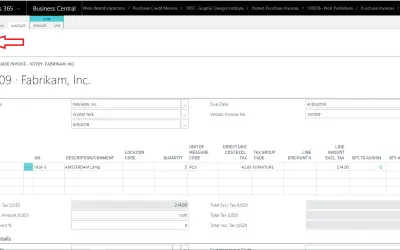
Retrieves documents stored in TrinDocs directly within Microsoft Dynamics 365 Business Central using a page action.
TrinSoft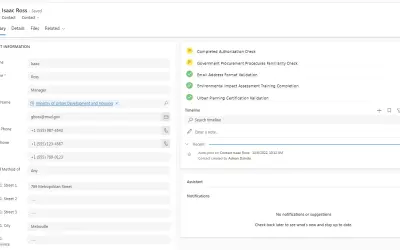
Detects and prevents duplicate records and enforces customizable data quality rules across Dynamics 365 and Power Apps entities.
Techdio ApS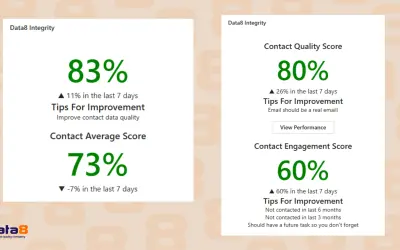
This Dynamics 365-native tool scores Dataverse records against custom rules and suggests fixes for poor-quality data.
Data8«Visualize CRM Relationships with Mind Map & Hierarchy Control in Dynamics 365 Map My Relationships transforms how you explore relationships in Dynamics 365 CRM, turning complex CRM data into clear, actionable relationship intelligence. Instead of navigating multiple forms and subgrids, instantly visualize connections …»