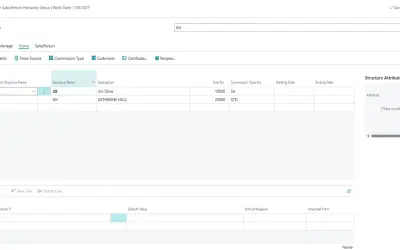
AL Commissions
Automates rules-based commission accruals and settlements with full auditability in Microsoft Dynamics 365 Business Central.
ApplibraPaid
Automates multi-step workflows inside Business Central with task sequencing, assignments, tracking, reminders, and escalations.
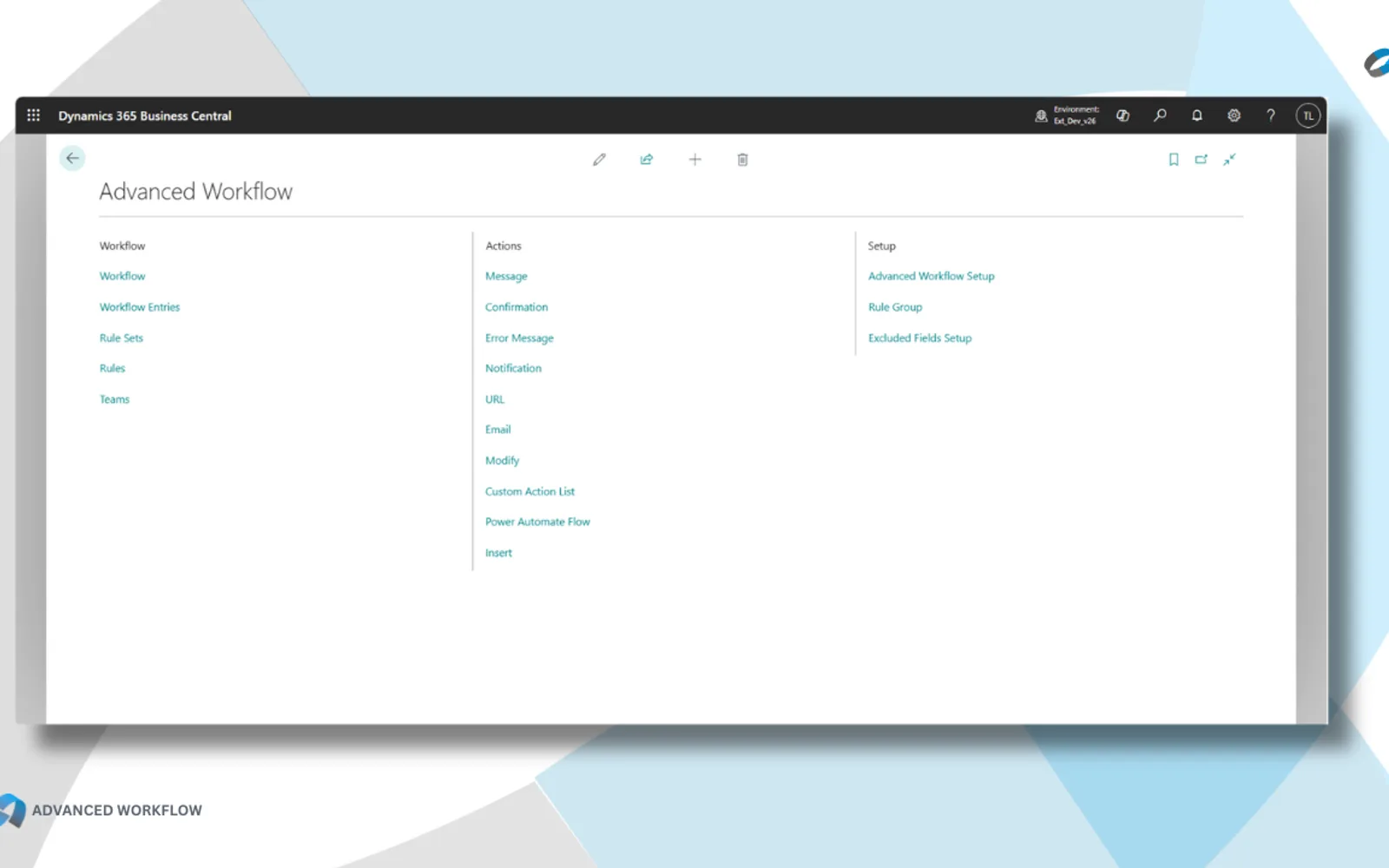
Configures multi-step Business Central workflows with sequential, parallel, conditional, or dependent tasks. Tasks can be assigned to users, teams, or roles, with status, completion percentage, due dates, and assigned users available for tracking. Escalation rules and reminders can be configured for workflow templates. The add-in also records task assignments, dates, notes, and validation results.
Defines workflows with sequential, parallel, conditional, or dependent tasks.
Assigns tasks to users, teams, or roles.
Shows workflow status, current tasks, assigned users, and completion percentages.
Configures reminders before due dates and manager escalation for overdue tasks.
Provides task validation with actions including errors, messages, confirmations, notifications, emails, assignments, URLs, custom actions, Power Automate, and record insertion.
Logs task assignments, due dates, completion dates, completers, notes, and validation results.
Works with standard Business Central tables, ISV extensions, custom tables, and custom fields.
Business analysts can configure workflows using the Business Central interface without IT specialists.
0-Code Advanced Workflow is free, while AL Commissions and SyncMyOrders are paid and Approveit has an unknown pricing type. All four listings use cloud deployment. This listing was updated in Jul 2026, compared with AL Commissions in Apr 2026, Approveit in Jul 2025, and SyncMyOrders in Dec 2025.
| Name | Pricing | Deployment | Updated |
|---|---|---|---|
| this plugin | Free | Cloud | |
| AL Commissions | Paid | Cloud | |
| SyncMyOrders | Paid | Cloud | |
| Approveit | Price not published | Cloud |
124 plugins in Power Automate · Automation
Price distribution: 6 free, 5 freemium, 73 paid, 40 price not published
Automates rules-based commission accruals and settlements with full auditability in Microsoft Dynamics 365 Business Central.
Applibra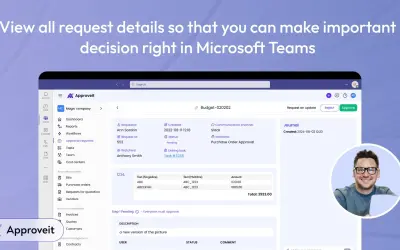
Approveit automates bills, invoices, purchase orders, and departmental approval workflows directly within Microsoft Teams.
Approveit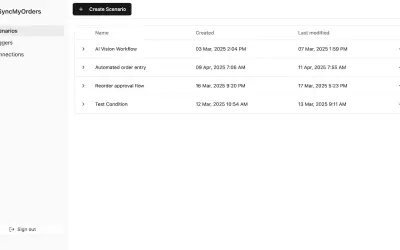
SyncMyOrders automates order management, inventory updates, shipments, and invoicing for Microsoft Dynamics 365 Business Central.
AgileVision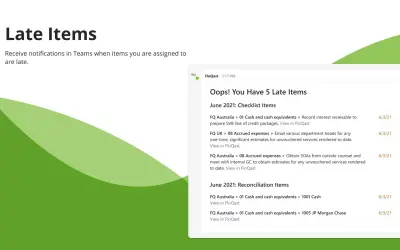
The FloQast app for Microsoft Teams lets accounting teams access data, receive updates, and post information within Teams.
FloQast«Multi-Step Process Automation for Business Central Stop manual process coordination through email chains and spreadsheets. 0-Code Advanced Work Flow for Business Central orchestrates multi-step business processes automatically—task sequencing, team coordination, progress tracking, escalation management, and …»