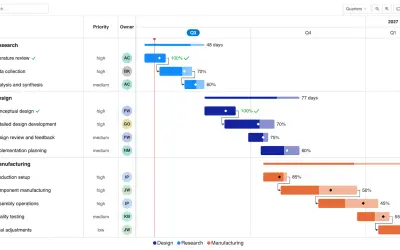
Gantt Chart
Gantt Chart is a project management visual for Microsoft Power BI that tracks schedules, milestones, and resource workloads.
ChartPadFree
Filter Power BI visuals using pasted keyword lists from external sources.
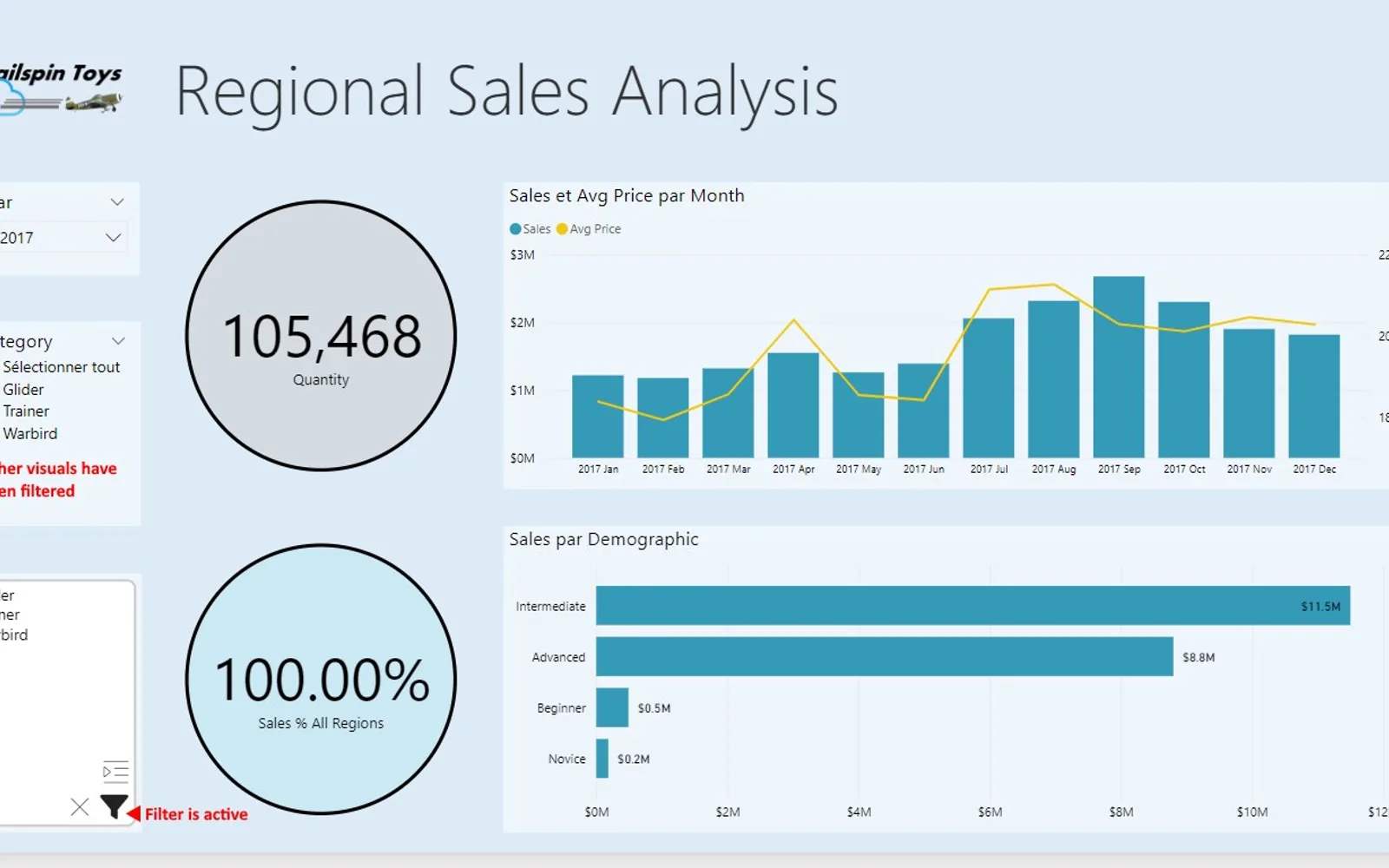
Mass Filter adds a visual to Power BI reports for filtering other visuals by column or measure values. Users can paste keyword lists from Excel, CSV files, or plain text into the input box. Filter buttons apply all listed values at once, with options for inclusive or exclusive filtering.
Filters other Power BI visuals using a list of keywords against a column or measure.
Accepts keyword lists pasted from Excel, CSV files, or plain text files.
Provides an In option to include values matching the keyword list.
Provides a NotIn option to exclude values matching the keyword list.
1,008 plugins in Power BI · Analytics
Price distribution: 75 free, 112 freemium, 520 paid, 301 price not published
Gantt Chart is a project management visual for Microsoft Power BI that tracks schedules, milestones, and resource workloads.
ChartPad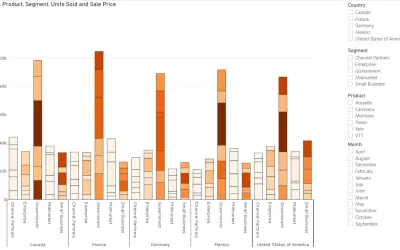
Creates visualizations from diverse chart types, combines multiple charts on one canvas, and adds custom annotations and tooltips.
Akvelon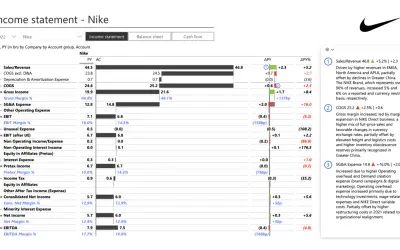
Creates financial and business reports in Power BI with automatic variance calculations, P&L logic, and drill-down (s5, s6).
Zebra BI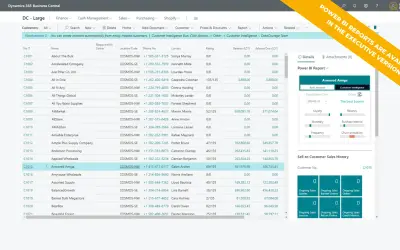
AI analysis app for Dynamics 365 Business Central that provides customer KPIs, churn probability, and customer grouping.
Data Courage«Use the Mass Filter visual in your Power BI reports to let users filter other visuals on one of your columns/measures with a list of keywords. The advantage of the Mass Filter is that your users can copy a list of keywords from any external source (Excel, CSV, plain text file...), and paste it in the input box. When …»