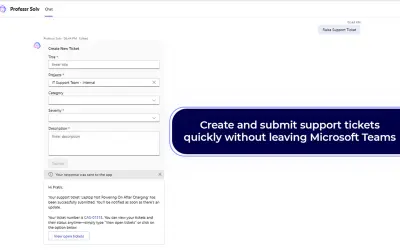
Professr Solv
Professr Solv lets support teams raise, track, and manage tickets in Microsoft Teams without switching platforms.
IntelegainPrice not published
Connects Microsoft Teams with Jira Service Management for support requests, agent responses, conversation sync, and service desk monitoring.
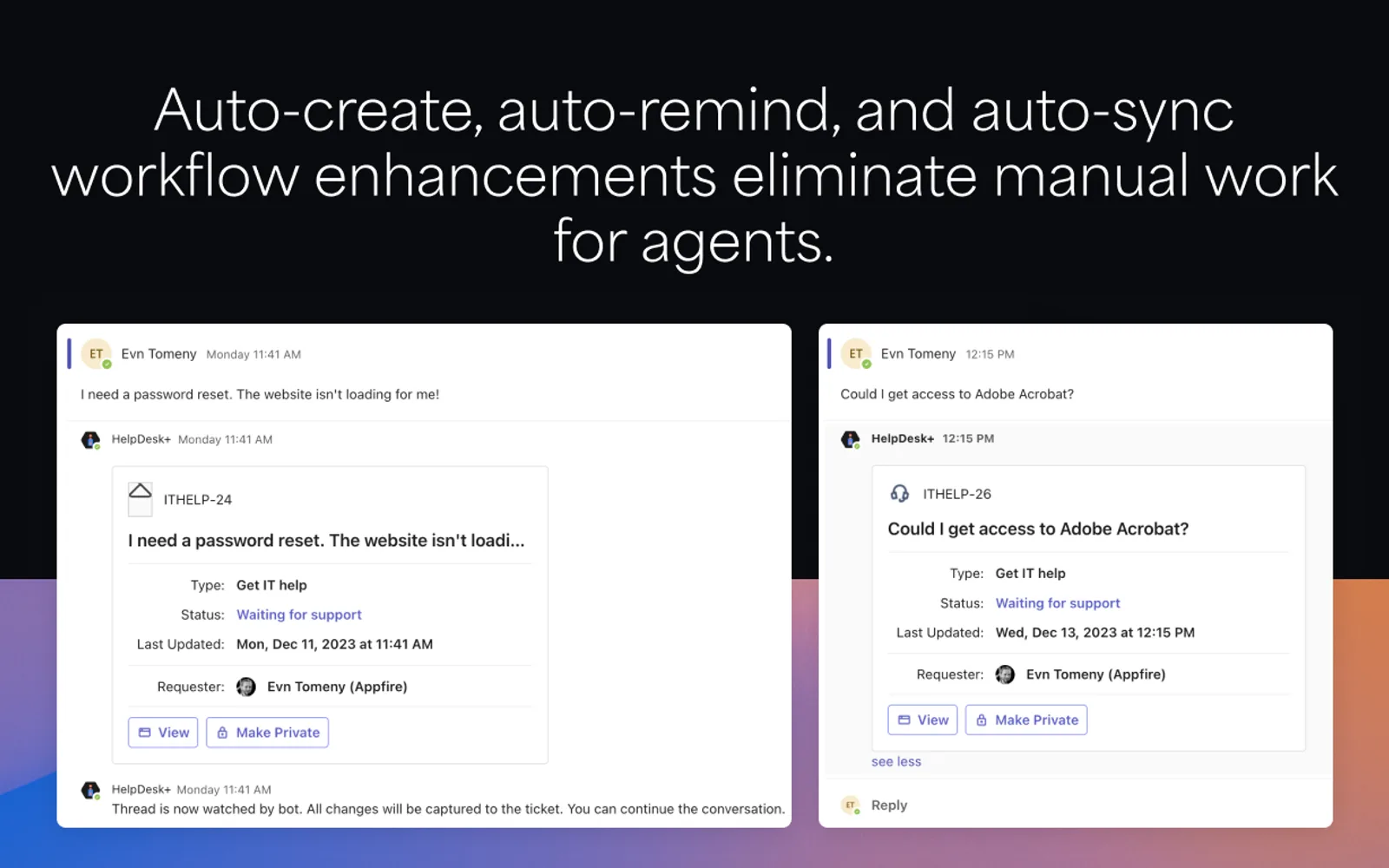
HelpDesk+ connects Microsoft Teams with Jira Service Management. Customers can submit requests in Teams, and agents can manage and respond to them there. The add-in syncs conversations in both directions, supports request creation from direct messages, and displays service desk queues and progress in Teams.
Customers can submit support requests directly in Microsoft Teams.
Agents can manage and respond to requests from the Teams interface.
Two-way synchronization keeps conversations connected between Teams and Jira Service Management.
Agents can create requests from direct messages.
Service desk queues and request progress can be viewed in Teams.
Settings include auto-create, auto-respond, and smart search functions.
Support teams, service desk agents, customers, and teams working together on service requests.
67 plugins in Microsoft Teams · Customer Service
Price distribution: 1 free, 3 freemium, 26 paid, 37 price not published
Professr Solv lets support teams raise, track, and manage tickets in Microsoft Teams without switching platforms.
Intelegain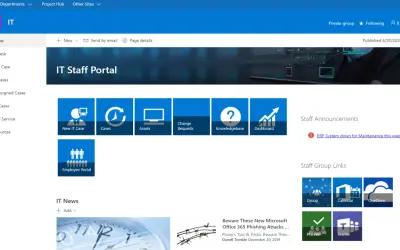
A no-code SharePoint app that centralizes IT ticket tracking, routing, and reporting within Microsoft 365 environments.
SP Marketplace
Jitbit Helpdesk is a SaaS ticketing system for managing customer support and internal IT operations across organizations.
Jitbit Baltic SIA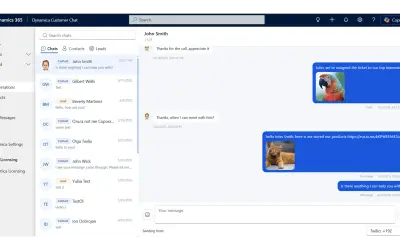
Unified SMS and messaging inbox that lets sales and customer service teams engage customers from within Dynamics 365.
Dynamica Labs«HelpDesk+ is a powerful integration between Microsoft Teams and Jira Service Management (JSM) that bridges the gap between your internal tools and your customer communication platform. Here's how HelpDesk+ benefits your team: • Effortless Support Requests: Customers can easily submit requests directly in Teams …»