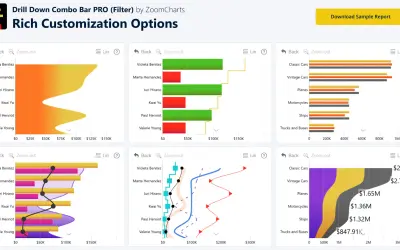
Drill Down Combo Bar PRO (Filter) by ZoomCharts
Sign up for a Free Developer License and get 1 year access to this and 20+ ZoomCharts visuals for use in Power BI Desktop!
ZoomChartsFreemium
Compare grouped data series and percentage segments in Power BI column charts.
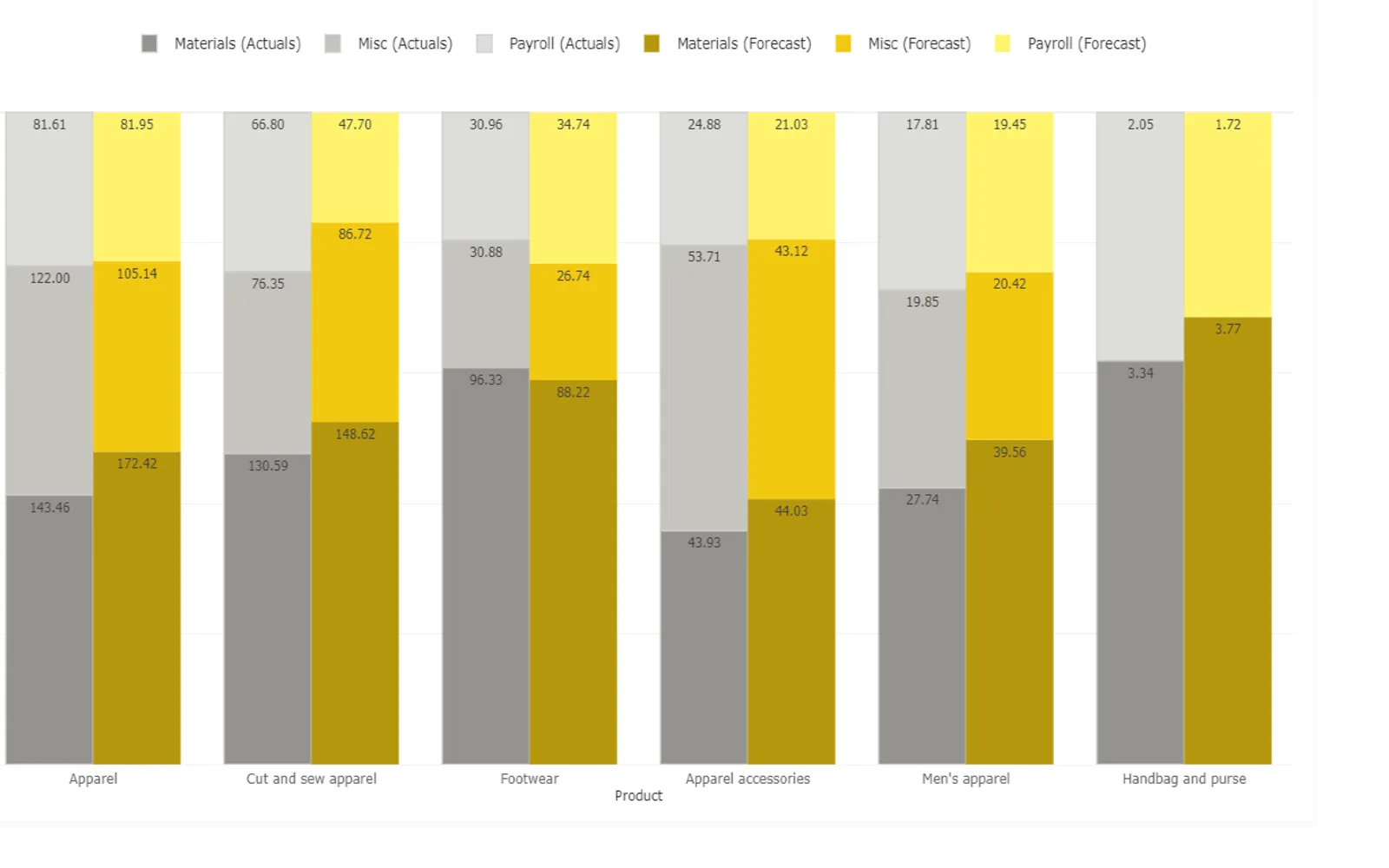
Creates a 100% clustered stacked column chart in Power BI for comparing data series grouped by category. Each column sums to 100%, with segments representing component parts. Features include conditional colors, column formatting, patterns, custom labels, tooltip pages, and drill down.
Applies conditional color formatting to the chart.
Modifies column offset, width, color, and transparency.
Formats the chart using patterns.
Supports custom formatting for labels.
Supports tooltip pages and drill down.
Drill Down Combo Bar PRO (Filter) by ZoomCharts and Drill Down Combo PRO (Pin) by ZoomCharts are freemium cloud listings updated in Aug 2026. This listing is freemium with cloud deployment and was updated on Dec 2025. PieChart by iFour is paid with cloud deployment and was updated in Nov 2025, while Lollipop Column Chart is freemium with cloud deployment and was updated in Aug 2026.
| Name | Pricing | Deployment | Updated |
|---|---|---|---|
| this plugin | Freemium | Cloud | |
| Drill Down Combo Bar PRO (Filter) by ZoomCharts | Freemium | Cloud | |
| Drill Down Combo PRO (Pin) by ZoomCharts | Freemium | Cloud | |
| PieChart by iFour | Paid | Cloud | |
| Lollipop Column Chart | Freemium | Cloud |
657 plugins in Power BI · Analytics
Price distribution: 73 free, 108 freemium, 441 paid, 35 price not published
Sign up for a Free Developer License and get 1 year access to this and 20+ ZoomCharts visuals for use in Power BI Desktop!
ZoomCharts
Adds column, line, and area chart types per series to Power BI dashboards, with stacking, clustering, and thresholds.
ZoomCharts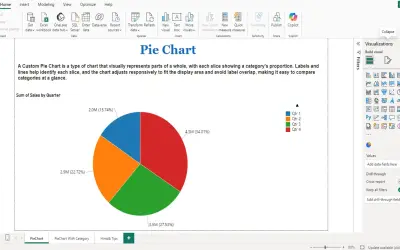
PieChart by iFour divides data into colored slices to visualize parts-to-whole relationships within Power BI reports.
iFour Technolab Pvt. Ltd.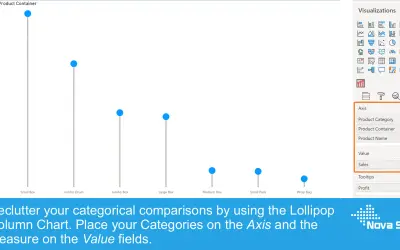
Lollipop Column Chart displays a marker and line per category as an alternative to standard column charts in Power BI.
Nova Silva«The conceptual idea with 100% Clustered Stacked Column Chart is to compare multiple data series grouped by a common category. Further compare individual segments or component parts within an individual column, where each column sums to 100%. Common use cases- Finance: Actual vs Budget/Forecast spend within a given …»