
Imageshop Imagepicker
Imageshop Imagepicker searches and inserts DAM images into Word and PowerPoint via metadata and tags for Office 365 and 2013+.
ScreentekPrice not published
Add YouTube and Vimeo video playback to PowerPoint presentations and Excel spreadsheets.
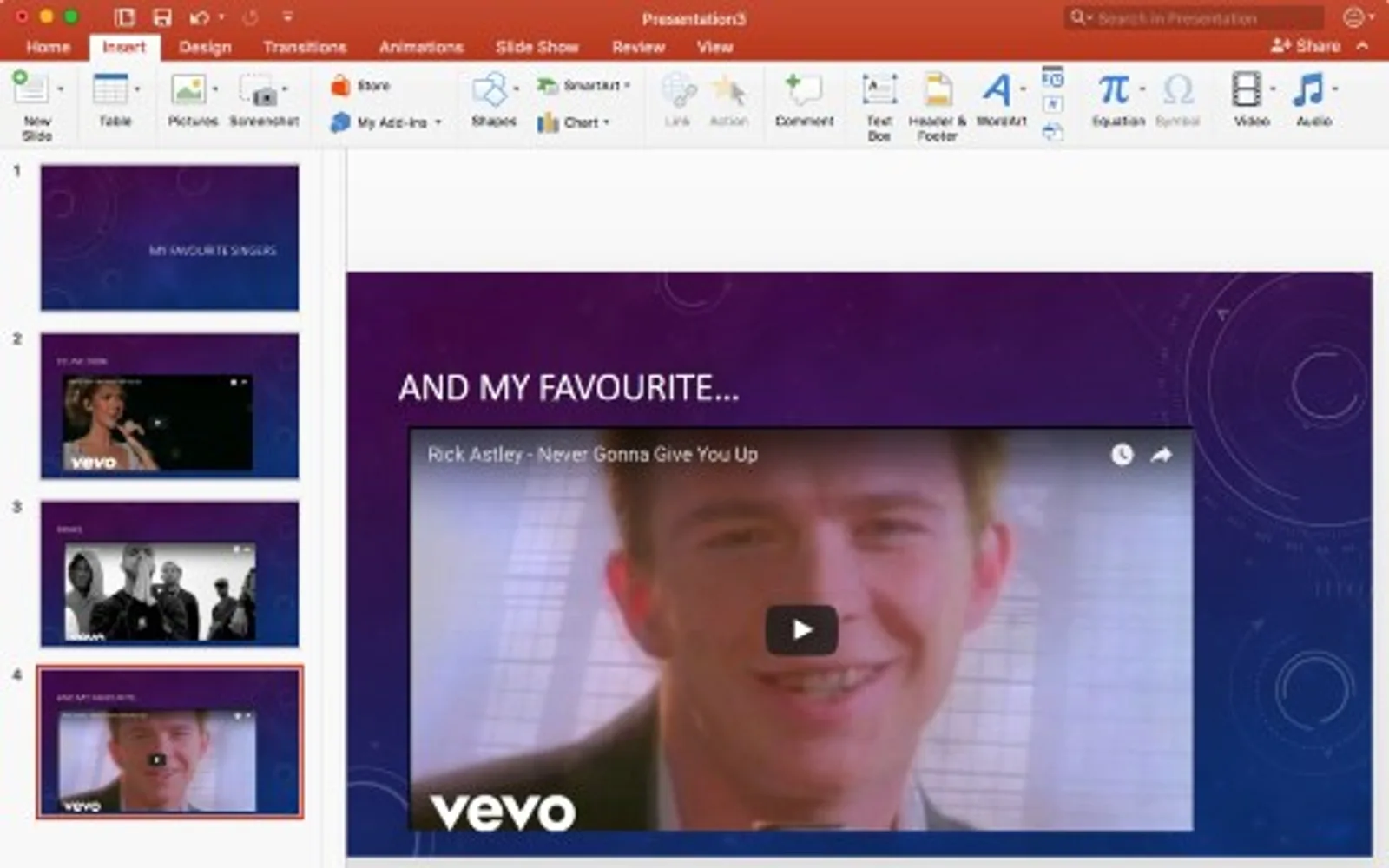
The add-in places online videos in PowerPoint files and Excel documents using a video URL. It supports videos hosted on YouTube and Vimeo, with playback controls for autoplay and custom start and end positions. The end-position setting applies only to YouTube videos. Basic insertion is free, while the additional playback settings require a one-time purchase.
Plays videos hosted on YouTube within PowerPoint and Excel files.
Plays videos hosted on Vimeo within PowerPoint and Excel files.
Adds a video after a video address is pasted into the add-in.
Offers autoplay and custom start and end position settings.
Web Video Player and Imageshop Imagepicker both use cloud deployment. Web Video Player was updated in Jan 2023, while Imageshop Imagepicker was updated in Apr 2022. Both listings have an unknown pricing model.
| Name | Pricing | Deployment | Updated |
|---|---|---|---|
| this plugin | Price not published | Cloud | |
| Imageshop Imagepicker | Price not published | Cloud |
146 plugins in Outlook · Data Management
Price distribution: 2 free, 1 freemium, 35 paid, 108 price not published
Imageshop Imagepicker searches and inserts DAM images into Word and PowerPoint via metadata and tags for Office 365 and 2013+.
Screentek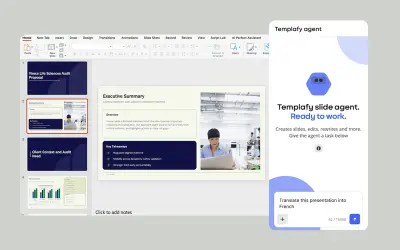
AI agent for PowerPoint that generates governed, on-brand slides from prompts using approved templates and business rules.
Templafy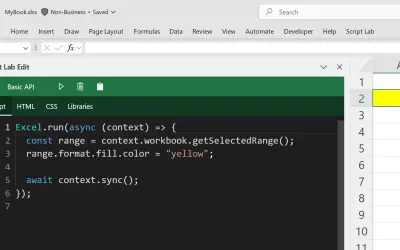
Script Lab Unity lets users create, edit, and run Office JavaScript API code snippets inside Excel, Outlook, PowerPoint, and Word.
Microsoft Corporation
WhoTeach provides an AI-powered digital learning platform with LMS, virtual classroom, and content generation tools.
Social Things S.r.l.«The Web Video Player add-in for PowerPoint and Excel lets you insert and play YouTube and Vimeo videos in your presentation slides and spreadsheets for free. Most importantly, it works in PowerPoint for Mac and iPad (and it also works in Office 2016, 2013, and browser versions) Just insert the add-in to your …»