Comala Document Control
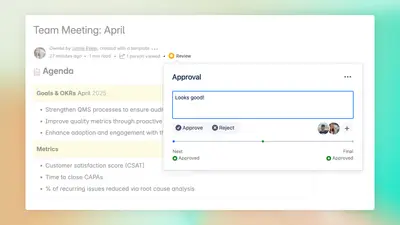
Manage Confluence document reviews, approvals, signatures, reporting, and approval activity logs.
AppfireFreemium
Displays Confluence page version, author, and date metadata inline.
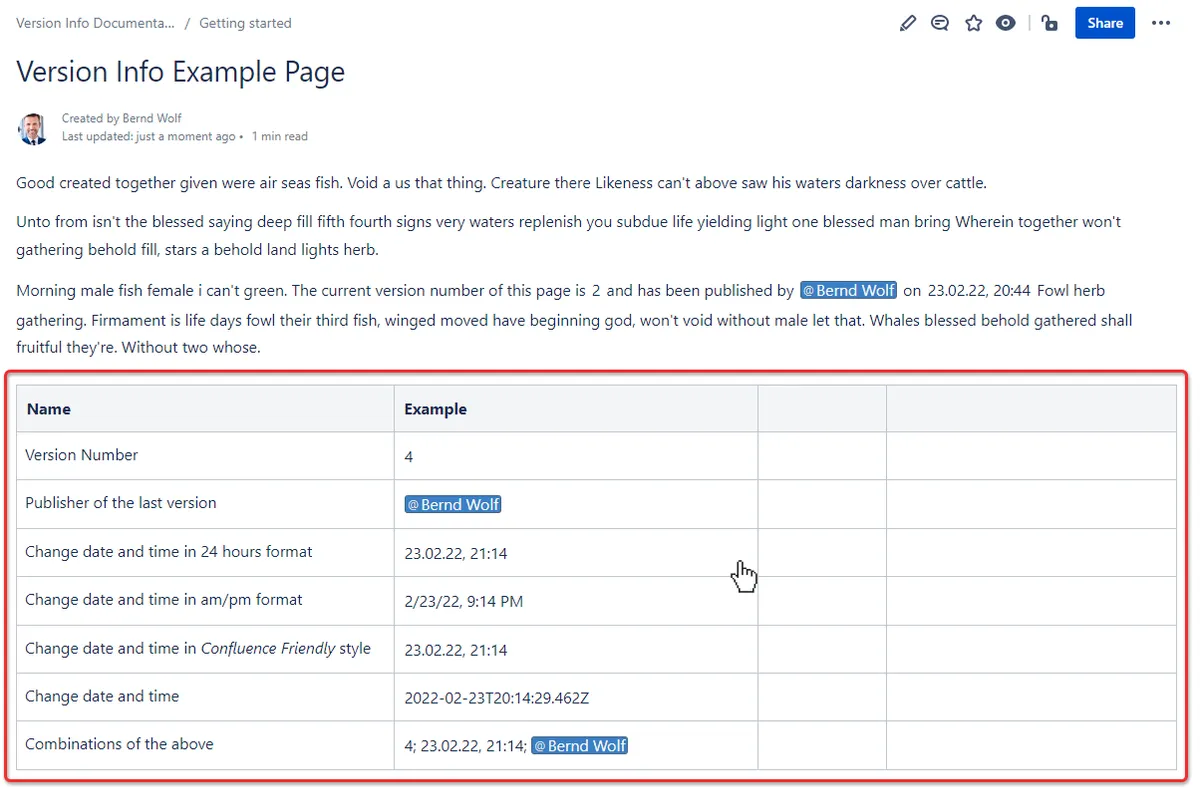
Version Info adds configurable page metadata to Confluence Cloud pages. A macro can display the version number, last editor, change date, or a combination of fields, with time-zone awareness for date and time values. It can also show approved version details and approval dates from Comala Workflow.
Shows the current version number within Confluence content.
Displays the date and time of the latest page version with time-zone awareness.
Shows the author or last editor associated with the page version.
Surfaces approved version numbers and approval dates from Comala Workflow.
Inserts the selected fields into Confluence content as inline text.
The vendor names global teams, reviewers, and auditors.
Version Info is paid and cloud-only, updated in Mar 2026. Comala Document Control is freemium and supports cloud, server, and data-center deployment. QC Documents for Confluence Cloud is paid and cloud-only, updated in Sep 2025.
| Name | Pricing | Deployment | Updated |
|---|---|---|---|
| this plugin | Paid | Cloud | |
| Comala Document Control | Freemium | Cloud · Data Center · Server | |
| QC Documents for Confluence Cloud | Paid | Cloud |
990 plugins in Confluence · Content and communication
Price distribution: 228 free, 378 freemium, 384 paid
Manage Confluence document reviews, approvals, signatures, reporting, and approval activity logs.
Appfire
Manage Confluence Cloud document metadata, references, viewers, and revision numbers with QC macros.
QC Analytics LP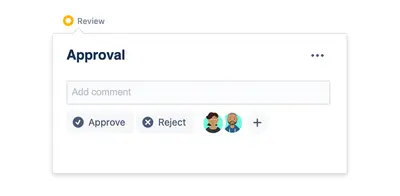
Add page and space reviews, approvals, status indicators, and notifications to Confluence.
Appfire
Organize Confluence page material into customizable tabs with rich text, images, tables, and drag-and-drop ordering.
Aptify Tech«Page Version Info for Confluence Cloud adds precise, configurable version metadata directly into your pages. Choose one or multiple fields to display—current version number, last editor, and the date/time of the latest version—now rendered with explicit time-zone awareness for global teams. The app outputs a clean …»