
QC Documents for Confluence Cloud
Manage Confluence Cloud document metadata, references, viewers, and revision numbers with QC macros.
QC Analytics LPPaid
Shows chosen Confluence page property values within page content, including nested values selected with a JSON path.
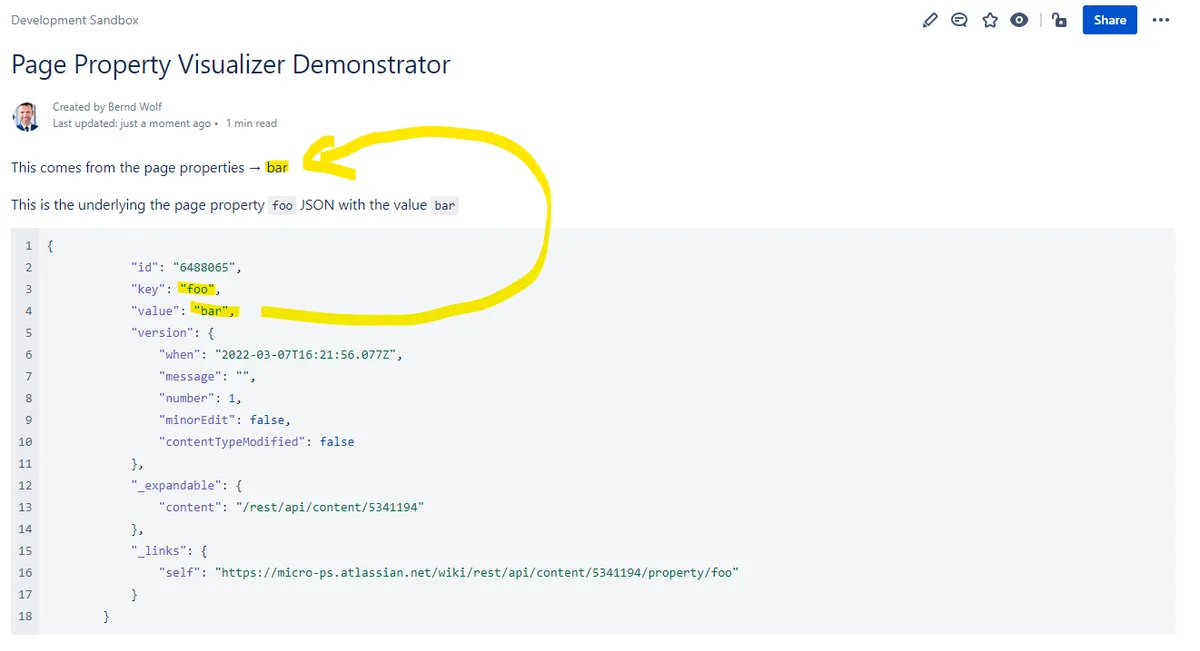
Page Property Visualizer uses a macro to place Confluence page property values in visible page content. A property key can be selected, with optional path and value fields for nested data. The add-in supports existing Cloud pages and can surface workflow status, metadata, and custom page attributes.
Places selected Confluence page property values in visible page content.
The macro lets the page author choose a property key.
Path and value fields can be used to select nested data from a page property.
Page Property Visualizer and QC Documents for Confluence Cloud are paid and cloud-deployed. Page Property Visualizer was updated in Mar 2026. Metadata for Confluence Cloud is freemium and cloud-deployed, was updated in Aug 2026. Who has Access? is paid and lists data-center and server deployment, unlike Page Property Visualizer's cloud deployment.
| Name | Pricing | Deployment | Updated |
|---|---|---|---|
| this plugin | Paid | Cloud | |
| QC Documents for Confluence Cloud | Paid | Cloud | |
| Metadata for Confluence Cloud | Freemium | Cloud | |
| Who has Access? | Paid | Data Center · Server |
990 plugins in Confluence · Content and communication
Price distribution: 228 free, 378 freemium, 384 paid
Manage Confluence Cloud document metadata, references, viewers, and revision numbers with QC macros.
QC Analytics LP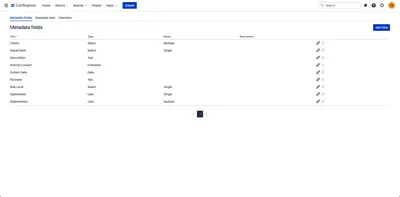
Add custom metadata fields to Confluence pages and display metadata or aggregated page information with macros.
Toros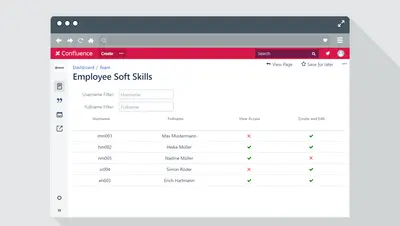
Review which users can view a Confluence page, including access granted through restrictions and space permissions.
EDAG Production Solutions GmbH & Co. KG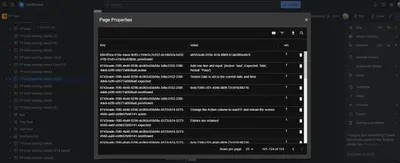
Inspect Confluence page and space properties in a searchable grid with filters, sorting, and CSV export.
Test Perspective, Inc.«Page Property Visualizer displays Confluence page properties directly in page content. Use the macro to select a property key and optionally drill down with path and value fields to show nested values. Ideal for workflow status, metadata, and custom page attributes in technical documentation and QA spaces. Supports …»