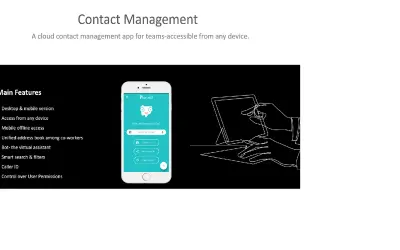
Pobuca Connect
Pobuca Connect turns multiple business contact lists into one unified address book that teams share on any device.
PobucaPaid
Verify email senders against TIMOCOM and view their profiles and ratings in Outlook.
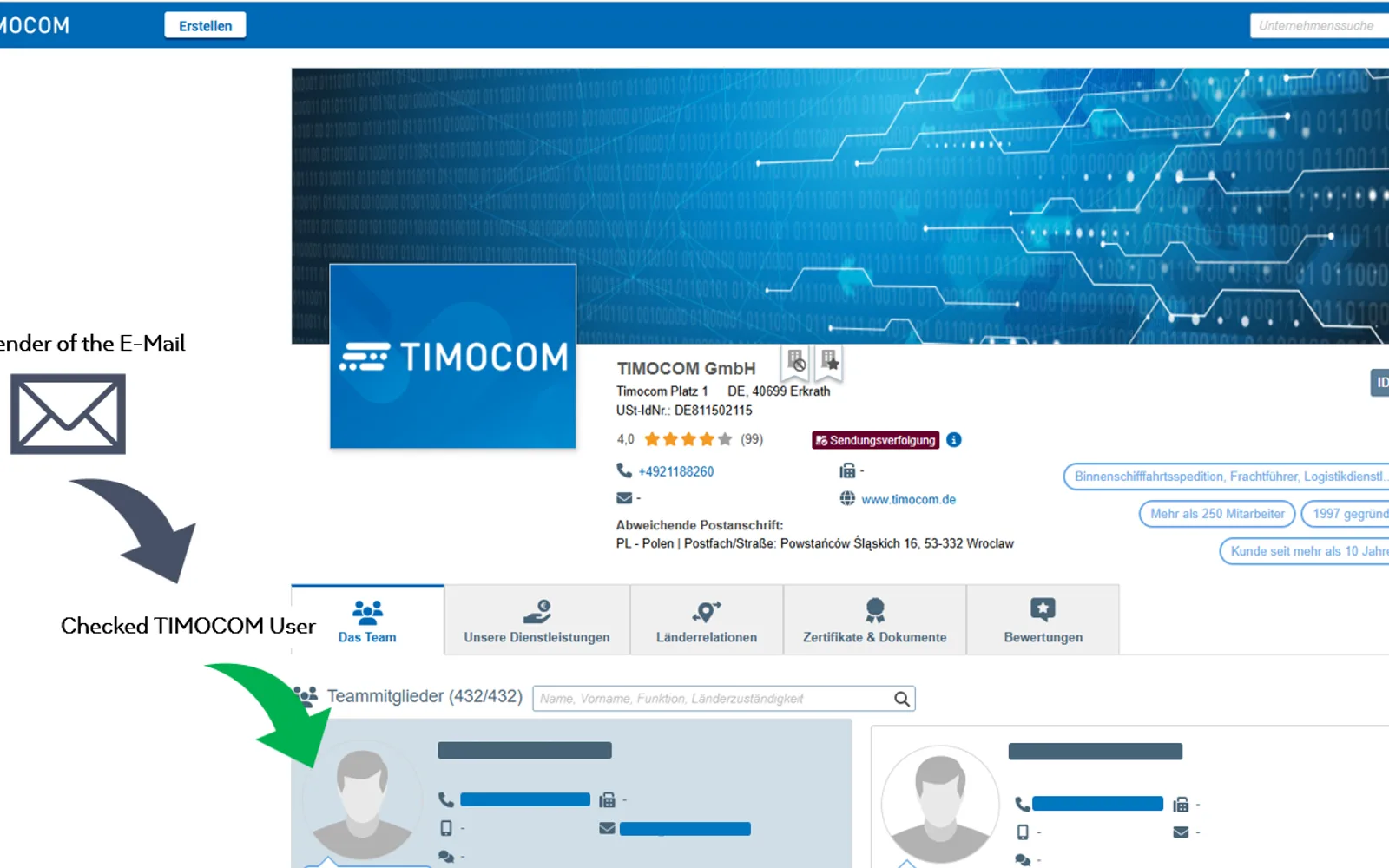
Checks an email sender's address against the TIMOCOM platform from Outlook. It displays whether the sender is a TIMOCOM user, or shows a not-found message. The add-in can be opened from the Outlook ribbon or command bar, and a browser window may open for TIMOCOM sign-in.
Checks an email address against the TIMOCOM platform to determine whether the sender is a TIMOCOM user.
Displays the matched TIMOCOM user's profile details.
Provides a TIMOCOM Check button in the Outlook ribbon or command bar when viewing an email.
Freight forwarders, carriers, enterprise users, and existing TIMOCOM customers.
64 plugins in Microsoft 365 · Integration
Price distribution: 5 free, 2 freemium, 19 paid, 38 price not published
Pobuca Connect turns multiple business contact lists into one unified address book that teams share on any device.
Pobuca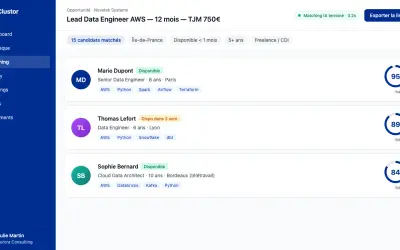
Clustor automates candidate matching, skills portfolio generation, and prospect sourcing for IT services and staffing firms.
Clustor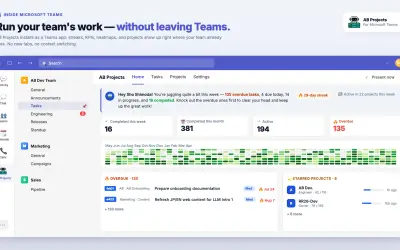
Manages team tasks inside Microsoft 365, surfacing them in Teams, Outlook, and Calendar with AI agent support via MCP.
RECEIPTROLLER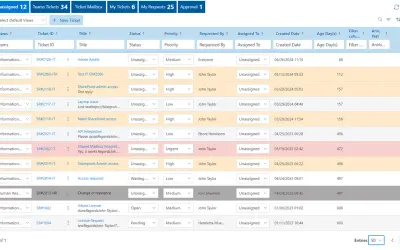
Helpdesk 365 lets employees create helpdesk tickets in SharePoint and Microsoft Teams using existing Microsoft 365 credentials.
Apps 365 and HR 365«TIMOCOM Check for Outlook empowers freight forwarders and carriers to mitigate fraud risks by instantly verifying business partners and accessing their TIMOCOM ratings directly from your email. Long Description: TIMOCOM Check for Outlook helps minimize fraud and maximize trust in freight sales. It enables quick …»