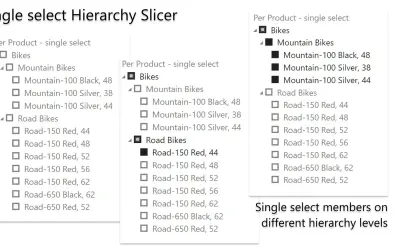
HierarchySlicer
HierarchySlicer is a Power BI visual that filters report items using expandable or collapsible ad-hoc or pre-defined hierarchies.
DataScenariosPaid
Adds a customizable text filter for Power BI reports, including searches across multiple category fields.
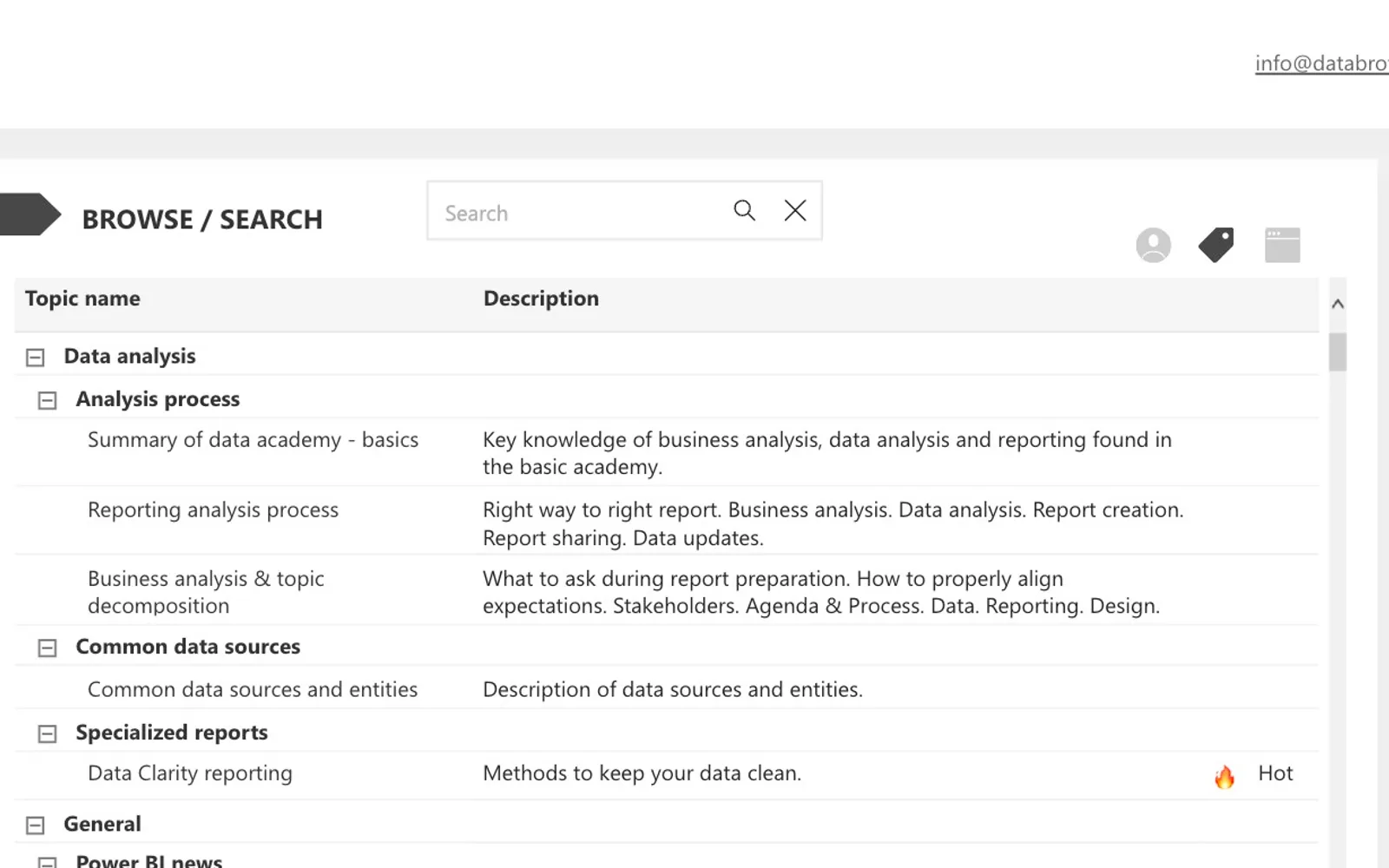
Adds a text-based slicer to Power BI reports. Formatting options include font, spacing, borders, colors, and displayed text through the Format Pane. Searches can cover multiple category fields and run from Enter or the built-in search control. Selected categories appear as buttons before filtering is applied.
Provides settings for font, spacing, borders, colors, and text in the Format Pane.
Searches across multiple category text fields using Enter or the built-in search control.
Shows buttons for selected categories when a search covers multiple categories.
Clears the slicer when focus leaves it or no filter has been applied.
Text search slicer, HierarchySlicer, and Smart Filter Pro by OKVIZ are paid cloud add-ins. Text search slicer lists an update date of Apr 2024, compared with Sep 2025 for HierarchySlicer and Dec 2025 for Smart Filter Pro by OKVIZ.
| Name | Pricing | Deployment | Updated |
|---|---|---|---|
| this plugin | Paid | Cloud | |
| HierarchySlicer | Paid | Cloud | |
| Smart Filter Pro by OKVIZ | Paid | Cloud |
657 plugins in Power BI · Analytics
Price distribution: 73 free, 108 freemium, 441 paid, 35 price not published
HierarchySlicer is a Power BI visual that filters report items using expandable or collapsible ad-hoc or pre-defined hierarchies.
DataScenarios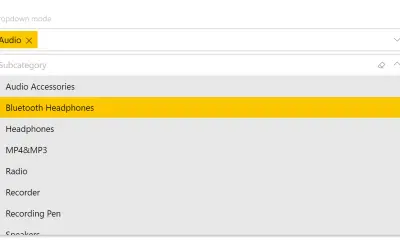
Smart Filter Pro by OKVIZ provides multiple filter modes (drop-down, multi-select, search, hierarchy) for Power BI reports.
OKVIZ Corp.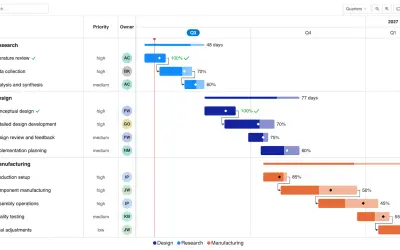
Gantt Chart is a project management visual for Microsoft Power BI that tracks schedules, milestones, and resource workloads.
ChartPad
Creates visualizations from diverse chart types, combines multiple charts on one canvas, and adds custom annotations and tooltips.
Akvelon«Text search slicer was inspired by the need for broader customization options in Power BI report development. Users can now format font, padding, border, color, and text within the Format Pane. In addition, the slicer supports filtering on multiple category text fields via hitting ENTER or using the in-built search …»