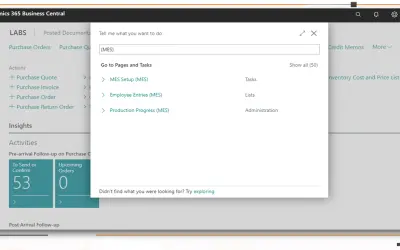
MES Manufacturing execution system
Records produced quantities and times used at workstations, with barcode entry, in Microsoft Dynamics 365 Business Central.
EOS SolutionsPaid
Converts selected text between uppercase, lowercase, capitalized, sentence, alternating, and opposite case.
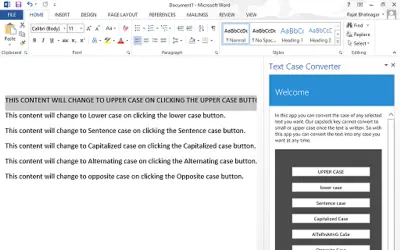
Converts selected text into uppercase, lowercase, capitalized, sentence, alternating, or opposite case. Text is selected and a corresponding button is pressed in the app.
Converts selected text to uppercase.
Converts selected text to lowercase.
Converts selected text to capitalized case.
Converts selected text to sentence case.
Converts selected text to alternating case.
Converts selected text to opposite case.
493 plugins in Data Management
Price distribution: 6 free, 6 freemium, 167 paid, 314 price not published
Records produced quantities and times used at workstations, with barcode entry, in Microsoft Dynamics 365 Business Central.
EOS Solutions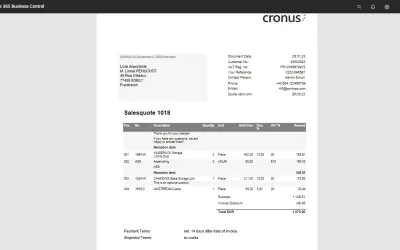
COSMO Document Set applies a master layout to standardize reports and documents in Microsoft Dynamics 365 Business Central.
COSMO CONSULT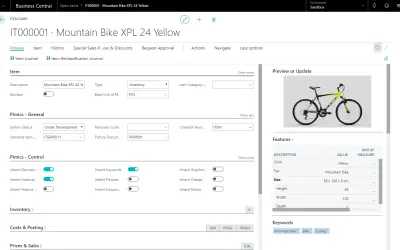
Manages extended product data, digital assets, and channel synchronization as a PIM extension for Dynamics 365 Business Central.
Allium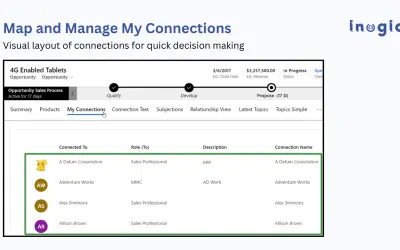
Displays Dynamics 365 CRM relationships as mind maps, tree views, and org charts across Accounts, Contacts, and Opportunities.
Inogic«With this app you can convert the case of any selected text you want. You can convert text to UPPER CASE, lower case, Capitalized Case, Sentence case, aLtErNaTiNg cAsE or opposite case! Example, Once you have written a text and now you want to convert the text to upper case, then just select the text and press the …»