
Tangicloud Excel Import
Imports Excel and CSV data into Microsoft Dynamics 365 Business Central, including complete sales and purchase documents.
Tangicloud Technologies, Inc.Paid
Import vendor item and price lists into Microsoft Dynamics 365 Business Central without reformatting them in Excel.
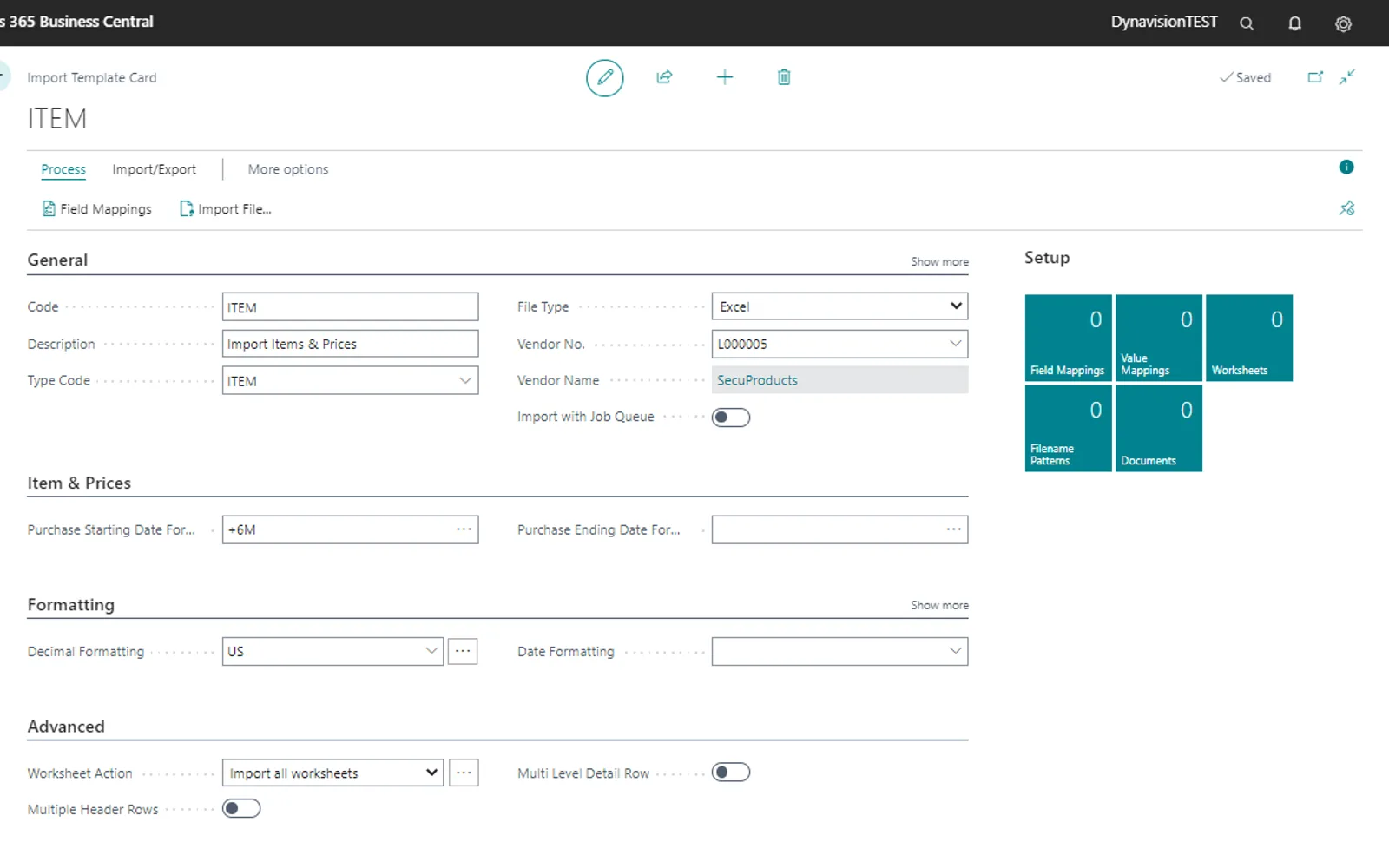
Imports catalog items, item lists, and purchase prices into Microsoft Dynamics 365 Business Central. Lists can be adjusted in Business Central and saved as templates for later updates. The app supports multi-tab, multi-worksheet, multi-header, multi-group, and multi-row files, along with data transformation functions. It can create or update items and purchase prices, including items with BOM components.
Imports catalog items, item lists, and purchase prices into Business Central.
Applies rules such as rounding prices, trimming values, and converting measures.
Defines mappings for countries, item categories, attributes, and other values.
Creates custom calculated columns during the import process.
Converts rows into multiple tables.
Searches and matches records using conditions.
Saves import adjustments in templates for updated lists.
Supports item imports with BOM components.
End-users handling item and price list imports in Business Central.
Dynavision Advanced Item & Price Import is paid and cloud-deployed, as are Tangicloud Excel Import, Clever Data Validation, and Excel Journal Import. Smart Import for Excel is free and cloud-deployed, while skybow Modern Forms PRO has an unknown pricing model and is cloud-deployed. The listing was updated on Aug 2026, compared with Aug 2026 for Tangicloud Excel Import, Jul 2026 for skybow Modern Forms PRO, Apr 2026 for Smart Import for Excel, May 2026 for Clever Data Validation, and May 2025 for Excel Journal Import.
| Name | Pricing | Deployment | Updated |
|---|---|---|---|
| this plugin | Paid | Cloud | |
| Tangicloud Excel Import | Paid | Cloud | |
| Clever Data Validation | Paid | Cloud | |
| Excel Journal Import | Paid | Cloud | |
| Smart Import for Excel | Free | Cloud | |
| skybow Modern Forms PRO | Price not published | Cloud |
181 plugins in Dynamics 365 Business Central · Data Management
Price distribution: 2 free, 2 freemium, 120 paid, 57 price not published
Imports Excel and CSV data into Microsoft Dynamics 365 Business Central, including complete sales and purchase documents.
Tangicloud Technologies, Inc.
A no-code form builder for SharePoint lists that supports business logic, custom actions, and browser-based design.
Skybow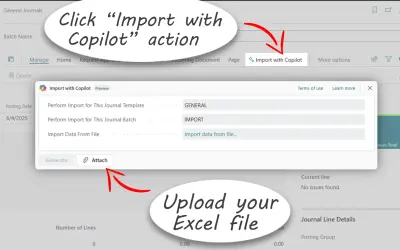
Smart Import for Excel imports complex Excel and CSV data into Dynamics 365 Business Central without manual field mapping.
Evoleaps DOO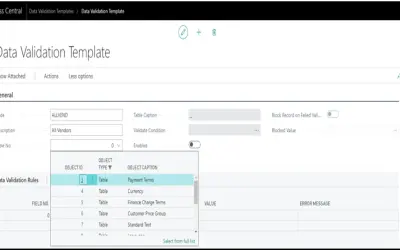
Validates master data in Microsoft Dynamics 365 Business Central using templates that flag missing or incorrect entries.
Clever Dynamics«Stop juggling csv files and stop flexing your Microsoft Excel muscles to import price lists and item lists. The Dynavision Advanced Item & Price Import lets you import these lists straight from your vendors or suppliers into Microsoft Dynamics 365: Business Central without the need to manipulate or reformat them first …»