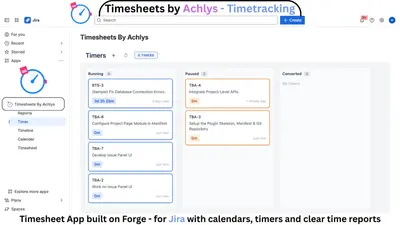
Timesheets by Achlys - Time Tracking for Jira
Track Jira worklogs with timers, calendar and timesheet views, plus project reports and dashboards.
Achlys SolutionsFreemium
Track Jira work logs, view performance reports, and summarize time by issue, project, and month.
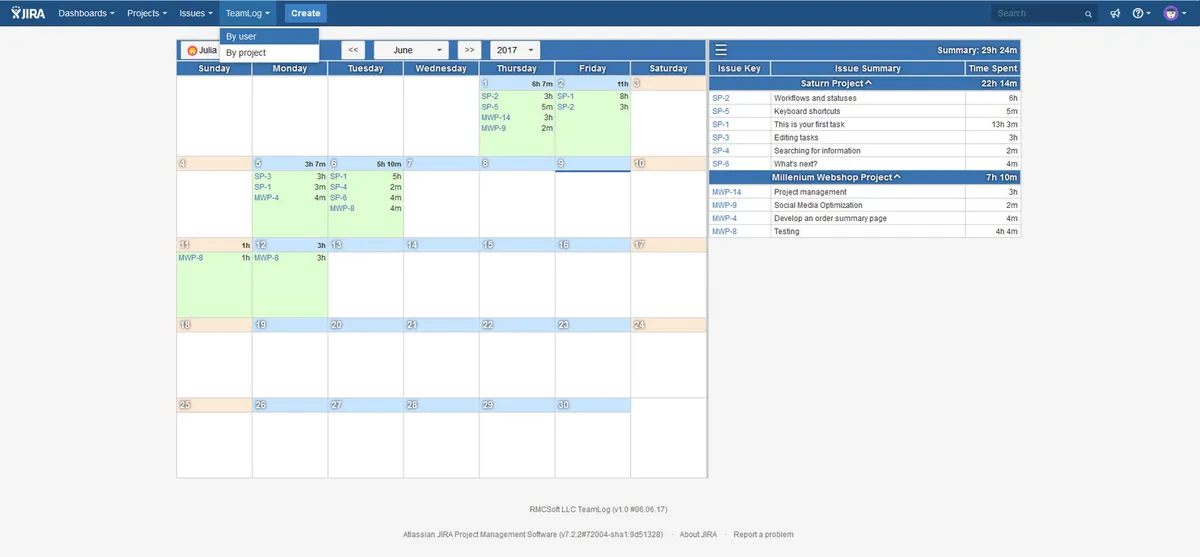
TeamLog provides Jira dashboards with daily work logs and performance reports. Calendar cells show users' logged work, with details available in a right-side panel. Filters allow selection by date, user, and project. The add-on summarizes hours by issue and project and shows monthly totals.
Calendar cells display work logged by users for each day.
The Jira dashboard includes reports based on completed work.
Drop-down lists filter data by dates, users, and projects.
TeamLog summarizes working hours by issue and project and shows total monthly time.
Employees can view their own work logs.
The add-on is available in English and Russian.
TeamLog is intended for team leaders and project managers.
1,328 plugins in Jira · Project Management
Price distribution: 444 free, 418 freemium, 466 paid
Track Jira worklogs with timers, calendar and timesheet views, plus project reports and dashboards.
Achlys Solutions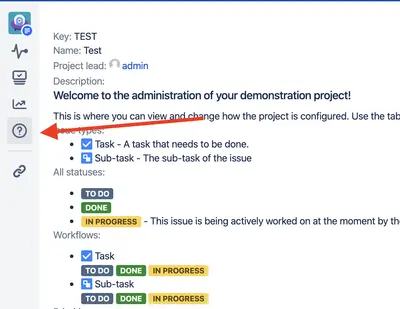
Provides Jira project information, including issue types, statuses, components, versions, and the project leader.
JiBrok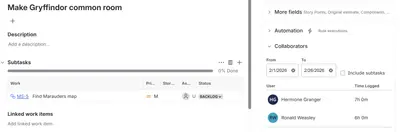
Track Jira worklogs in issue views and cross-project timesheets, with CSV export.
Prismworks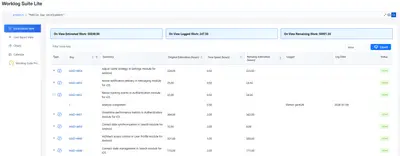
View effort spent on projects and tasks in Jira with charts, calendar views, JQL support, and Excel export.
Athena IT Solutions«The add-on has a very simple and user-friendly interface. You can see all information on completed work within just 3 clicks! Each calendar cell contains work logged by users. You can find the details for the data shown in the calendar in the right panel. It has a button to expand or collapse, that's why you can use …»