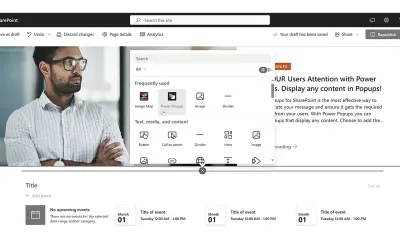
Power Popups
Creates popups and panels for SharePoint from a page URL, HTML, or rich text, with audience targeting and scheduling.
APPS 365 LTDPrice not published
Creates digital forms for Microsoft 365, Outlook, and Microsoft Teams.
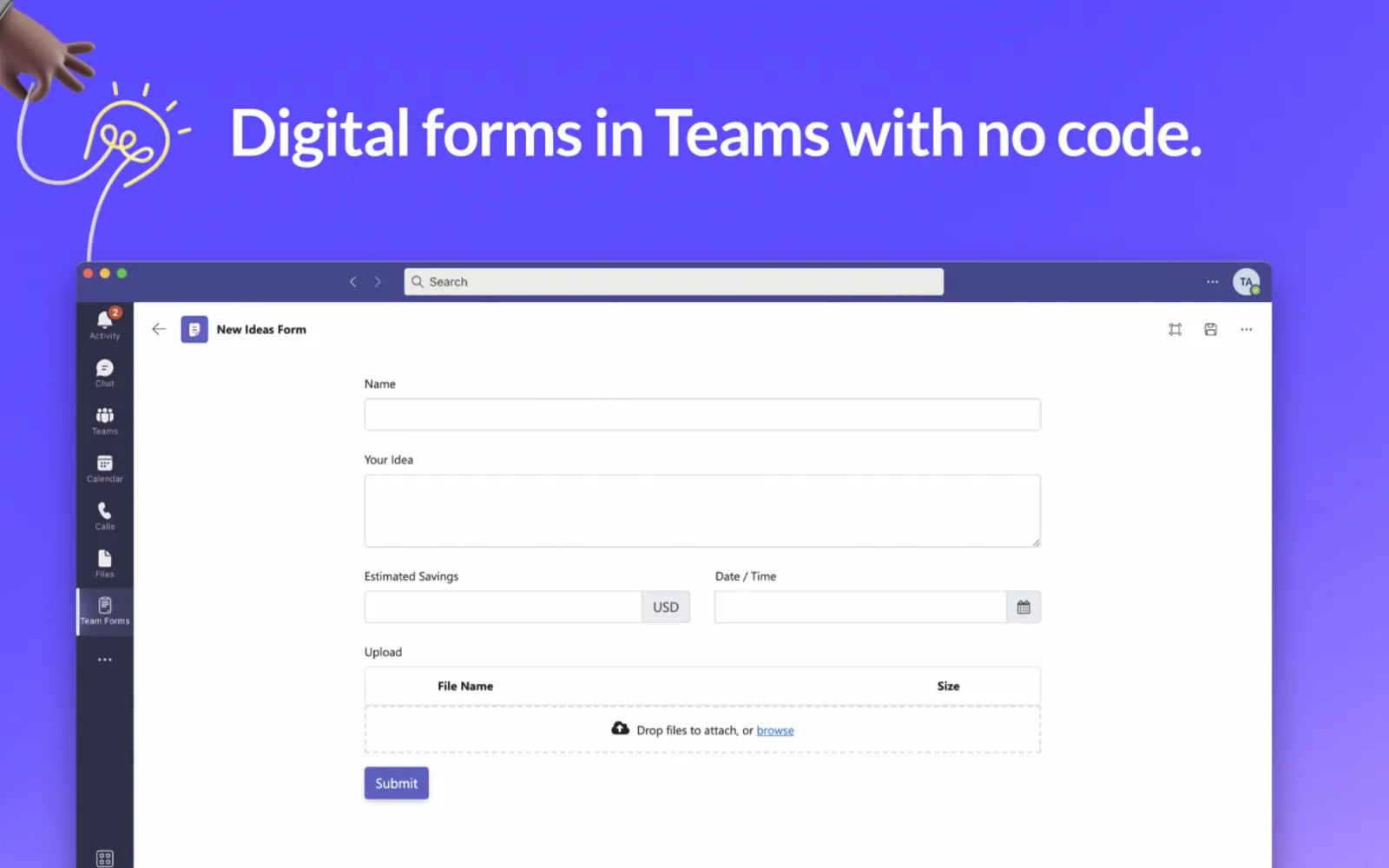
Team Forms creates digital forms for Microsoft 365, Microsoft Teams, and Outlook. Forms and responses are stored in the Teams SharePoint site, and submissions can be archived as PDFs in existing SharePoint document libraries. Forms can use SharePoint lists and documents as data sources. SharePoint file updates can trigger Power Automate flows and approvals.
Forms can be submitted offline.
Forms can use SharePoint lists and documents as data sources.
Submissions can be archived as PDFs in existing SharePoint document libraries.
SharePoint file updates can trigger Power Automate flows and approvals.
Forms can be shared with team members and people outside the organization.
Team Forms and SPARK Forms Builder Azure Application both use cloud deployment. Team Forms has an unknown pricing model, while SPARK Forms Builder Azure Application is paid. Team Forms was updated on Oct 2025, while SPARK Forms Builder Azure Application was updated in Dec 2025.
| Name | Pricing | Deployment | Updated |
|---|---|---|---|
| this plugin | Price not published | Cloud | |
| SPARK Forms Builder Azure Application | Not in catalog | ||
198 plugins in Power Automate · Data Management
Price distribution: 2 freemium, 48 paid, 148 price not published
Creates popups and panels for SharePoint from a page URL, HTML, or rich text, with audience targeting and scheduling.
APPS 365 LTD
Microsoft Teams app that creates checklists from documents using AI, with sharing in channels, task assignment, and due dates.
IE Ilia Pirozhenko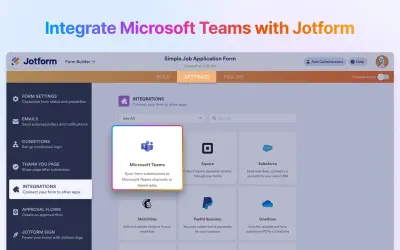
Jotform integration for Microsoft Teams that sends form response notifications and creates calendar events from submissions.
Jotform Inc.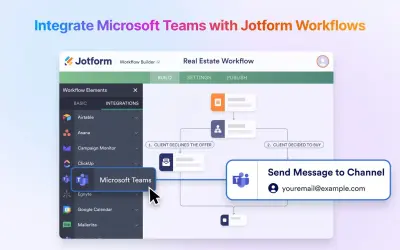
Builds multistep workflows with approvals, payments, and notifications, and sends form submissions to Microsoft Teams.
Jotform Inc.«Team Forms seamlessly integrates digital forms into the Microsoft 365, Outlook and Microsoft Teams ecosystem, ensuring your organization's valuable data remains within your own trusted Microsoft 365 environment. Features - Submit forms offline - No code knowledge required - Share forms with your team members - Share …»