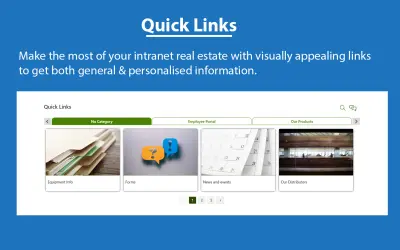
AQL Quick Links
Webpart for SharePoint Online and Teams that gives intranet users quick access to links, tools, policy documents, and forms.
AQL TechnologiesPrice not published
Create SharePoint popups and panels with scheduled, targeted content from URLs, HTML, or rich text.
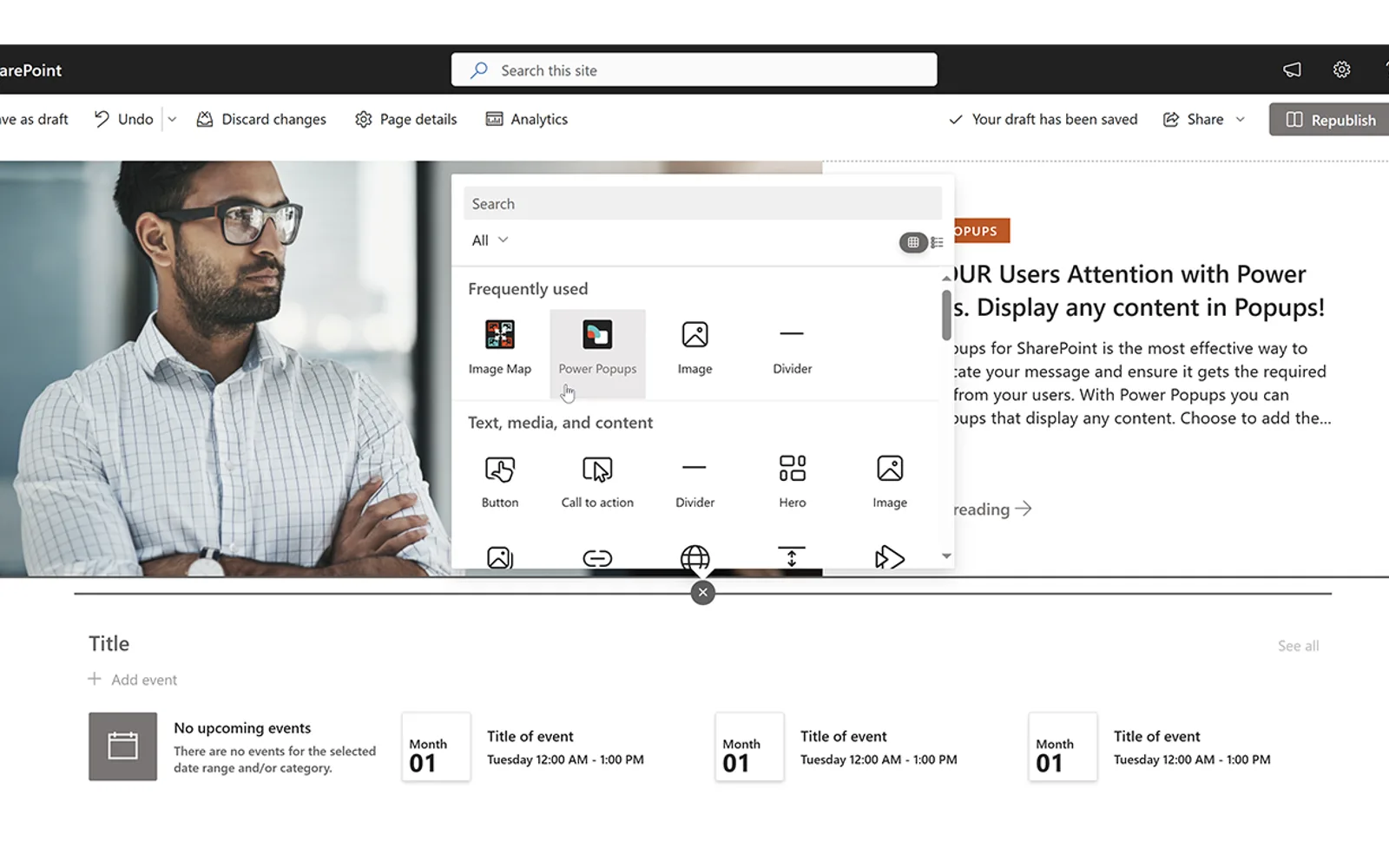
Power Popups for SharePoint creates popups and panels that display content from a page URL, HTML, or rich text. Popups and panels can open on page load, on click, or through a button, link, or image. Automatic displays can be scheduled and set to appear a predefined number of times for each user. Content can include alerts, banners, forms, news items, documents, galleries, and redirects on close.
Popup and panel content can come from a page URL, HTML, or rich text.
Popups and panels can open on click or page open, including through a button, link, or image.
Automatic popups and panels can be scheduled with a start and end date and time.
Popups and panels can be targeted to an audience.
Settings include popup width, height, position, animation, auto-closing, dragging, and redirection on close.
The SPFx capabilities include a SharePoint Webpart.
The SPFx capabilities include a Microsoft Teams Tab.
Power Popups and AQL Quick Links both use cloud deployment and have an unknown pricing model. Power Popups was updated on Apr 2026, while AQL Quick Links was updated in Aug 2026. Team Forms also uses cloud deployment with an unknown pricing model and was updated in Oct 2025. SPARK Forms Builder Azure Application uses cloud deployment with a paid pricing model and was updated in Dec 2025. Accordion Pro for SharePoint uses cloud deployment with an unknown pricing model and was updated in Jun 2025.
| Name | Pricing | Deployment | Updated |
|---|---|---|---|
| this plugin | Price not published | Cloud | |
| AQL Quick Links | Price not published | Cloud | |
| Team Forms | Price not published | Cloud | |
| SPARK Forms Builder Azure Application | Not in catalog | ||
| Accordion Pro for SharePoint | Price not published | Cloud | |
158 plugins in SharePoint · Data Management
Price distribution: 2 freemium, 35 paid, 121 price not published
Webpart for SharePoint Online and Teams that gives intranet users quick access to links, tools, policy documents, and forms.
AQL Technologies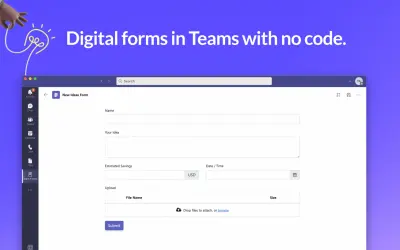
Digital forms tool for Microsoft Teams that stores forms and responses in your organization's Teams SharePoint site.
VP LABS PTY LTD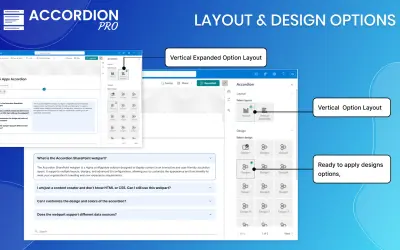
Adds interactive FAQ and collapsible sections to SharePoint pages, with customizable layouts and SharePoint list data sources.
BINARYROOTS PRIVATE LIMITED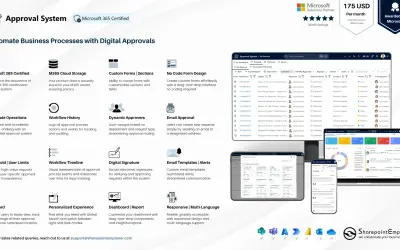
Manages requests and approvals for companies on Microsoft platforms, with SharePoint web part and multi-language support.
SharepointEmpower Private Limited«Power Popups for SharePoint is the most effective way to communicate your message and ensure it gets the required attention from your users. With Power Popups you can create Popups and Panels that display any content. Choose to add the Popup and/or Panel Content from a Page URL, HTML or Rich Text. Audience Target and …»