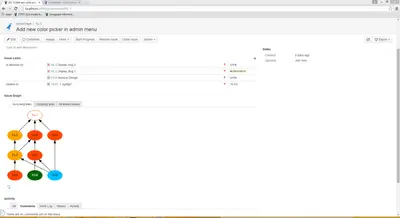
Issue Graph
Visualize Jira issue links, dependencies, statuses, and link types as interactive graphs.
EnisraPaid
Visualizes linked Jira issues, project complexity, and status in a graph.
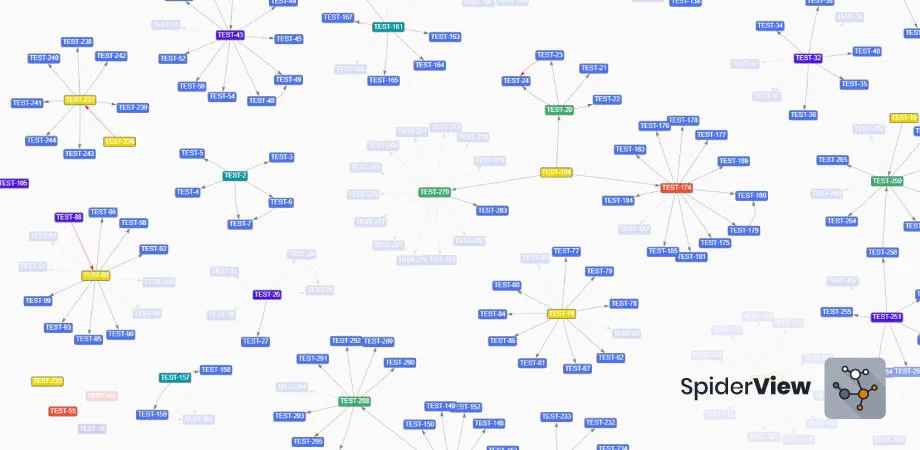
SpiderView displays issues linked to a project in a graph, with status and issue types represented visually. The graph is arranged automatically and can be zoomed. Views can be filtered by JQL or link type, and visualization settings can be changed. Mouseover shows issue information; a single click displays issue details and a double click opens an issue in Jira.
Displays project-linked issues and their relationships in a graph.
Uses different colors to represent issue statuses.
Filters the displayed information using JQL.
Filters the graph by issue link type.
Shows issue details on click and opens an issue in Jira on double click.
Automatically arranges the graph and allows zooming and changes to visualization settings.
1,328 plugins in Jira · Project Management
Price distribution: 444 free, 418 freemium, 466 paid
Visualize Jira issue links, dependencies, statuses, and link types as interactive graphs.
Enisra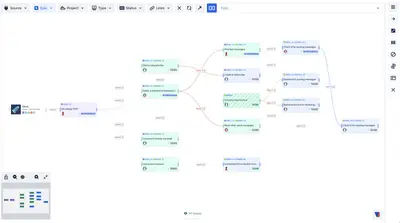
Manage Jira issue links visually, organise backlog priorities, identify blockers, and edit linked issues in an interactive graph.
Gibralabs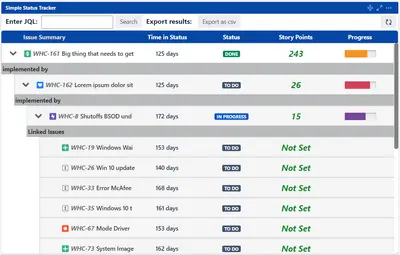
Issue hierarchy and progress visualization for Jira, with configurable fields, linked-issue details, and time-in-status views.
BigBear.ai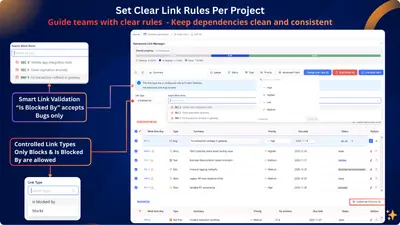
Manage and visualize Jira issue links and dependencies with rules, warnings, matrices, and a graph.
Atlassway«Your project linked issues and complexity in one graph! Visualize the complexity and status of your project in one graph. Automatic arrangement of the graph to give you the best view, even if your project is too big or too complex Identify your closed and open issues, as get insights of your gaps Alternate links and …»