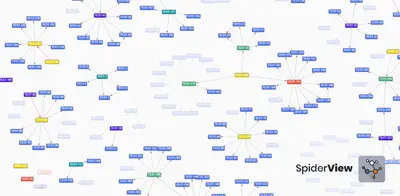
SpiderView
Visualizes linked Jira issues, project complexity, and status in a graph.
Objective Group IncPaid
Visualize Jira issue links, dependencies, statuses, and link types as interactive graphs.
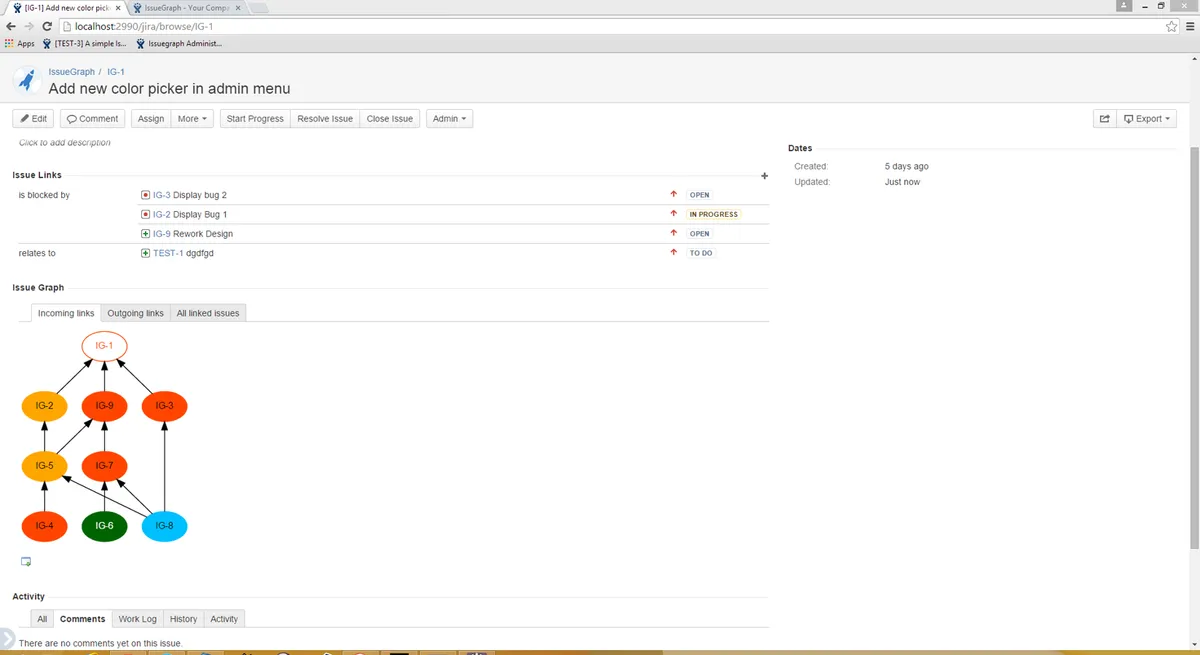
Issue Graph displays Jira issues as graph nodes and links as edges. It shows dependencies, incoming and outgoing link types, and issue details on mouseover. Node colors represent issue statuses, while line styles can represent link types. Graphs can be arranged automatically and exported as SVG or PNG.
Displays linked Jira issues and their dependencies in a graph.
Assigns colors to graph nodes based on issue status.
Uses different line styles for Jira issue link types.
Exports graphs as SVG or PNG files.
Excludes entire projects or selected issue types from graphs.
Arranges graph elements automatically.
1,328 plugins in Jira · Project Management
Price distribution: 444 free, 418 freemium, 466 paid
Visualizes linked Jira issues, project complexity, and status in a graph.
Objective Group Inc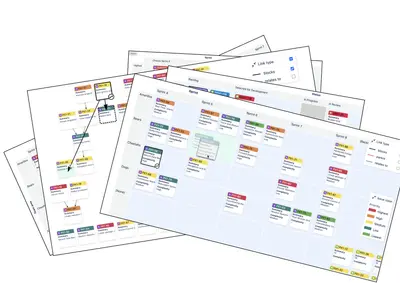
Visualize Jira issue relationships, planning views, statuses, releases and teams in configurable maps.
FindOut InfoVis AB
Manage Jira issue links in bulk and view relationships through tables, trees, flowcharts, and graphs.
Jaanga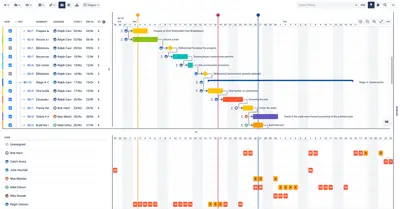
Plan and manage Jira issues on Gantt charts with dependencies, milestones, resource allocation, and agile roadmaps.
Appfire«Visualizes your issues' dependencies at once Exportable graphs as SVG or PNG Automatic arrangement of the graph Shows issues as graph node and links as edges Color of each node represents the status of the issue Shows incoming and/or outgoing link types Assign custom line styles based on the link type Exclude whole …»