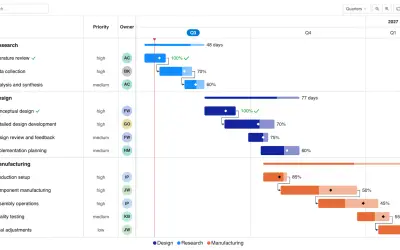
Gantt Chart
Gantt Chart is a project management visual for Microsoft Power BI that tracks schedules, milestones, and resource workloads.
ChartPadFree
Converts Visio Shape Report output in Excel into a modern table and names its worksheet.
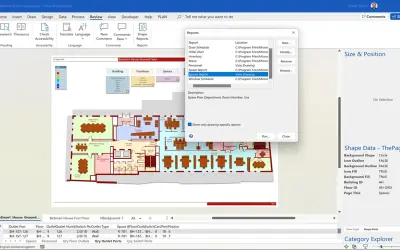
The add-in changes the Excel range produced by Visio Shape Reports into a modern table. It uses the report title for the worksheet name and places the data in a format that can be used with Excel table tools, Get & Transform Data, Charts, or Visio Visual in Power BI.
Changes the range exported by Visio Shape Reports into a modern Excel table.
Uses the report title as the worksheet name.
Provides converted report data for use with Visio Visual in Power BI.
1,008 plugins in Power BI · Analytics
Price distribution: 75 free, 112 freemium, 520 paid, 301 price not published
Gantt Chart is a project management visual for Microsoft Power BI that tracks schedules, milestones, and resource workloads.
ChartPad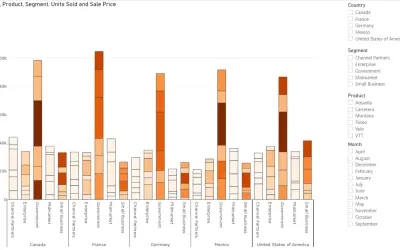
Creates visualizations from diverse chart types, combines multiple charts on one canvas, and adds custom annotations and tooltips.
Akvelon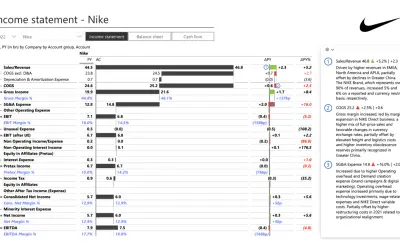
Creates financial and business reports in Power BI with automatic variance calculations, P&L logic, and drill-down (s5, s6).
Zebra BI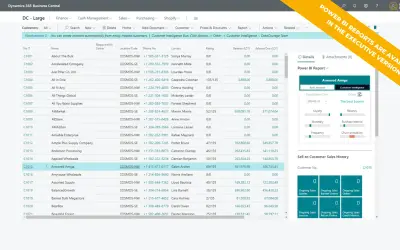
AI analysis app for Dynamics 365 Business Central that provides customer KPIs, churn probability, and customer grouping.
Data Courage«Microsoft Visio for Desktop has always had the ability to create reports from the shapes on each page. However, it has limited formatting and grouping capabilities. Therefore, it is much better to use Excel to reshape the data, but the built-in Shape Reports tool only exports to an Excel named range, and with an …»