
Queues for Jira & JSM
Organizes Jira and JSM issues from multiple projects into shared queues with access controls and queue management.
DevinitiFreemium
Save and resume Jira Service Management portal requests without submitting them.
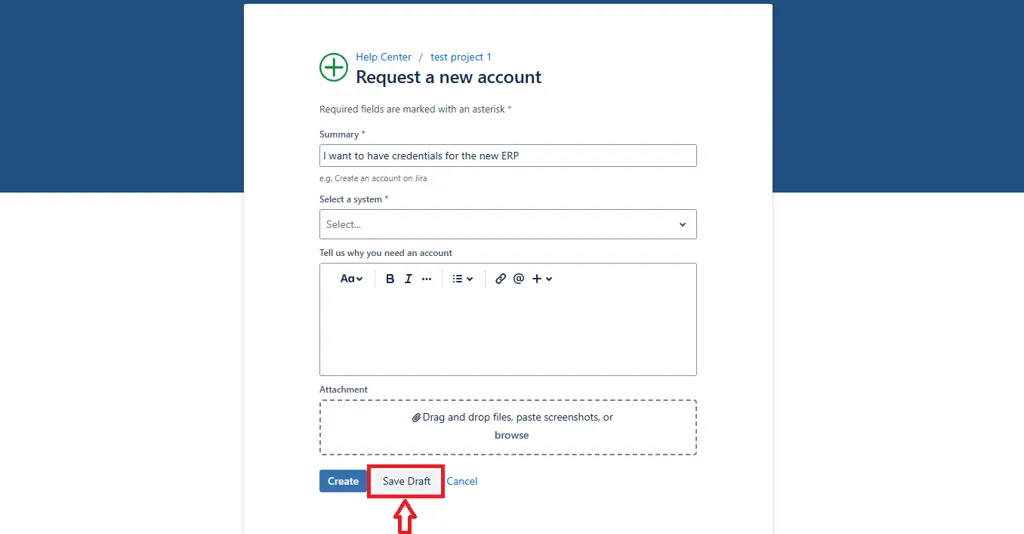
Adds a Save as Draft button to Jira Service Management customer portal forms. Customers can store entered data without submitting the request, then view, edit, and resume saved requests from a My Saved Drafts section. Saved drafts are linked to the customer's account for later retrieval.
Stores entered customer data without submitting the request.
Links saved drafts to the customer's account for later retrieval.
Provides a portal section where customers can view, edit, and resume saved requests.
Jira Service Management customers and service teams.
495 plugins in Jira · IT support and service
Price distribution: 157 free, 126 freemium, 212 paid
Organizes Jira and JSM issues from multiple projects into shared queues with access controls and queue management.
Deviniti
Scheduled Jira exports create reports with custom fields, change history, and delivery by email, SFTP, download link, or API.
Advanced Insights
Embed shared Microsoft Power BI links in Jira issue tabs and dashboards with notes, images, PDFs, and other apps.
Apps+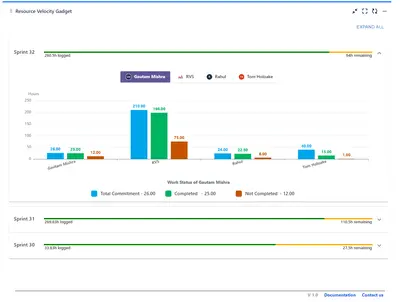
Track sprint progress and team velocity in Jira with dashboard gadgets, charts, and status views.
RVS Softek«Our new plugin, Save as Draft – For Lengthy Forms, tackles a universal pain point in Jira Service Management (JSM): the stress of losing work. Say goodbye to the frustrating scenario where customers must abandon a request — due to missing information or interruption — only to return later and face the exasperating …»